Guides
Flots onboarding, step-by-step tutorials and demo videos.
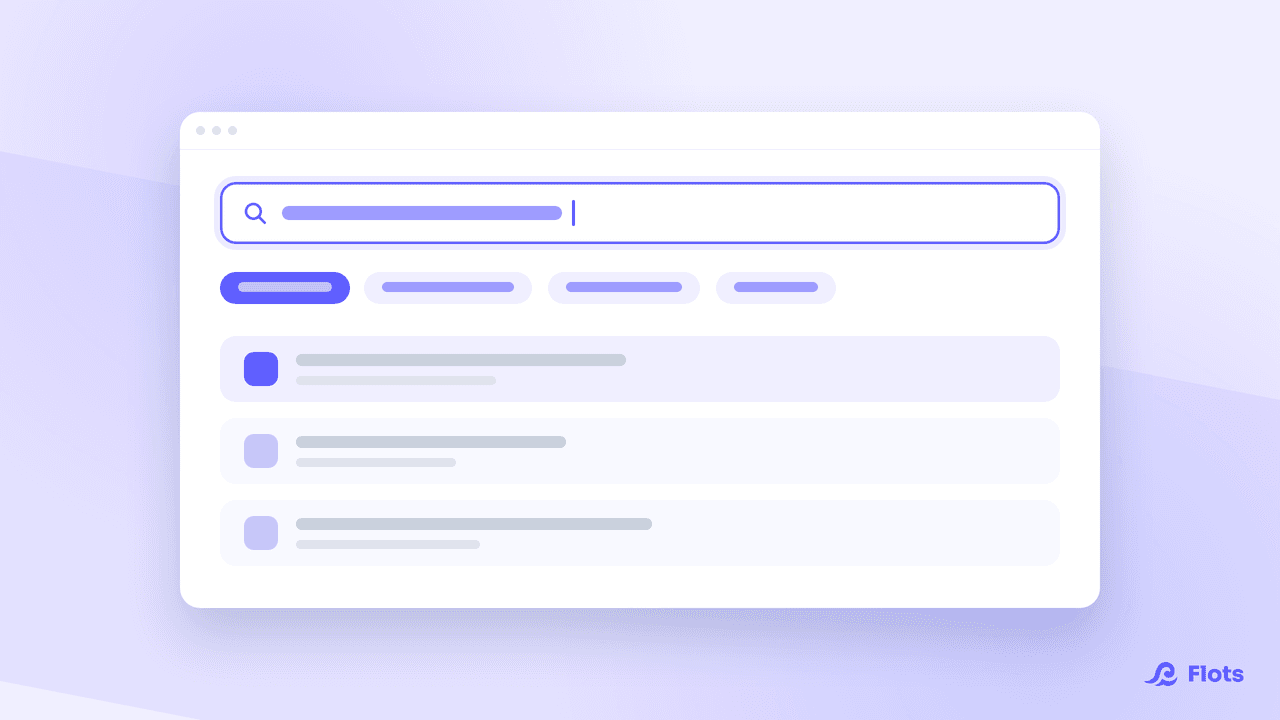
Search: find any task, note or document
A note whose title you have forgotten, a task from three months ago: how search works in Flots, and how to sort the results to land on the right one.
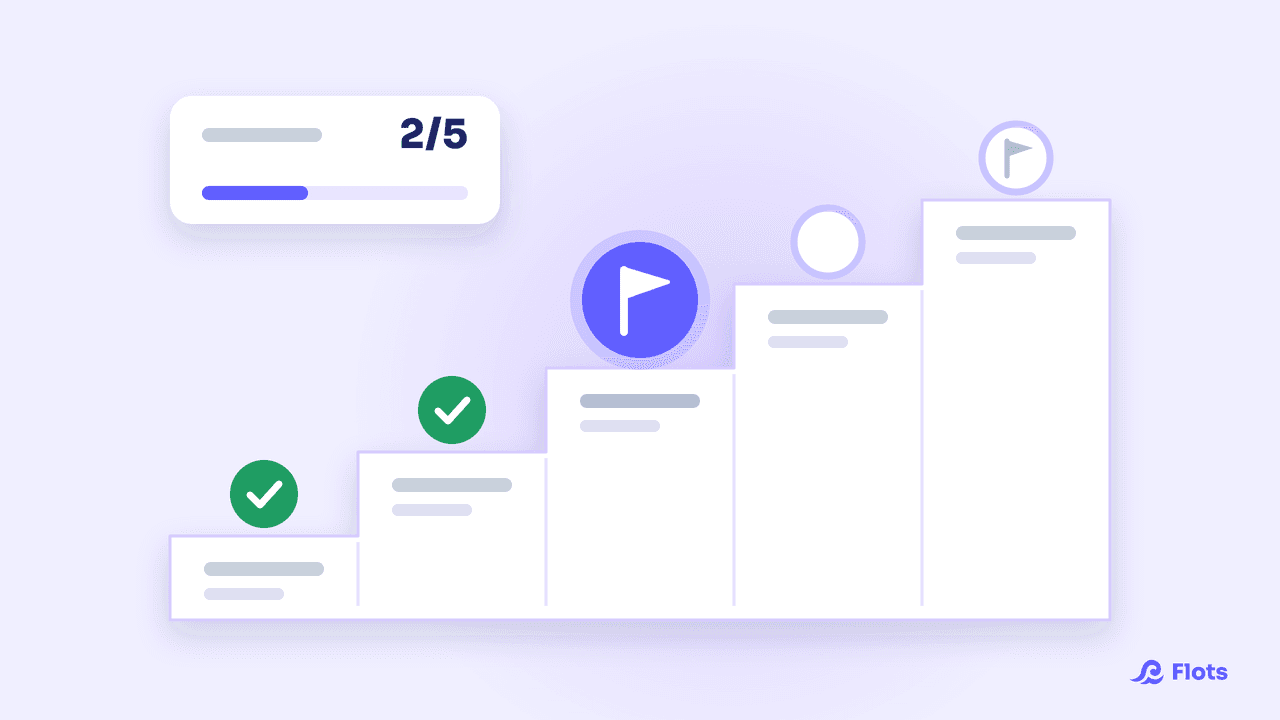
Project milestones: how to choose the right ones
A milestone is a yes-or-no check. How to pick 4 to 8 useful project milestones, concrete examples (website, thesis, event) and tracking them in Flots.
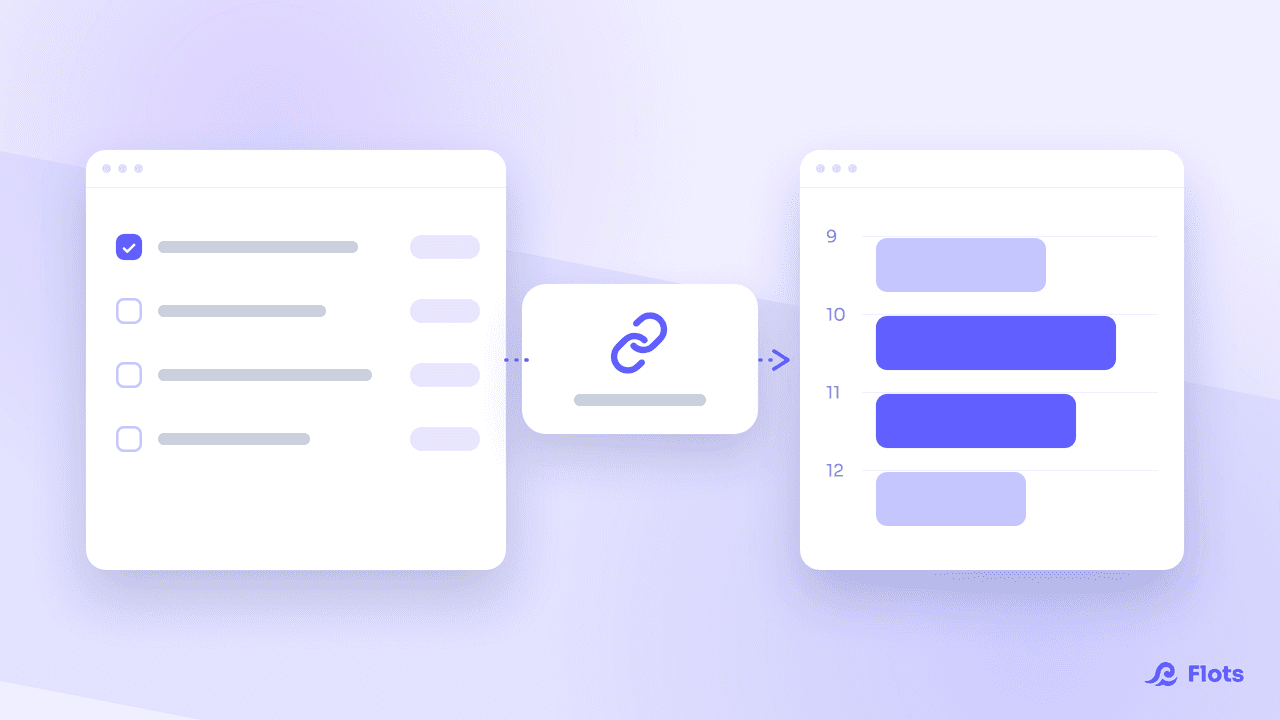
See your Flots tasks in another calendar
Flots publishes an .ics link: subscribe Google Calendar, Outlook or your phone's own calendar, and your scheduled tasks appear right next to your meetings.
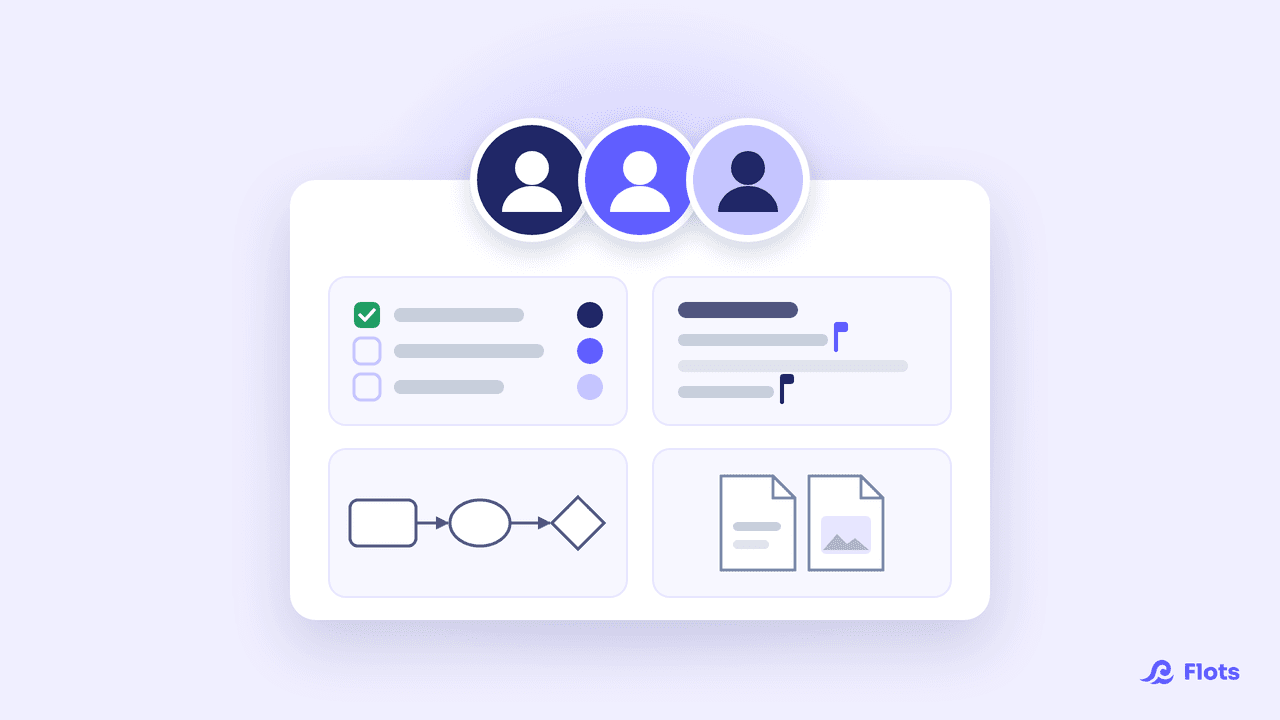
Shared project: working together in Flots
Invite your team, pick roles, assign tasks, write and draw together live: the guide to making a shared project in Flots your team's common workspace.
How to pin items in a project in Flots
Brief, reference note, useful link, the task that unblocks the rest: how to pin items in a project in Flots so they sit on top, and what's worth pinning.
External project contacts in Flots
Contractor, client, town hall: keep the details of a project's external contacts on its page in Flots, and only give them access when they need it.

Anatomy of a task: every field explained
A Flots task fits in a title, but it can carry far more: description, subtasks, priority, categories, due date. When to use each field, and when to stop.
Staying organized as a teacher
Lesson prep, piles of marking, end-of-term meetings, constant surprises: how to structure a teaching year so you stop rebuilding it every September.
Running a volunteer organization with Flots
Volunteers who come and go, events to put on, know-how that walks out with each committee: how to organize a group without losing every evening to it.
Free student plan: verifying your CVEC
Activating the free Flots student plan in France: where to find your CVEC certificate, how to get verified, what to do if it fails, and how to renew each year.
MCP: what your AI assistant can see
Permissions, action confirmations, note reading: exactly what an AI assistant connected to Flots through MCP can reach, and what stays closed to it.
Several calendars, one colour each
Work calendar, Google Calendar, .ics feed: give every calendar its own colour, hide the ones you don't need, and keep your day readable.
Collaborate live on a Flots note
Share a note, write in it together at the same time, see who is there and who can edit: the complete guide to collaborative editing in Flots notes.
ADE timetable: sync it into Flots
Subscribe Flots to your ADE timetable's .ics URL: your classes land in your calendar and follow every room and time change on their own.
Connect an AI assistant to Flots (MCP)
Add Flots as a custom connector in Claude: the steps to follow, the permissions to choose carefully, and what to do when the connection won't go through.
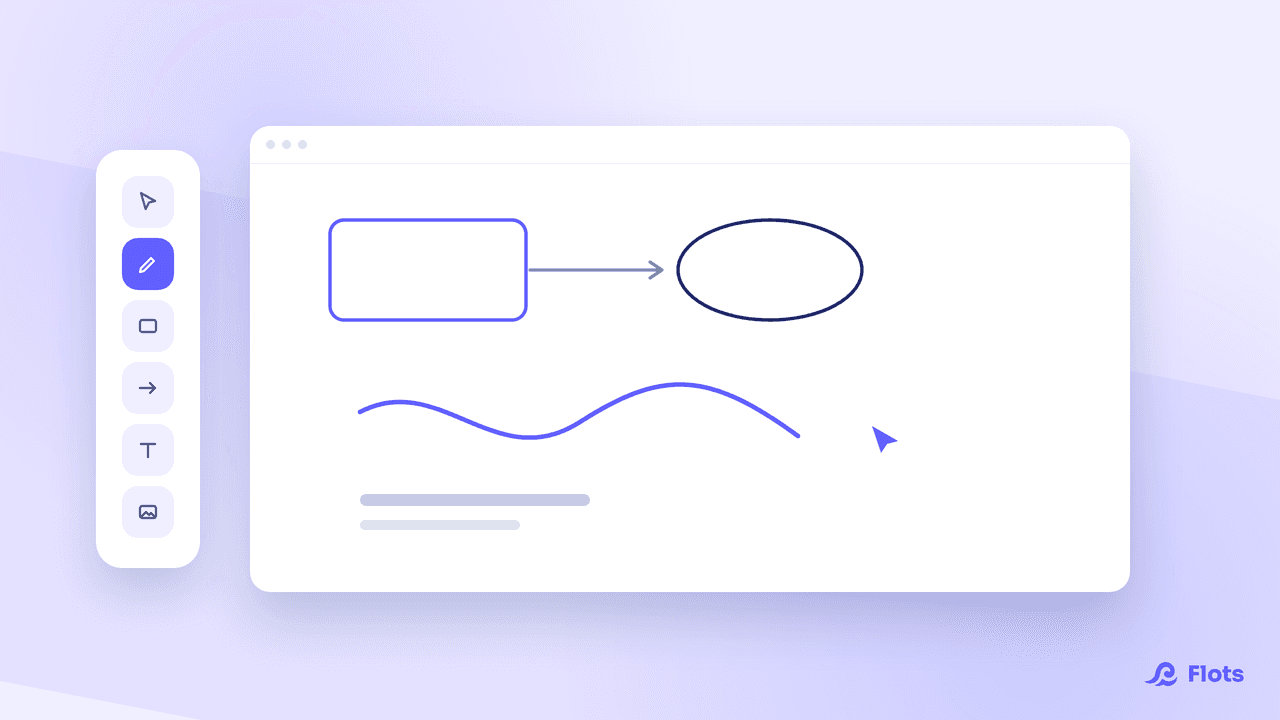
Whiteboards in Flots: a guided tour
Create a board, sketch, connect your ideas, attach it to a project and export it as an image: everything the whiteboards in Flots let you do.
Family organization: one app the house follows
Appointments, shopping, paperwork, activities: running a household usually rests on one person's head. How to make it visible and genuinely share it.
Recurring tasks: stop retyping them every month
Invoicing, follow-ups, backups: what comes back every week has no business being memorized. How to automate your routines without being ruled by them.
Working from home: the organization guide
Two days a week for most French remote workers. How to structure those days without recreating the office or losing your footing in between.
ADHD apps for adults: what actually helps
When working memory is saturated, organization has to move out of your head. What genuinely matters in an app when you're an adult with ADHD.
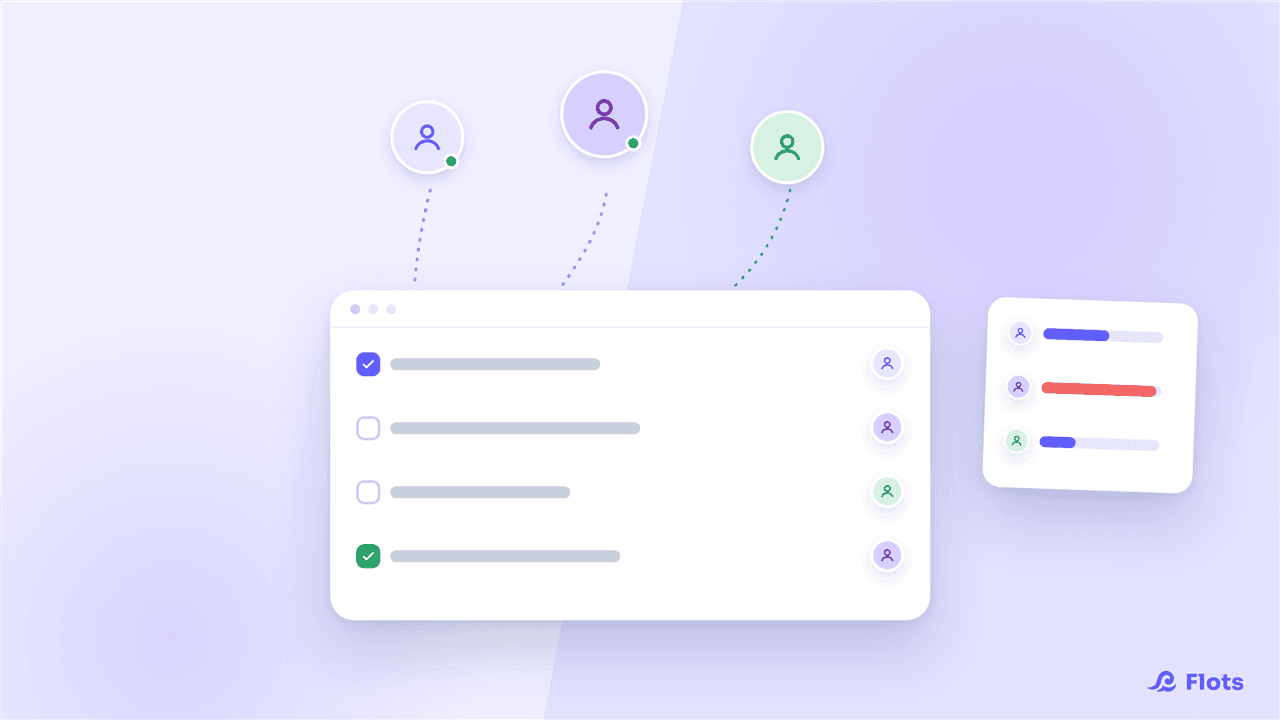
Organizing a growing small team with Flots
Managing your own list stops being enough once you hire. A project per client, tasks assigned, the whole team's workload visible: the Flots guide for founders.
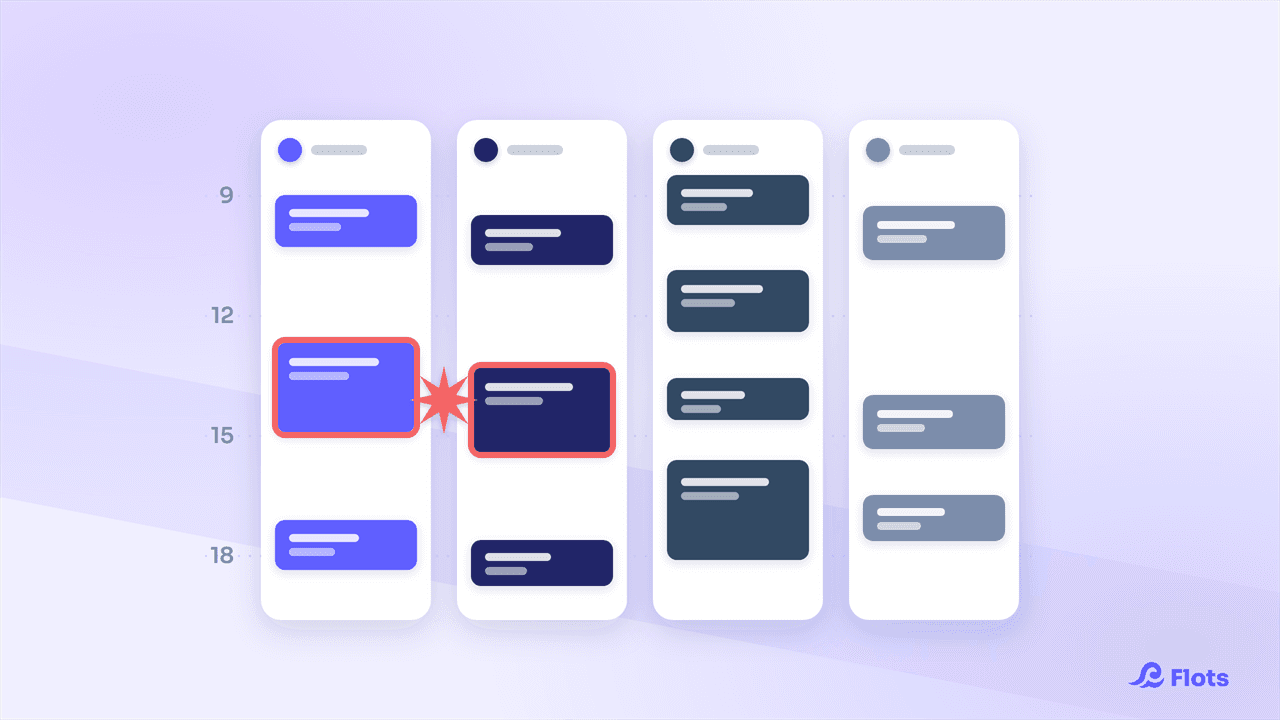
Team Calendar: Stay Aligned Without Losing Autonomy
See your team's workload without merging calendars: assigned tasks, the weekly Planning view, and everyone's own agenda, kept intact.
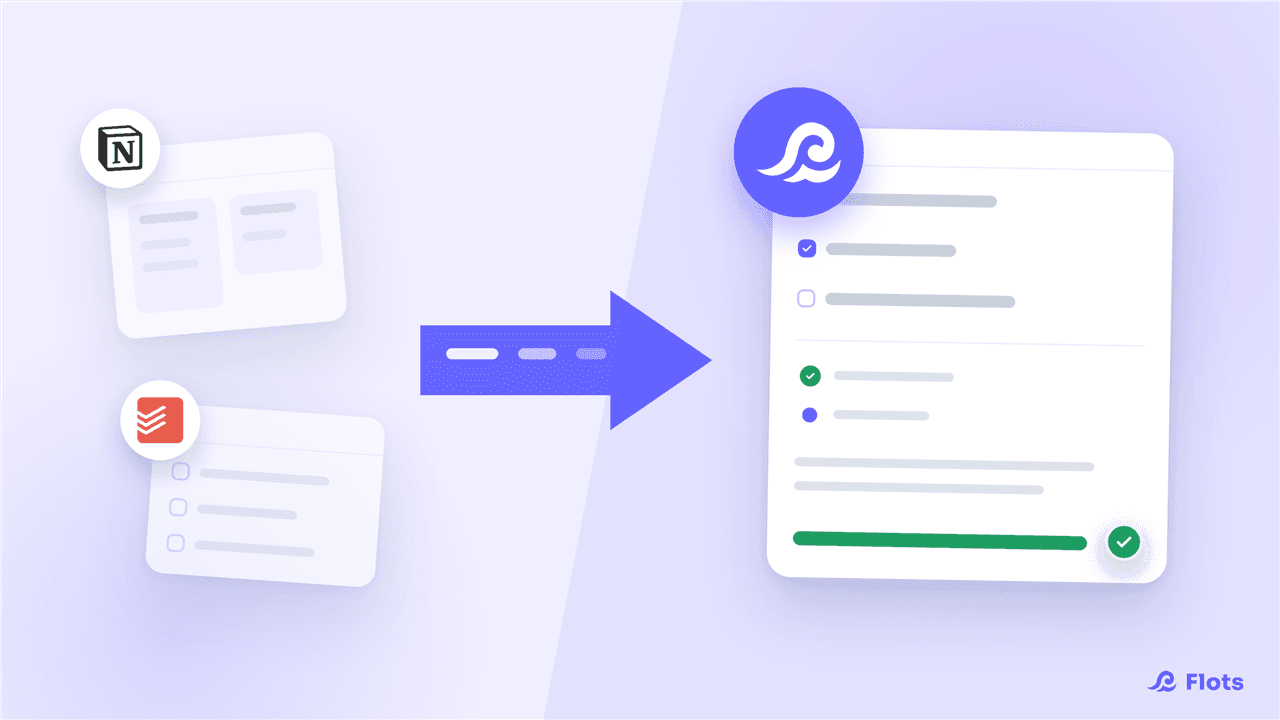
Moving from Notion or Todoist to Flots: the guide
Notion to rebuild, Todoist with no calendar or notes: connect your account and Flots automatically pulls in your projects, tasks and notes, no export needed.
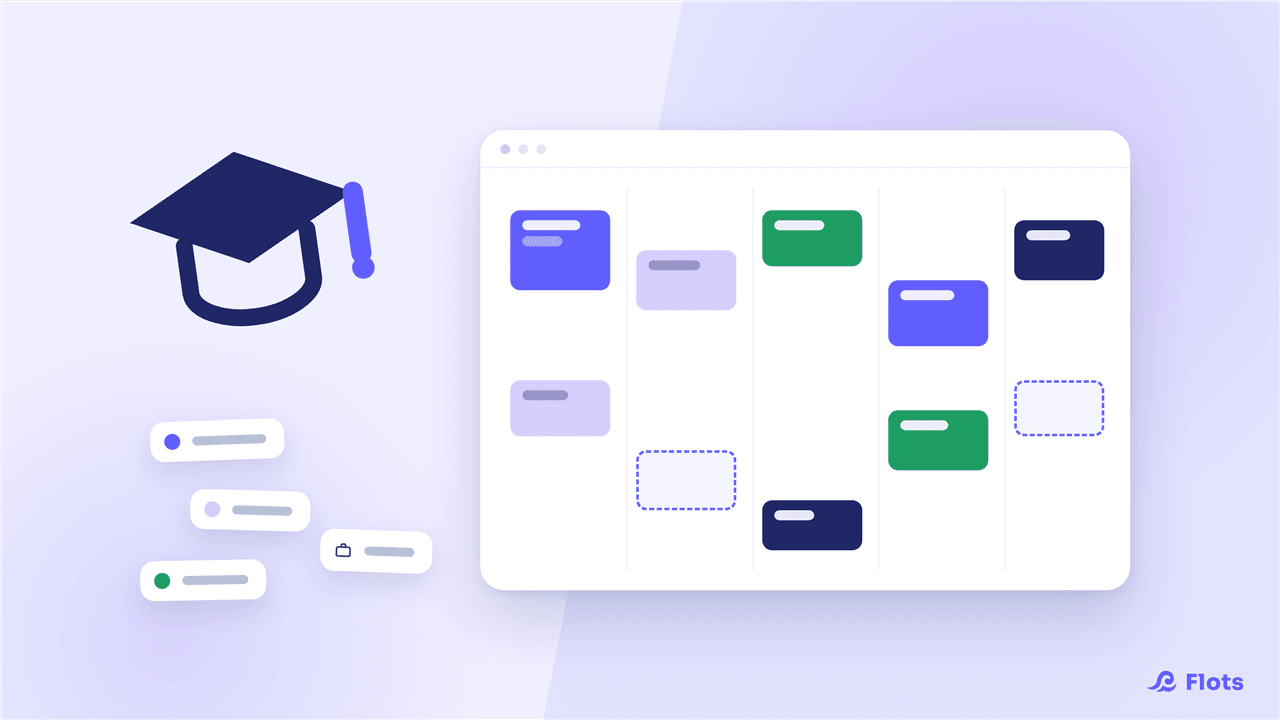
Organizing your studies with Flots: classes, exams
Classes, homework, exam prep, and a part-time job on the side: see how a student organizes an entire semester with Flots, subject by subject.
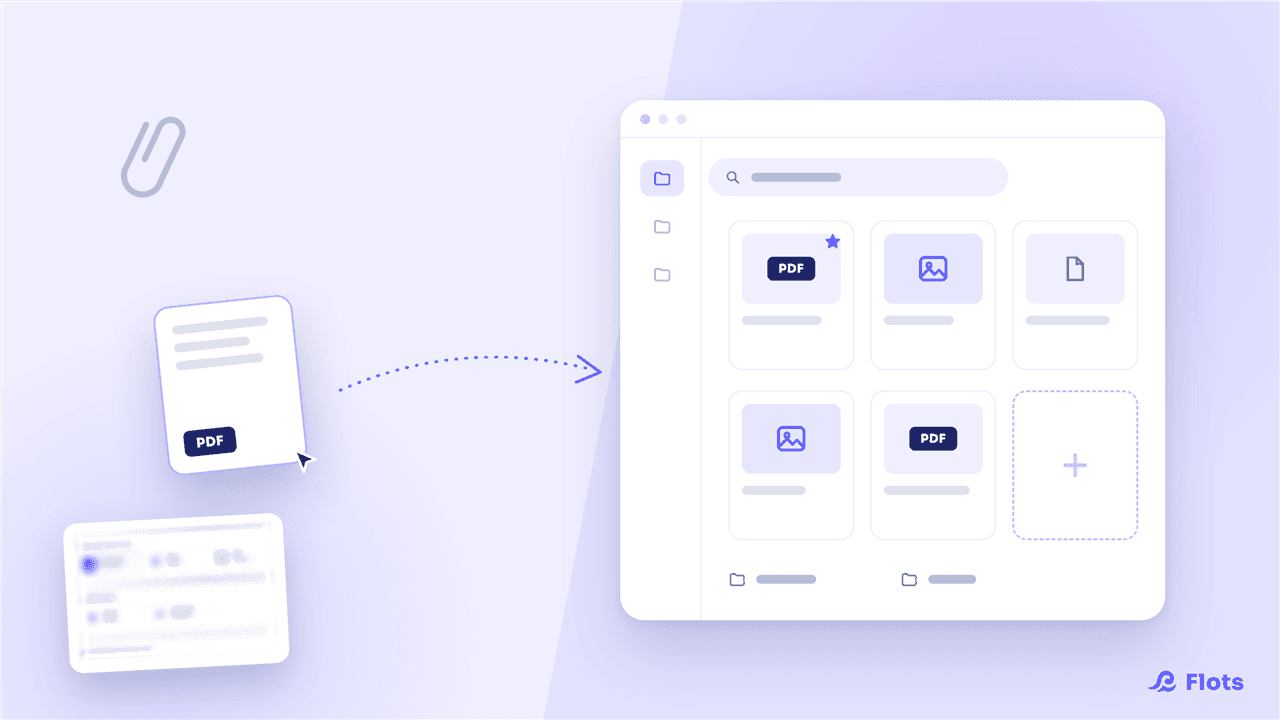
Managing your documents in Flots: the guide
Import, organize and find your files in Flots: folders, favorites, PDF preview and links to your notes and projects. The guide to get started.
Managing your tasks in Flots: the guide
Create a task in 2 clicks, then add categories, subtasks, recurrence and reminders as needed. The guide to managing tasks with Flots.
Managing your projects in Flots: the guide
A dedicated space per subject, pinned items, milestones to track progress and collaboration with others. The guide to projects in Flots.
Taking notes in Flots: the guide to get started
Capture an idea in 2 clicks, format it in Markdown, sort it by category and extract your tasks from it. The guide to notes in Flots.
Cap, the Flots assistant: the guide to get started
Cap is your pocket secretary: it helps you plan your days, keeps the essentials in view and adopts the tone that suits you. The guide to the Flots assistant.
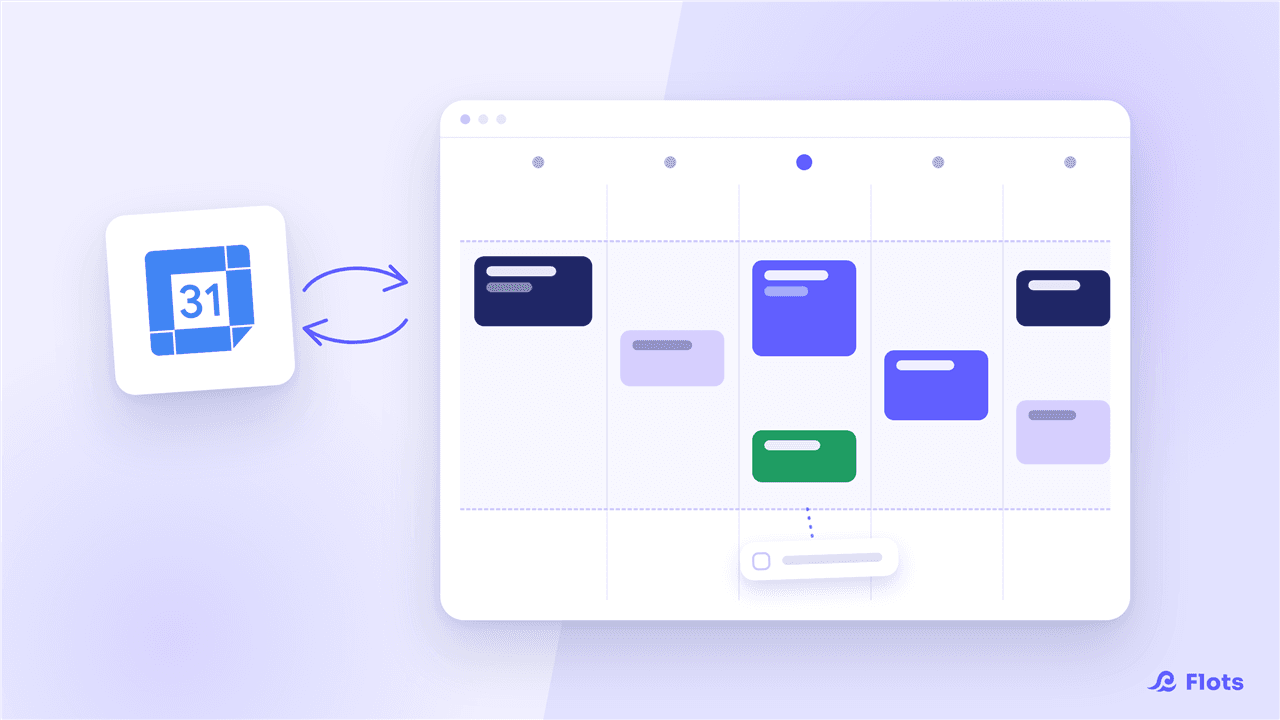
Organizing your calendar in Flots: the guide
A calendar connected to Google Calendar, your working hours, and a planned day in 5 minutes by dragging your tasks. The guide to the Flots calendar.
Getting started with Flots: overview and first steps
Flots brings tasks, calendar, notes and projects together, with an assistant by your side. An overview, a tour of the tools, and your first steps.