Resources.
Guides to get started with Flots, methods to get organised, and what's new in the app.
Latest resources
 Productivity
Any.do alternative: how it compares to Flots
Any.do shines with its simplicity, My Day planner and WhatsApp reminders. Flots connects tasks, calendar, notes, documents and projects. An honest comparison.
5 min read Guides
Search: find any task, note or document
A note whose title you have forgotten, a task from three months ago: how search works in Flots, and how to sort the results to land on the right one.
3 min read Productivity
Airtable acquired: should you switch tools?
Bending Spoons closed its Airtable acquisition on 4 September 2026. What actually changes, what to check right now, and when a database is overkill.
5 min read Guides
Project milestones: how to choose the right ones
A milestone is a yes-or-no check. How to pick 4 to 8 useful project milestones, concrete examples (website, thesis, event) and tracking them in Flots.
5 min read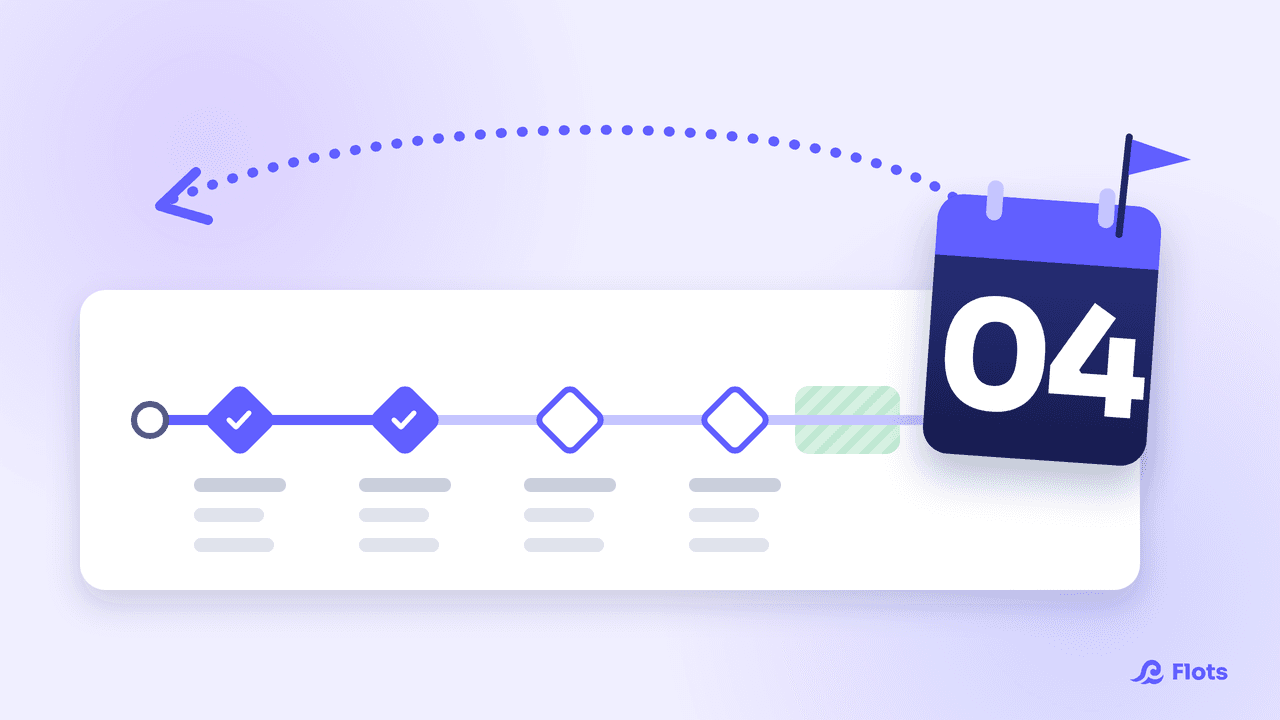 Productivity
Backward planning: schedule a project in reverse
Start from the deadline and work back to today: the backward planning method step by step, with milestones, durations, buffer time and a fully dated example.
6 min read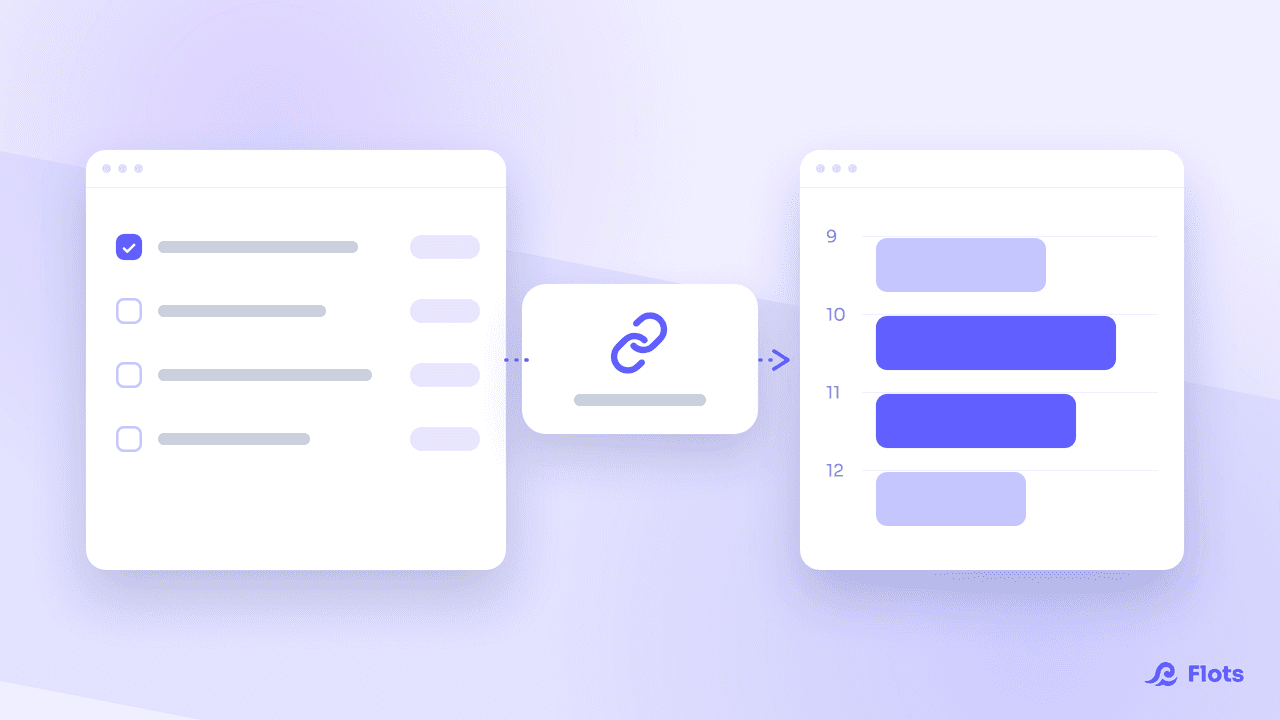 Guides
See your Flots tasks in another calendar
Flots publishes an .ics link: subscribe Google Calendar, Outlook or your phone's own calendar, and your scheduled tasks appear right next to your meetings.
4 min read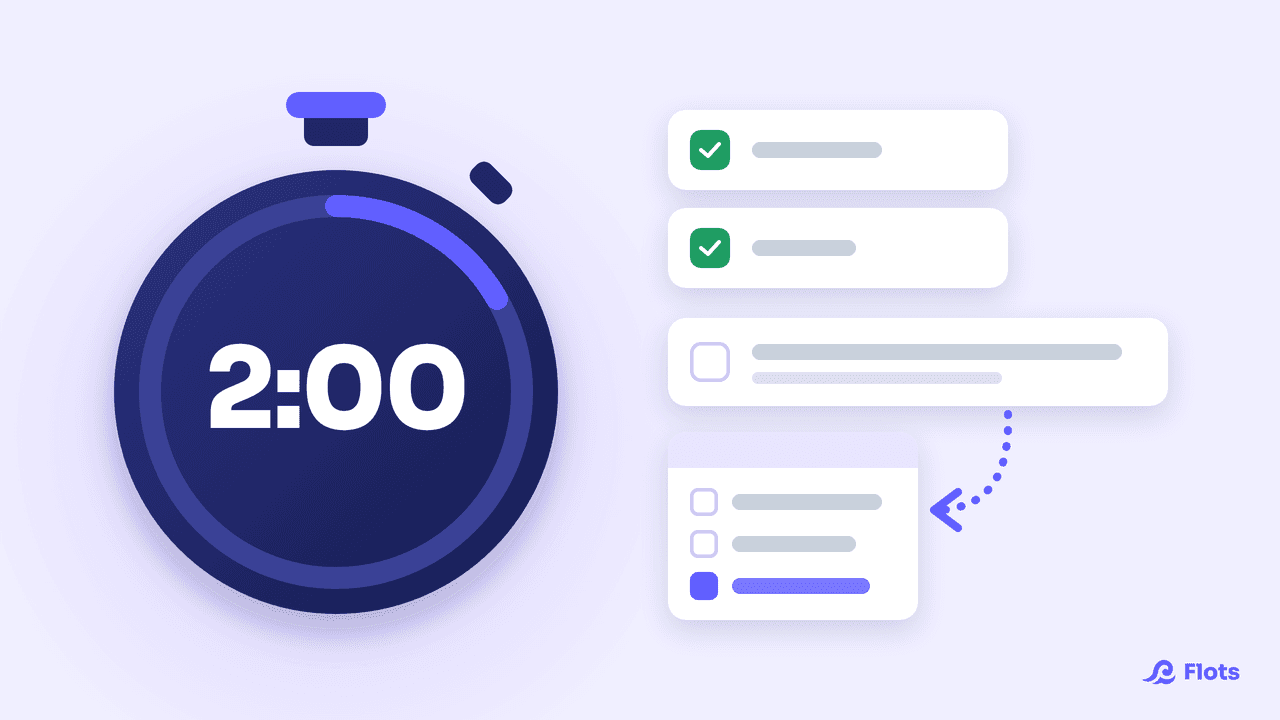 Productivity
The two-minute rule: when to use it, and when not
David Allen's two-minute rule (GTD) and James Clear's habit version: what it says, when to apply it, and when it actually ends up costing you more time.
5 min read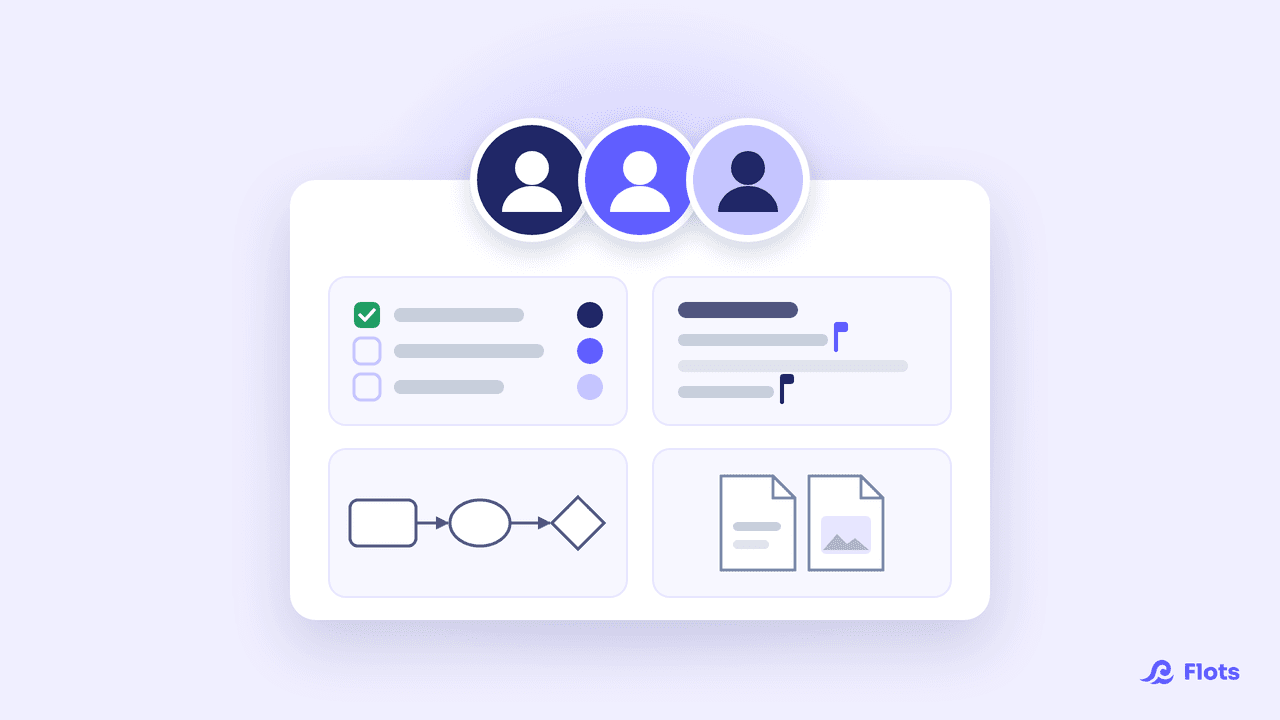 Guides
Shared project: working together in Flots
Invite your team, pick roles, assign tasks, write and draw together live: the guide to making a shared project in Flots your team's common workspace.
5 min read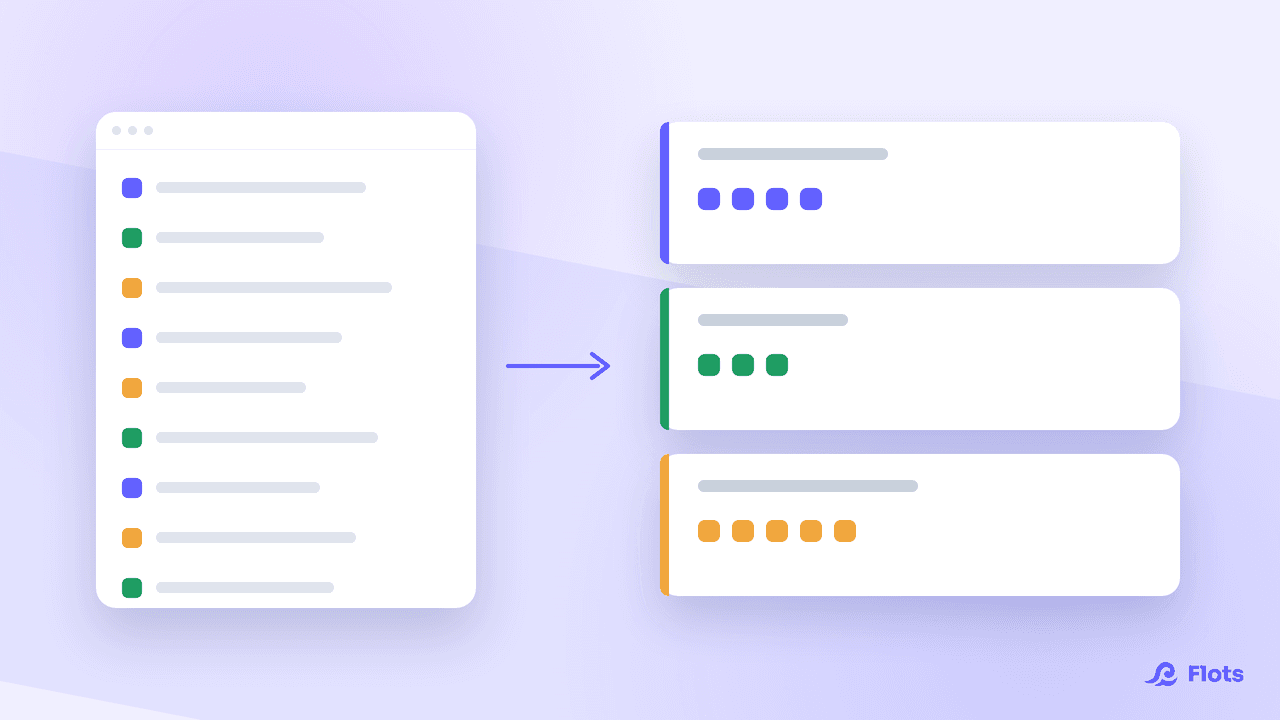 Productivity
Task batching: group your work by type
Every switch from one task to the next has a measured cost. Batching groups work of the same kind: the method, its limits and how to set it up daily.
6 min read