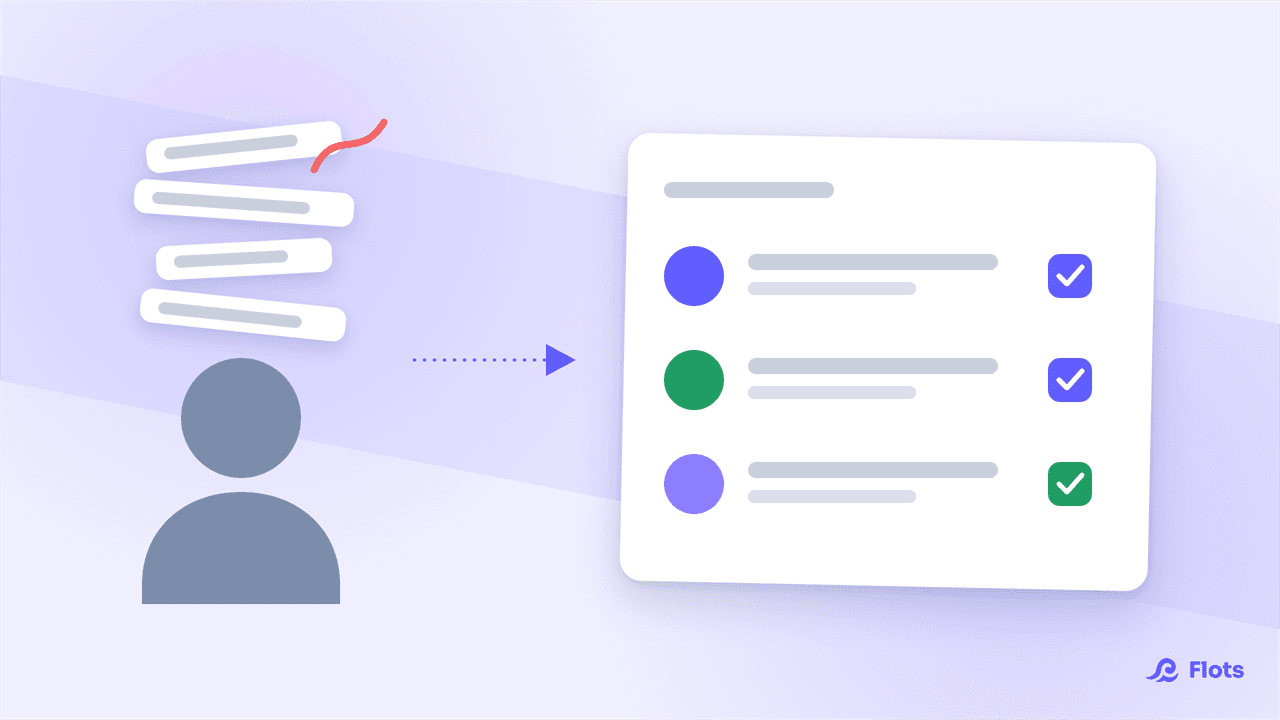
There are the lists started and never reopened. The app installed one Sunday evening, filled in with enthusiasm, abandoned by Wednesday. The notebook bought specially, still blank after three pages. None of that is a failure of willpower.
When organization rests on memory and on the effort of keeping at it, it eventually gives way. So the question isn't how to find more motivation, but how to move the organizing work out of your head.
What ADHD changes about day-to-day organization
France's national health authority describes adult ADHD as a combination of inattention, hyperactivity and impulsivity symptoms, often alongside other conditions. A scoping note on identification, diagnosis and care in adults sets out the framework for that work.
In practice, day to day, the sticking point is rarely doing the thing. It's everything around it: holding on to the fact that something needs doing, estimating how long it will take, knowing which one to start with, getting back to it after an interruption.
A tool changes none of that. What it can do is take on the part that usually rests on memory.
This article is about organization, not health. An app diagnoses nothing and replaces no form of support.
The real deciding factor: the cost of entry
Most comparisons rank apps by feature count. That's the wrong angle.
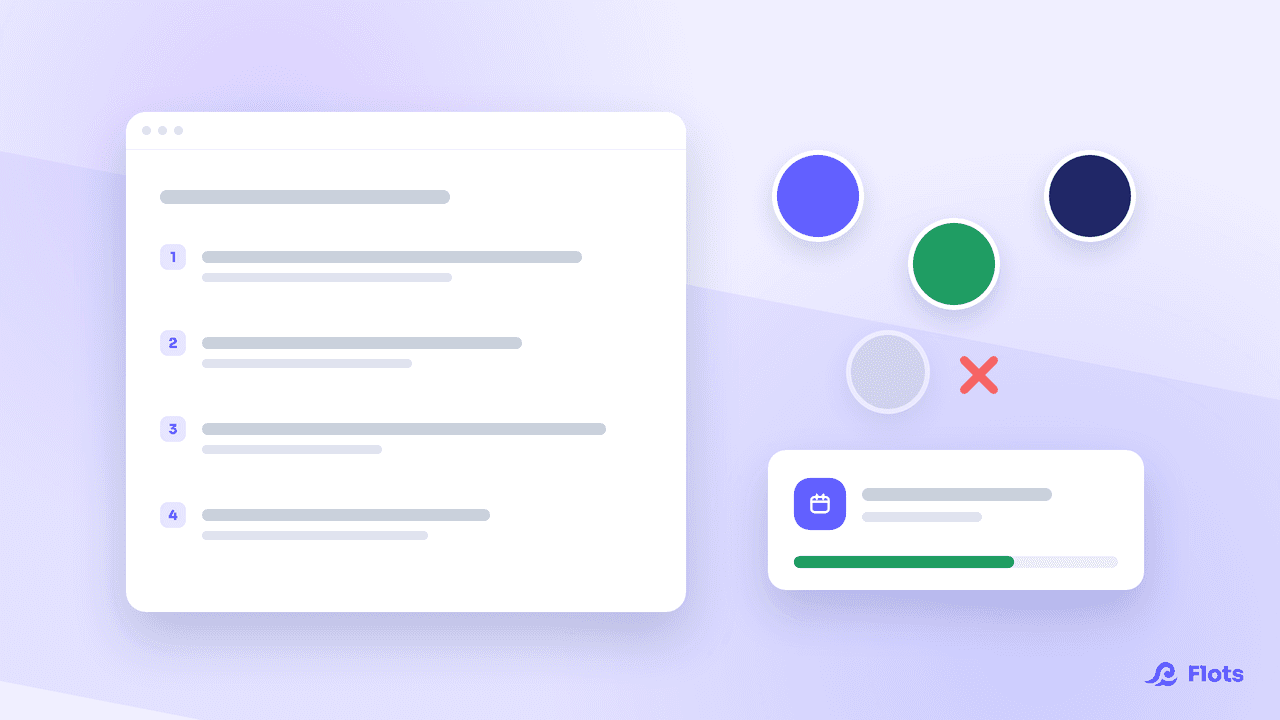
What decides whether an app is still in use three weeks from now is how many decisions it demands before you can write anything down. If creating a task means picking a project, a category, a priority and a due date, the effort of capturing adds to the effort of the task. At that exact moment, plenty of people give up and just remember instead. Which puts you back at the start.
A good app, in this context, is one where putting something down costs less than holding on to it.
One place, not three
The other classic mistake is stacking tools: a task app, a separate calendar, a notebook, a timer.
Every extra tool is one more thing to open, check and maintain. That coordination is itself organizing work, exactly the kind you were trying to remove. Three apps to check in the morning means three chances to forget.
Bringing tasks, calendar and notes together doesn't make the tool more powerful. It simply removes the joining work.
Making time visible
A task with no date doesn't really exist. It floats in a list, demanding attention without ever moving forward.
Placing tasks on real time slots changes the nature of the problem: instead of an endless list, you see what the day can hold. A week showing five hours of work stacked on a Tuesday and nothing the rest of the time gets fixed on Sunday evening, not at midnight on Tuesday.
It's also the best remedy for underestimating time: an occupied slot is visible, an intention isn't.
How Flots behaves on those three points
In Flots, a title is enough to create a task. Category, subtasks, description, recurrence and reminders all exist, but they're added only if you have a use for them. Nothing is required at the moment of writing, which is precisely the point.
Reminders are switched on task by task, so you're alerted at the right moment rather than watching your list. Recurrence is set once: what comes back every week stops taking up memory.
The calendar is built in and syncs with Google Calendar, so existing appointments don't need retyping. Notes take the rest, with direct extraction of tasks spotted mid-text. And for whatever arrives while you're walking, a voice note records the memo as it is, without transcribing it.
Finally, the Planning view shows tasks that already have a date next to those still waiting for a slot, with the week's workload visible at a glance.
And for the days when nothing starts
No tool solves the block at the start of a task. Two articles tackle that head-on: what actually makes people back away from a task, and the Pomodoro method, whose short format exists precisely to make starting less expensive.
An organization tool doesn't magically compensate for a difficulty. It simply takes off your memory a job it has no reason to be doing.
Organization that holds without relying on memory.
Jot a title, switch on a reminder, see your real week. Free for a year, no card required.