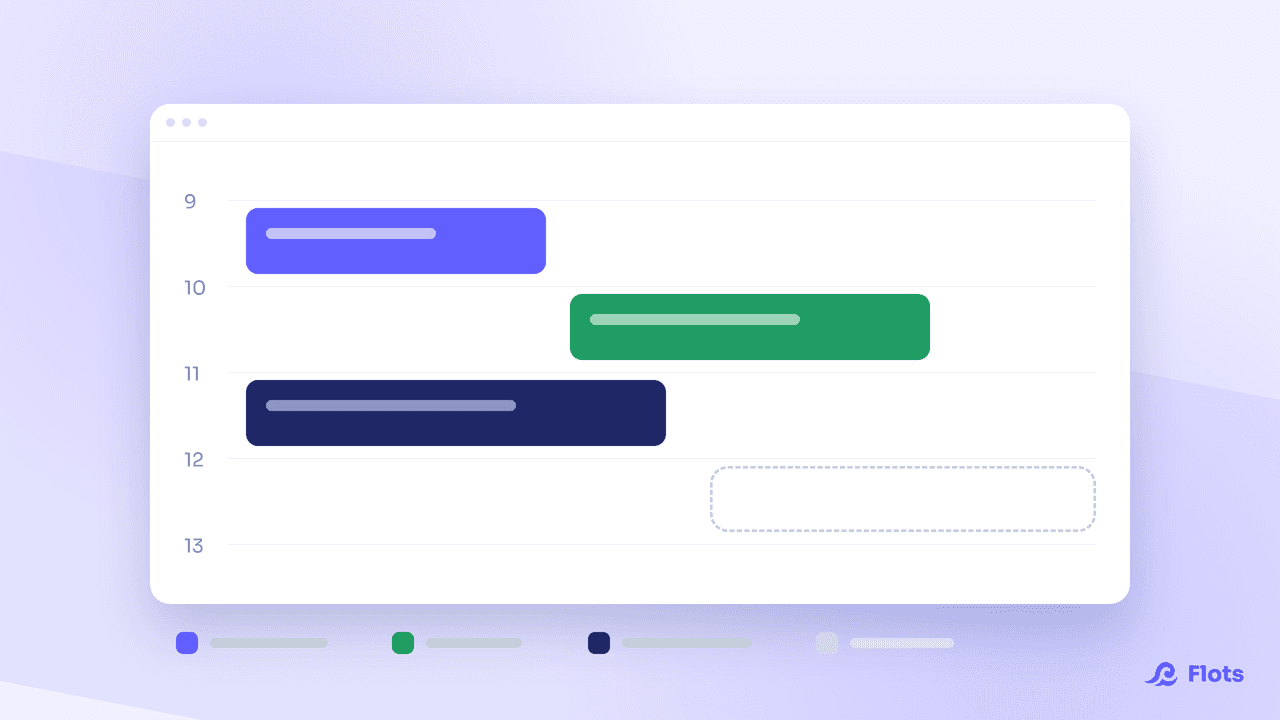
A calendar shouldn't require a learning curve. You want to set an appointment, block out time to work, and see your day at a glance. The Flots calendar keeps the conventions you already know, then adds what's often missing elsewhere: the link with your tasks, your working hours, and the rest of your organization. Here's how to get started with it.
A familiar calendar, no relearning needed
Flots behaves like the calendars you've already used. You create an appointment or a work block in one click, wherever you click, at the time you want. Nothing new to learn: you find your bearings immediately.
The goal isn't to reinvent the calendar. It's to make it useful in the right place, alongside your tasks, your notes and your projects, instead of in a separate tab.
Connect your Google Calendar
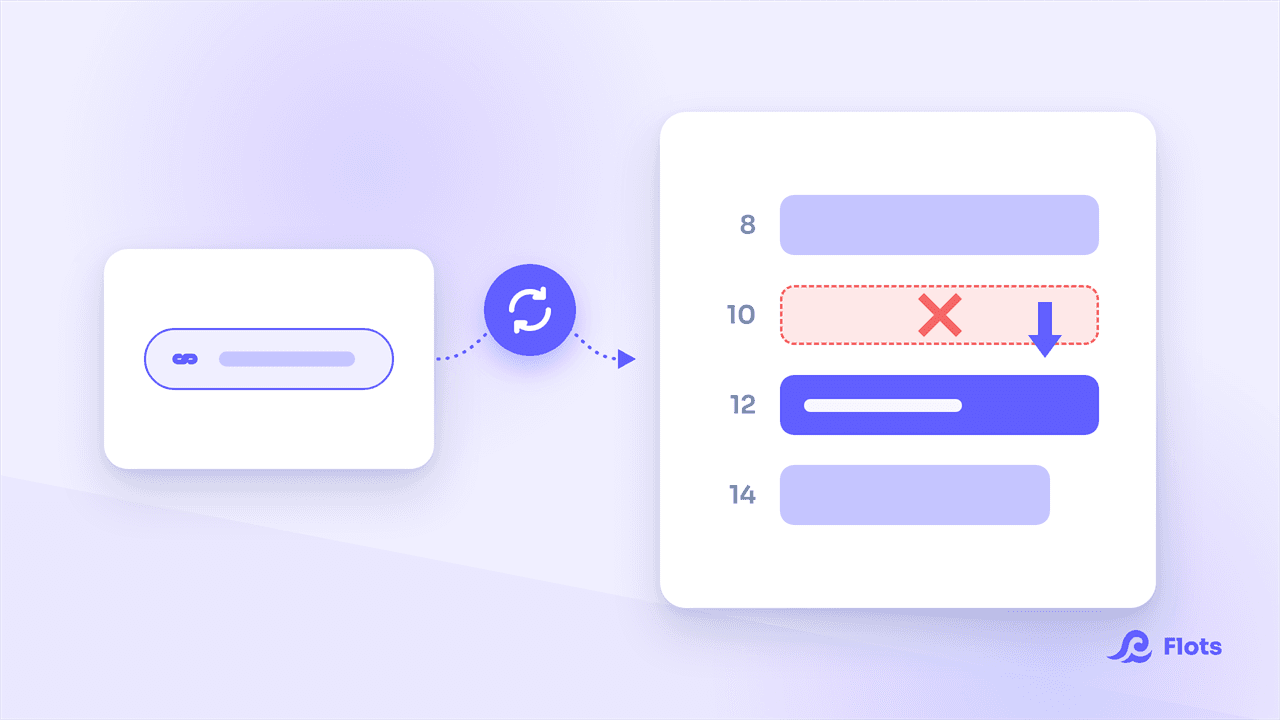
Your schedule doesn't start from zero. You link your Google Calendar easily, and your existing appointments show up directly in Flots.
In practice, you don't keep two calendars in parallel and you don't copy anything over: what you already have shows up in the same place as the rest of your organization. If your tasks live in the Google ecosystem too, our Google Tasks vs Flots comparison shows where the native integration stops.
Set your working hours
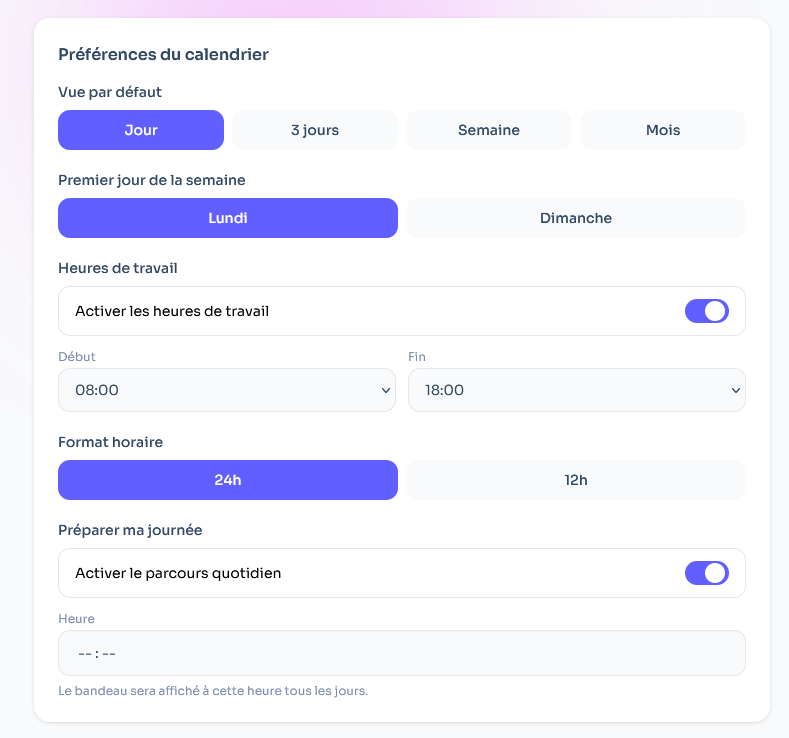
A day isn't a uniform block. By indicating your working periods, you let the app adapt to them: it knows when you're available and distinguishes your work time from the rest.
It's a setting you configure once, and it makes everything else more relevant, starting with planning your days.
Plan your day in 5 minutes
This is where the Flots calendar really comes into its own. Instead of guessing where to start, you sort your tasks and drag them onto your calendar, onto the time slots that suit you.
In a few minutes, your day is set. You see what you have to do, when, and what the day can actually hold. Your tasks stop being an abstract list and become a concrete plan.
Familiar first, powerful next
The Flots calendar starts from what you already know how to do, setting an appointment or blocking a time slot, then adds value where it counts: the link with your tasks, your working hours and your projects.
You don't change your habits. You finally plug them into the rest of your organization, all in one place. As soon as you're working with others, a shared team calendar applies the same principle without costing you control over your own schedule.
A calendar you already know how to use, connected to Google Calendar and fed by your tasks: enough to turn a to-do list into a genuinely planned day. The simplest way to see it is to try it on your upcoming week.
Plan your day in a few minutes.
A calendar connected to Google Calendar and fed by your tasks, all in one place.