Taking notes together during a meeting, writing a spec with someone else, reviewing a text while its author fixes it: three situations where passing a file from hand to hand costs more time than it saves.
Flots notes can be written by several people, live. Here is how to use them.
Sharing a note: attach it to a project
A note is not shared individually. It is attached to a project, and the members of that project get access to it.
That choice avoids a classic problem: permissions set in two places that end up drifting apart. Here, the question "who has access to this note" is answered by looking at who is in the project.
In practice: create the note inside the relevant project, or attach it afterwards. People who are already members see it immediately.
Who can edit the note: the project roles
Roles come from the project and apply to the notes it contains.
| Role | On the project's notes |
|---|---|
| Owner | Reads, writes, manages the project |
| Editor | Reads and writes |
| Reader | Reads only |
A reader opens the note with the "Read-only" mention right in front of them. Nobody types into the void wondering why nothing is being saved.
Writing at the same time, without stepping on each other
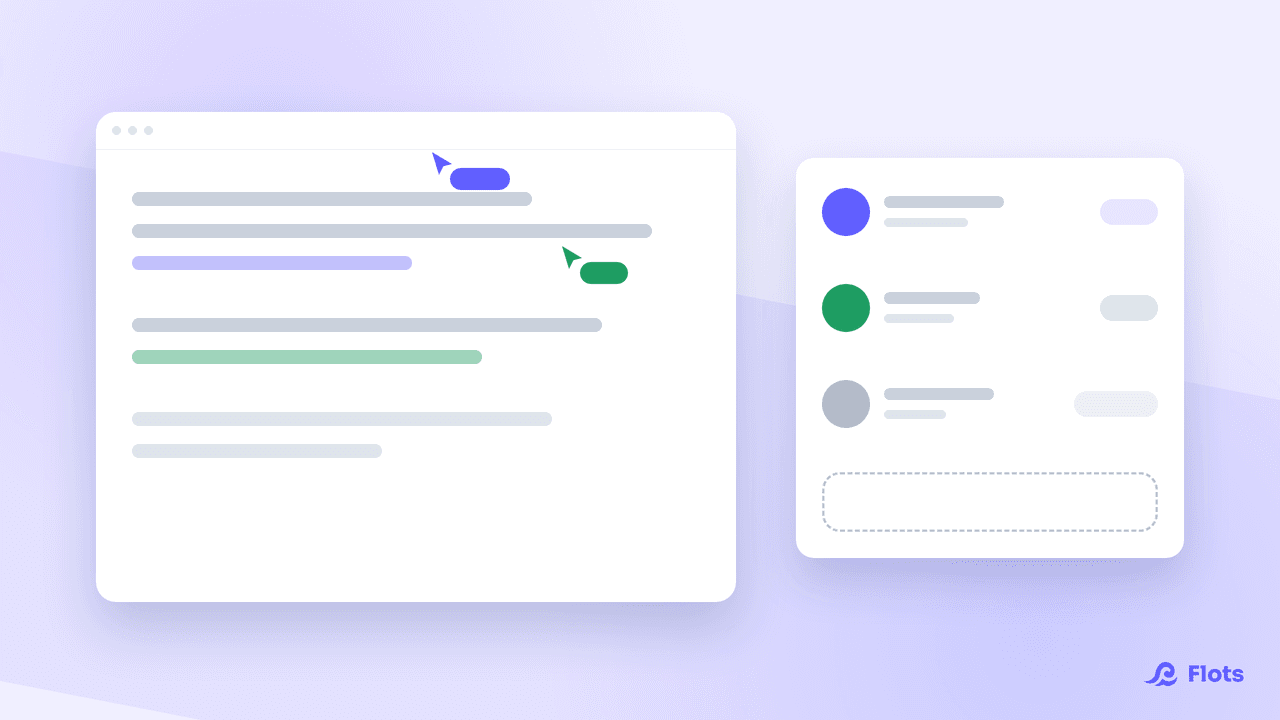
Open the note with someone else, and a banner appears at the top: how many people are present, and who they are.
Each of them shows up under their name, and you under the "you" mention. Anyone who opened the note but has not touched it for a while switches to "away". You can see who is really following along.
Write wherever you want, whenever you want. Everyone's changes merge together as you type. Two people in two different paragraphs do not get in each other's way. Nor do they in the same sentence: the text stays coherent instead of one version overwriting the other.
Keeping an eye on the connection state
The banner also shows whether live collaboration is connected, reconnecting, or disconnected.
That detail matters in a meeting, on an unstable network. You know whether what you are typing is getting through, instead of finding out after the fact.
If the link drops, Flots tries to restore it. Wait until the state is back to "connected" before closing the note.

One note, several note-takers
Split the sections between you instead of appointing a single secretary. Nobody spends the meeting typing while the others talk.
How to organize yourselves on a shared note
A few splits that work, to adapt to your own meetings.
Split by section. Each person keeps one part of the minutes. Lay out the headings at the start of the meeting, and everyone fills in their own.
One writer, several reviewers. One person writes, the others annotate or correct as things go. Faster than a round trip by message.
The collective draft. Everyone dumps their ideas for fifteen minutes, then one person tidies it up. The gathering phase benefits from being messy.
From the note to the tasks
A meeting note is only worth something if it leads to actions. Flots extracts the tasks out of a note, which saves you from copying the decisions one by one. How it works is covered in notes go full Markdown: PDF and Word export, task extraction.
That is the habit to build just before closing the note, while everybody is still there to confirm who does what.
Whiteboards follow the same logic
A whiteboard attached to a project is drawn by several people, live, with the same roles. Useful when the meeting drifts towards a diagram rather than a text. See discovering whiteboards in Flots.
For the editor itself and everything it can do, see taking notes in Flots. For the announcement of live editing, head to Collaborative notes: write together, live.
The meeting note, written during the meeting.
Participants shown at the top of the note, roles inherited from the project, changes that merge instead of overwriting each other.