Every month, the same scene. Retyping "send the invoices", "chase the client who never replied", "check the backup ran". Three tasks you've already written eleven times this year.
It isn't only wasted time. It's an organizing cost that comes back every cycle, when it could have been paid once.
What a repeating task actually costs
Writing it takes ten seconds. That isn't where the problem is.
The real cost sits earlier: remembering that you have to write it again. Between two occurrences, part of your attention stays busy watching the deadline. That's continuous work for a task that is itself occasional.
A well-set recurrence removes that watching. The task comes back on its own, at the right moment, and the interval turns back into free time instead of a vigil.
What research says about routines
You often read that it takes twenty-one days to build a habit. That figure comes from no serious study.
The actual reference is work published in 2010 in the European Journal of Social Psychology by Phillippa Lally and colleagues, How are habits formed: Modelling habit formation in the real world. Ninety-six volunteers chose a behaviour to repeat daily in a stable context over twelve weeks, rating how automatic it felt each day.
The finding has two parts. Automaticity does rise with repetition, up to a plateau. But the time needed to get there varies enormously between people and between behaviours.
The practical consequence is simple: don't count on automaticity to remember for you. Let the system handle that, and save your energy for doing the task.
Which tasks deserve a recurrence
Not all of them. A list cluttered with pointless recurrences is as tiring as an empty one.
Deadlines with a high cost of forgetting. Invoicing, filings, subscription renewals, follow-ups. Forgetting costs money or credibility.
Invisible upkeep. Backups, updates, checks. Nobody asks for them, and their absence only shows when something breaks.
Organizing rituals. The weekly check-in, the review of the week, Monday's preparation. These hold everything else together, and they're the first to be dropped when they aren't scheduled.
There's no point, on the other hand, automating what you already do without thinking. Collecting your post doesn't need a task.
Setting the right frequency
A badly calibrated recurrence becomes a nuisance. The sign is easy to spot: if you postpone the same task every week, the frequency is wrong.
Two possible fixes. Space it out, because the task never needed to be weekly. Or break it up, because it's too big for an ordinary slot and is waiting for a moment that never comes.
One last adjustment helps a lot: group recurrences on the same day. One admin morning a week beats seven small interruptions spread across it.
Setting up recurrences in Flots
In Flots, recurrence is set at creation or later, on an existing task. You pick the rhythm that matches the real habit: every week, on specific days, every month. The task then comes back on its own, with no intervention.
Reminders are switched on task by task so you're alerted at the right moment rather than watching the list. Nothing is mandatory: a title is enough to create the task, and recurrence and reminders are added only if you have a use for them.
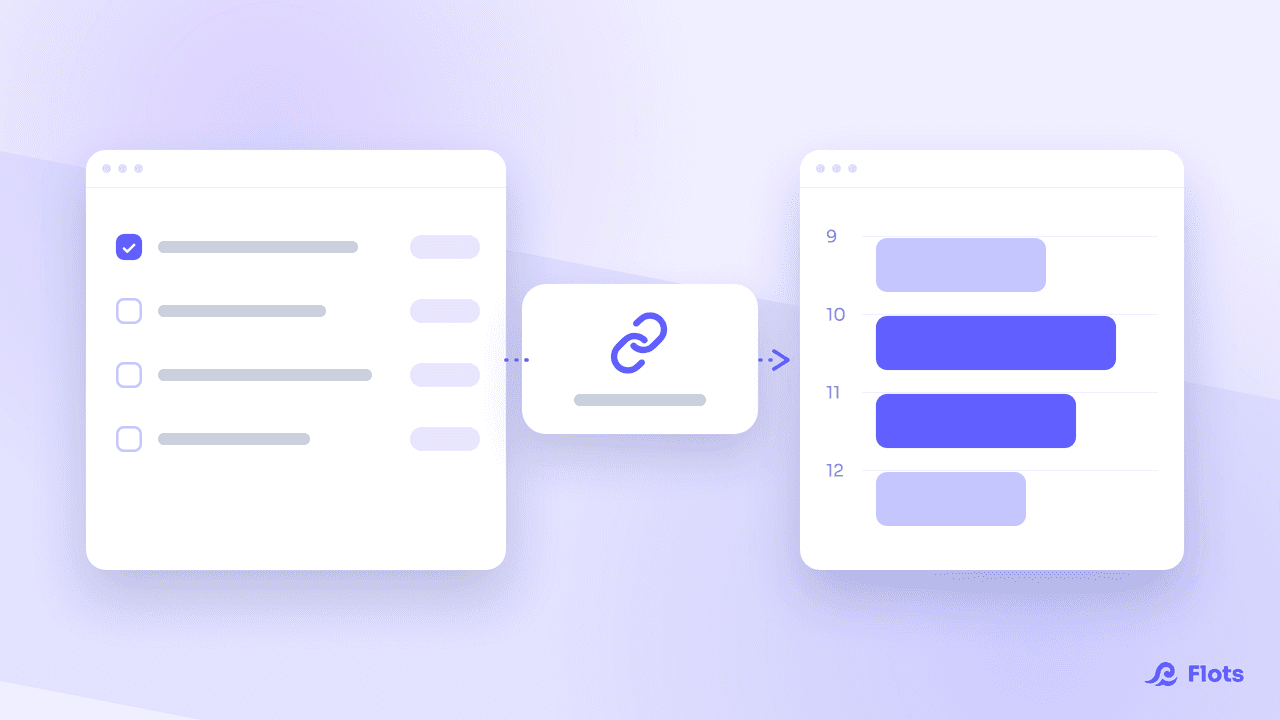
That leaves checking the whole thing holds. The Planning view shows a week's workload, recurrences included. That's usually where you discover Monday carries six automatic tasks on its own, and that half of them need moving.
This logic of getting things out of your head sits at the heart of the GTD method, which turns it into a complete system.
A task that comes back doesn't need remembering, only setting up once. It's the kind of load you only notice after removing it.
Set your routines once, then forget them.
Recurrence, reminders and the week's workload, in the same place as your tasks.