The plumber whose number is sitting in a text message, the client's contact who signs her emails "Claire, purchasing", the person at the town hall you met once: these people matter to a project without ever opening Flots. Their details end up scattered across your inbox, your phone and a notebook.
In Flots, they have a place in the project itself, as external contacts.
Members and external contacts: two lists, two uses
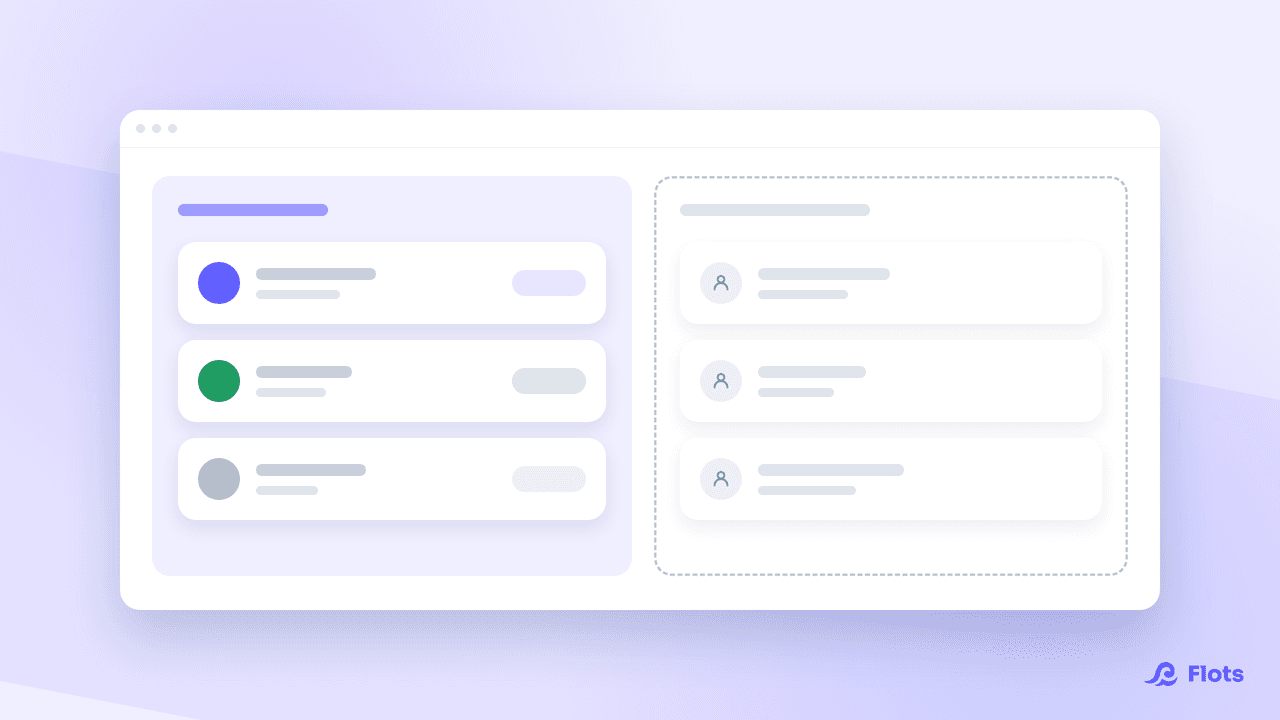
The Collaborators section of a project separates members from external project contacts.
Members work inside the project. They have access to it, and they see the content according to their role.
External contacts are people whose details you keep because they matter to this project, without them using Flots: a contractor, a client, someone at the town hall.
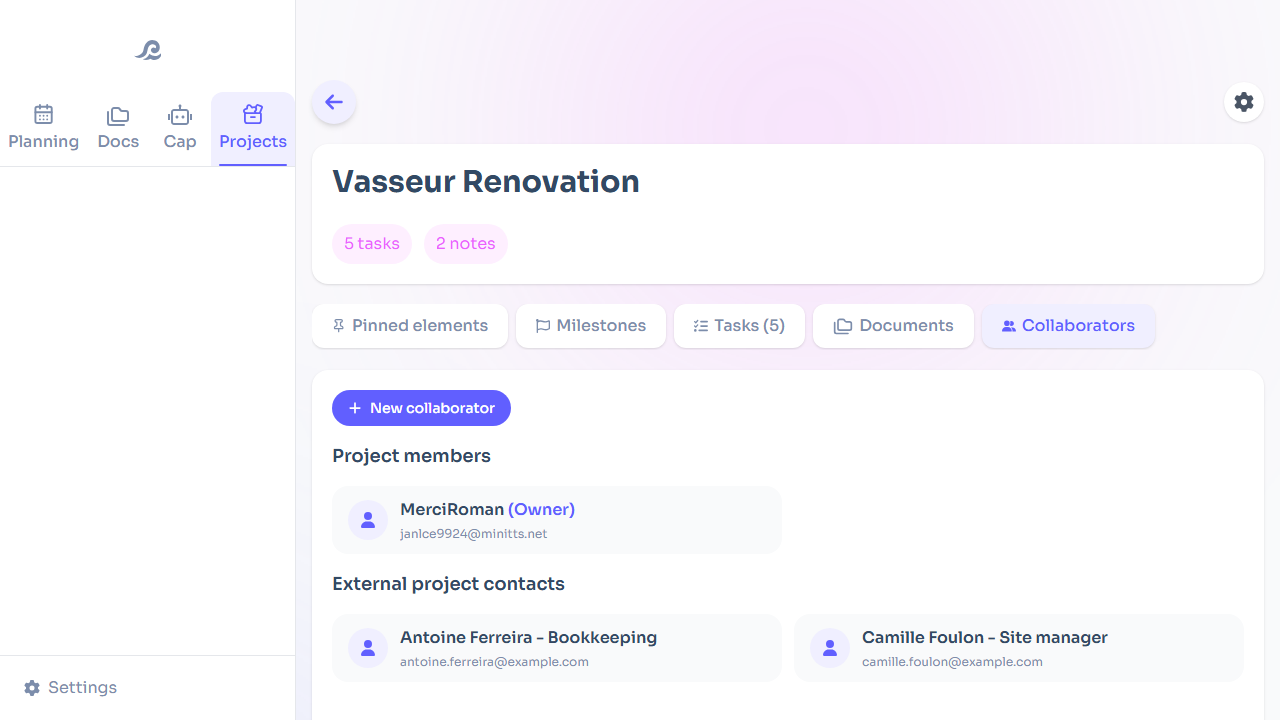
Without that distinction, you end up keeping an address book alongside your project tool, and letting it go stale.
Which details to record for an external contact
For each person, the card has a name, a job title or role, an email, a phone number, a link (their website or an online profile) and private notes.
The field that changes the most is the role. Six months later, "Martin" will mean nothing to you; "Martin, technical lead at the contractor" saves you searching through three email threads. The notes cover the rest: when he picks up, the quote in progress, who to call when he's away.
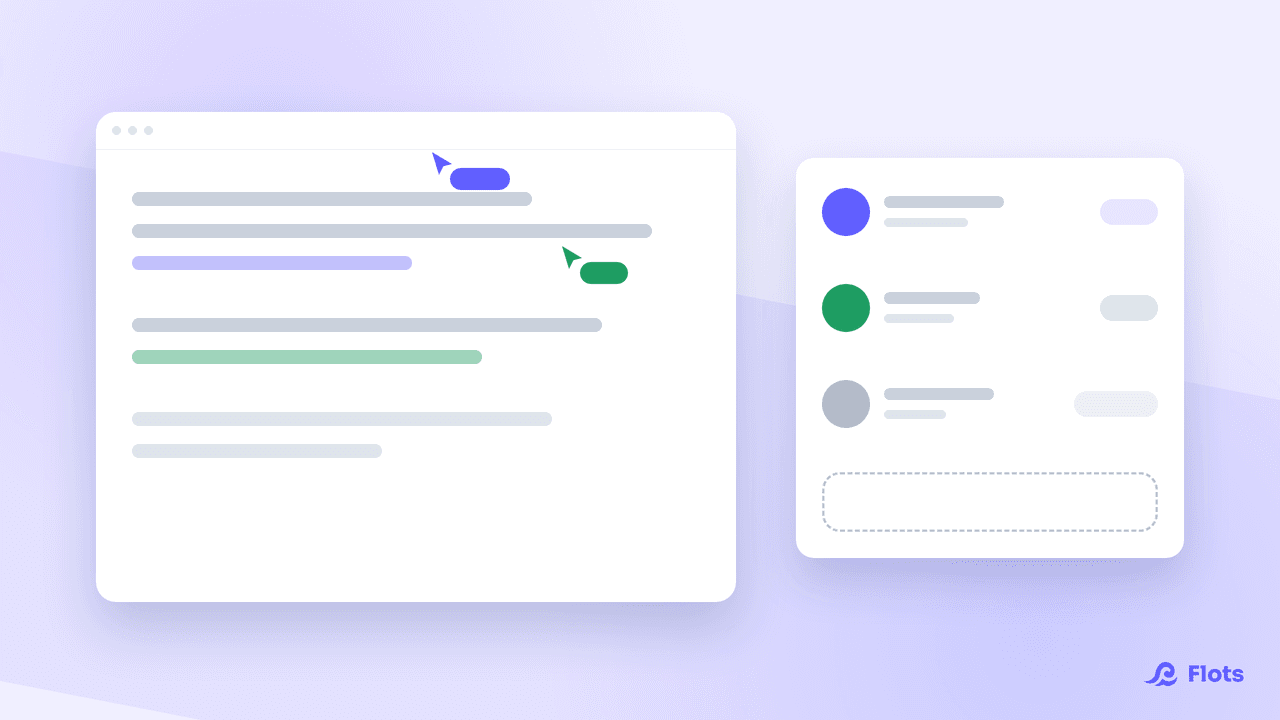
Stored in the project rather than in a general address book, those details sit on the page of the subject itself, at the moment you are working on it.

Always write down the role
A name on its own will mean nothing to you in six months. The role will.
Opening the project to a contact, when needed
A contact card gives no access: the person isn't notified and sees nothing of your content.
If one day they need to follow the project, there's no need to enter them again. From their card, the project owner can give them Reader or Editor access, as long as the email is filled in. If the person already has a Flots account, they're added to the project right away; if not, they get an invitation email to create an account and join it.
They then become a member, and rights follow the project: a Reader opens notes read-only and the interface says so, an Editor writes. Nothing to set note by note. How this works on the notes side is described in collaborating live on a Flots note.
Three situations where external contacts help
The client project. Your colleagues are members, your counterpart at the client is an external contact. You keep their number to hand without giving them access to the project, and you can open Reader access the day they want to follow progress.
The building site with contractors. The plumber, the electrician and the architect are contacts. None of them needs an account, and you stop hunting for their details in your text messages. The day a job goes wrong, the right number is on the page of the site, with each person's role next to it.
The association. The committee members collaborate, the town hall and the hall rental company are contacts. That case is covered in running an association with Flots.
Add the contact at the first exchange
Create the card the first time you deal with the person, not "later". Name, role, and the number or address you just reached them on: thirty seconds, while the email is still in front of you.
The payoff shows up the day someone else takes over the file. The list of people to contact is already written, with what each one does, and nobody has to comb through your inbox to reconstruct who was involved.
For the overall structure of a project, see discovering projects.
Everyone's contact details, on the project page.