A task list should never become a job in itself. Most of the time, you just need to quickly jot down what needs doing, then get back to actually doing it. That's the spirit behind tasks in Flots: simple by default, capable of going as far as your needs require. This guide takes you through it, from the quickest use to the most detailed.
A task starts with just a title
No form to fill in, no required field. A Flots task starts with a simple title and is created in two clicks. You write down what you need to do, "Call the client back", "Send the quote", and get back to work.
That's the intended starting point: capturing an action shouldn't break your flow. You empty your head on the spot, and organize later if needed.
Add detail, only when it's useful
Some tasks deserve a bit more. In that case, you open the task and add whatever you need, no more, no less:
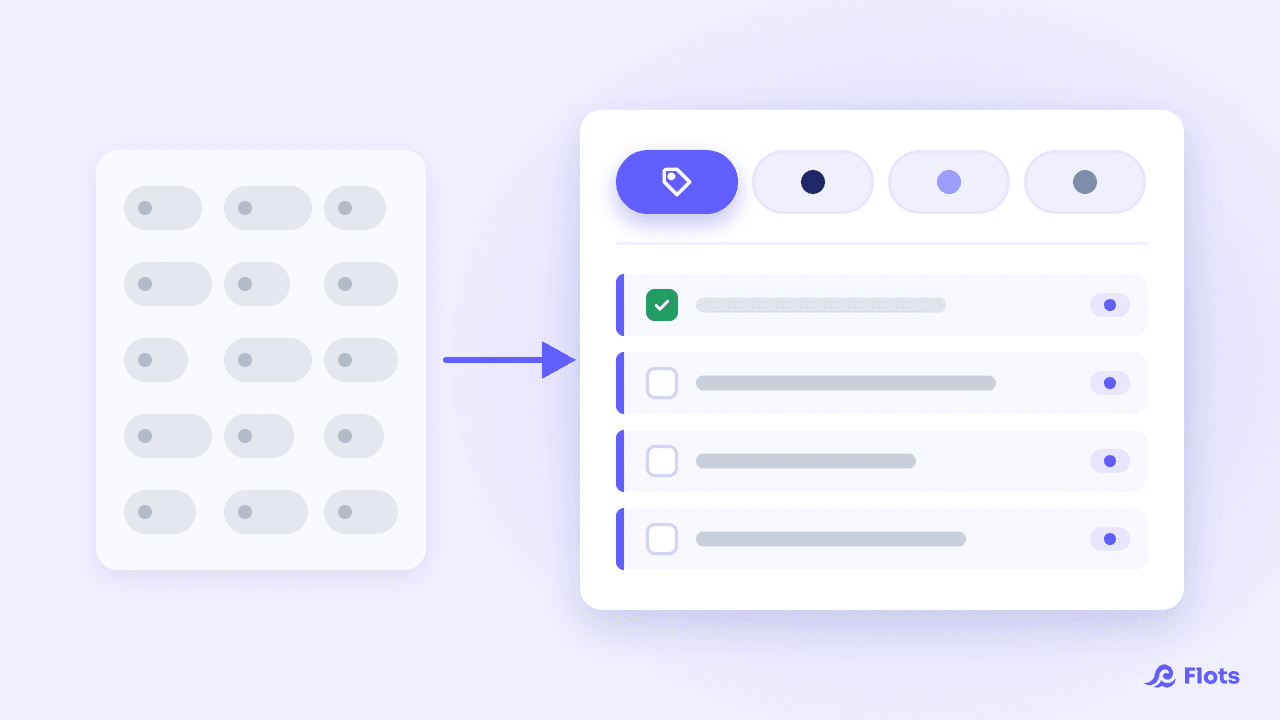
- A category to file it under (personal, work, a specific client…).
- Subtasks to break an action down into several concrete steps.
- A description to keep context, a link, or an instruction in one place.
The idea stays the same throughout: the essentials by default, the freedom to go further task by task. A quick errand stays a single line. A client file can grow into a rich task with its own steps.
Recurring tasks: recurrence
A lot of what needs doing isn't a one-off, it comes back. Rather than recreating it every time, set a recurrence: the task repeats automatically, every Tuesday and Thursday for instance, every week, or on whatever rhythm fits your habit.
Rituals like invoicing, the team check-in, or watering the plants only need to be set up once. They come back on their own at the right time, without cluttering your memory.
Being notified at the right time: reminders
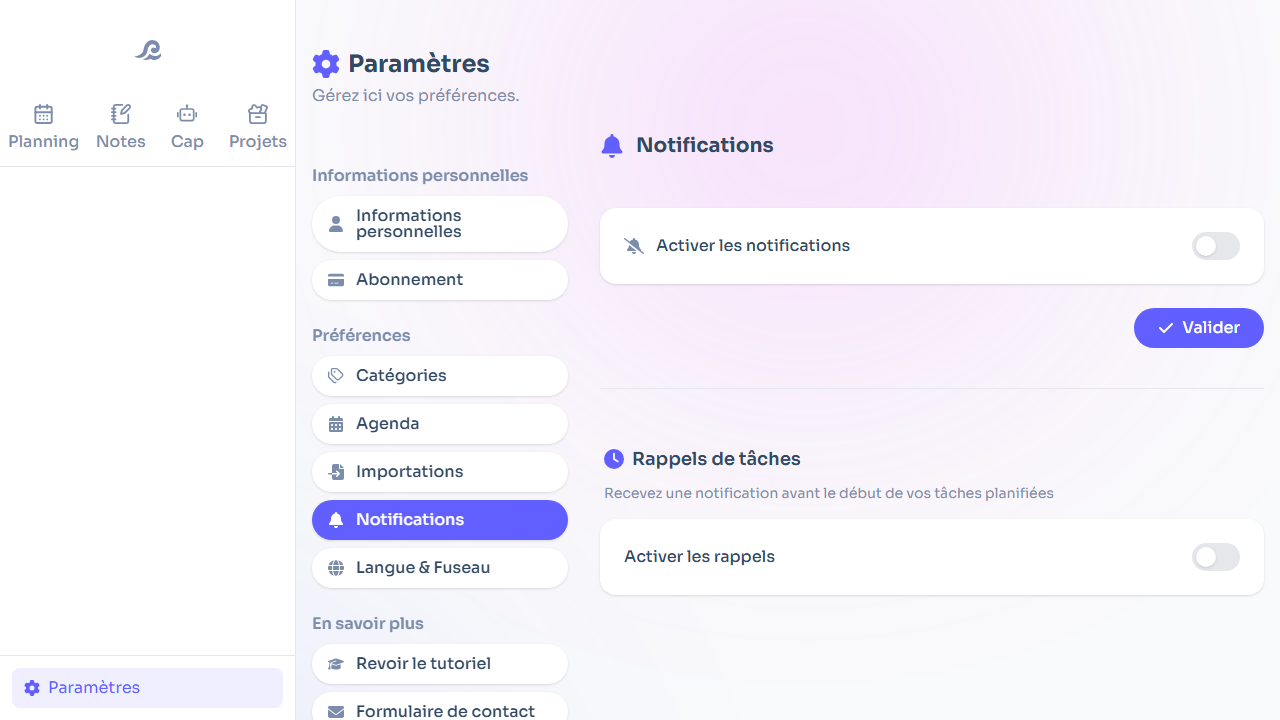
A well-noted task is useless if it comes back to you too late. Turn on notifications for a task to be notified at the right time, without having to constantly watch your list.
This is also an area we keep improving. Our goal: surface information when you're actually available to take it in, rather than adding to the flood of notifications we already get every day.
Essentials first
As you've probably gathered, tasks in Flots follow a simple principle: nothing is forced on you. A title is enough to get started. Categories, subtasks, descriptions, recurrence and reminders are added only if you have a use for them.
That means the tool works just as well for someone who wants a minimalist list as for someone running detailed projects. Often the same person, depending on the time of day. And since your tasks don't live in isolation, they connect to your notes and your calendar, all in one place.
Tasks that are simple to create, but ready to grow in detail the moment you need it: that's the balance we're after. To see it for yourself, jot down your next action directly in Flots.
Write down your next task in two clicks.
Simple by default, detailed when you want it: categories, subtasks, recurrence and reminders.