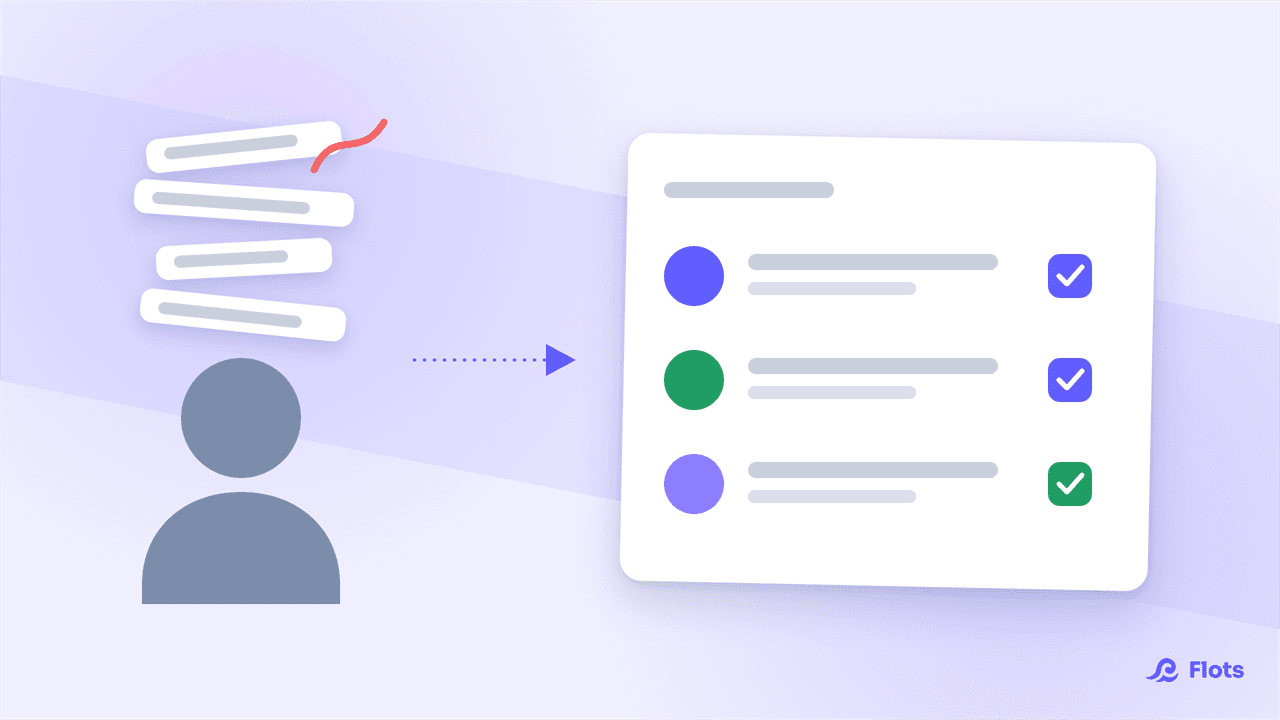
Between classes, homework due, revision to schedule, and sometimes a part-time job or a short internship on the side, a week rarely fits on a single paper planner. Flots brings tasks, planning and notes together in one place, so every subject keeps its own spot without eating up more time than it should. Here's how to structure a student's organization with the app.
One category per subject to keep your classes straight
The first move is to separate your subjects. In Flots, every task can get a category: one per class, per module, or for your internship and part-time job on the side. Homework for constitutional law stops blending into the reading notes for history or a lab report due Friday.
For something that stretches over several weeks, a thesis or a group project, a dedicated project takes over from a simple category: it gathers tasks and notes around the same subject, in its own space. The choice mostly comes down to how long it runs and how many pieces you need to track.
Homework and revision, with deadlines that don't slip through the cracks
A homework assignment is a task with a date. A title is enough to jot it down in two clicks during class, between two notes: "accounting problem set due Thursday", "reread chapter 4 before the midterm". Detail comes later if needed, with subtasks to break an essay down (outline, draft, proofread) and a description to keep the prompt or a link to the assignment.
For revision that comes back every week, rereading a chapter, redoing a set of exercises, recurrence saves you from recreating the task each time. It comes back on its own at the right pace, all the way to finals.
For more on categories, subtasks and recurrence, see the tasks guide.
Your class schedule, synced with Google Calendar
A semester's schedule changes often: a class moves rooms, an exam gets added, a seminar gets cancelled for a week. Instead of memorizing it or copying it over, you link your Google Calendar to Flots: your existing schedule shows up directly next to your homework and revision, with nothing to re-enter.
What's left is setting your own study blocks. You sort your tasks and drag them onto the free slots between two classes or at the end of the day: a revision session from 5 to 6:30 pm, an assignment to finish Sunday morning. In a few minutes, the week takes shape, and your revision workload becomes visible at a glance instead of showing up the night before an exam.
For the full detail on syncing and working hours, see the calendar guide. To break the material down before dragging it into the calendar, backward planning helps you start from the exam date instead of the first chapter: see Exam Revision Planning: Build One in an Hour.

The Planning view
A day view and a week view that bring together scheduled tasks, pending tasks and your calendar in one place, handy for spotting your revision workload at a glance.
See the Planning viewCourse notes in Markdown, ready for exam prep
During class, there's no time to format anything: you write fast, in Markdown if you've got the habit (headings with #, lists with dashes), or with the toolbar otherwise. What you end up with is a proper structured document, ready to reread as it is, no sorting needed later.
On a long set of course notes, a table of contents builds itself automatically from your headings, handy for finding the right section the night before an exam without rereading everything. And if action items get jotted down mid-class, "review problem set 3", "ask the professor for an extension", Flots spots them and turns them into tasks, ready to join the rest of your planning.
The full rundown of the editor and task extraction is in the notes guide. To pick the right method for each class, Cornell, linear notes, or sketchnoting, see Taking Notes in Class: the Methods That Actually Stick.
Your part-time job and personal life, in the same space
Classes don't fill the whole week. A part-time job, a short internship, roommates to coordinate with, a personal appointment: all of it sits alongside your homework, each with its own category so nothing gets mixed into a single list. If work-study takes up half your week, the dedicated article on organizing an apprenticeship goes into the school/company rhythm in detail. Your calendar shows work shifts next to classes, which keeps a revision session from landing right on top of a shift.
The point is having just one place to check in the morning, instead of juggling a calendar for classes, an app for the job, and sticky notes for everything else.
Bringing classes, homework, revision and everything else into one tool is already one less thing to manage on top of exams. The best way to judge whether it fits your schedule is to try it over the next few weeks of classes.
Get your semester organized today.
Homework, revision and your class schedule in one place, free to try for 1 year, no credit card or commitment.