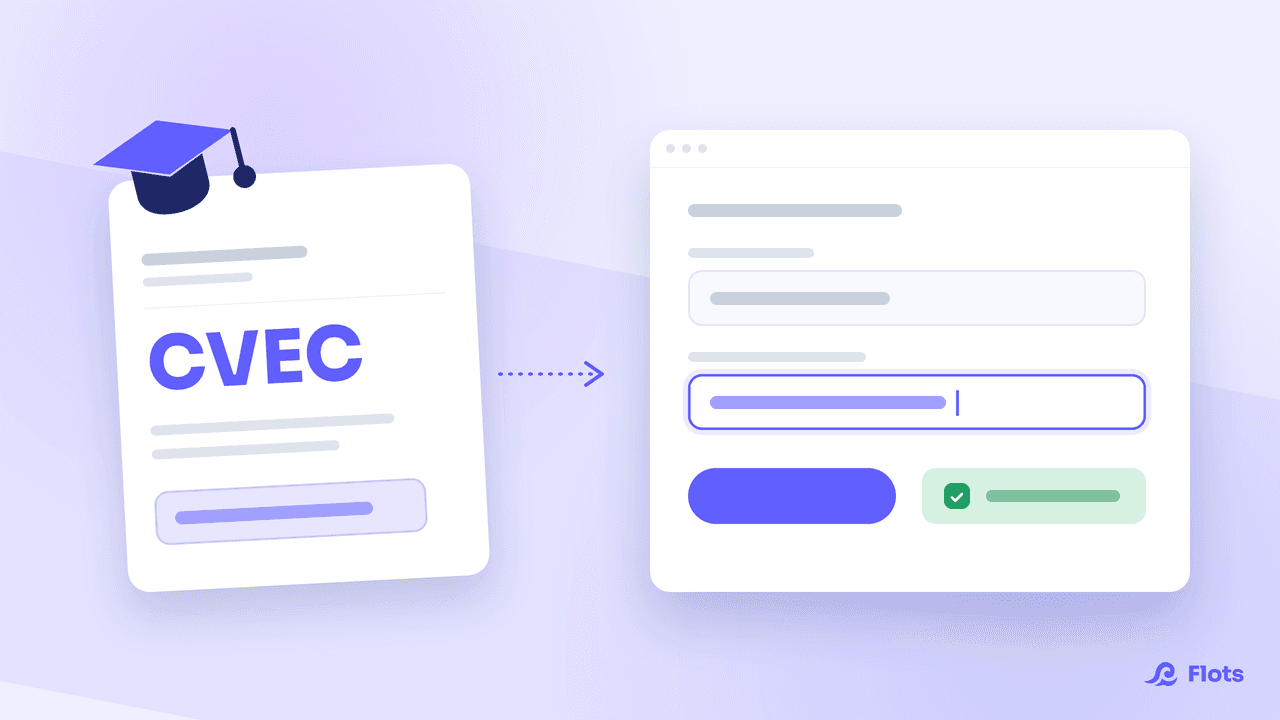
The Flots student plan is free, but it does not switch itself on: you have to prove that you are a student. It takes less than a minute if you have your CVEC certificate to hand.
What you need
Two pieces of information, and no more.
Your family name, exactly as it appears on the official certificate. Not your first name, and not your married or preferred name if it differs.
The number of your CVEC certificate, obtained when you enrolled at a French higher education institution, either by paying the contribution or by being exempted from it.
If you no longer have the document, sign back in to cvec.etudiant.gouv.fr with your MesServices.etudiant.gouv.fr account, or Études en France depending on your situation, and download the certificate again. The number is on it.
Verifying your student status, step by step
- Open your Settings, then the Subscription section.
- Find the I'm a student block and start the verification.
- Enter your family name and your certificate number.
- Confirm. Flots queries the official service and unlocks the plan right away.
Once the verification has gone through, your subscription shows the Student plan and the words "Free until …", followed by the expiry date.

This information is not kept
Your name and your certificate number are used for the verification, and are not stored by Flots afterwards.
When CVEC verification fails
Three causes account for almost every failure.
The name does not match. This is the most common one. The service compares the name you enter with the one on the certificate: a missing hyphen in a hyphenated surname, or a preferred name instead of a birth name, is enough to make the verification fail. Copy what is written on the document.
There is a typo in the number. One character out of place is enough to block the verification. Copy and paste the number from the certificate rather than retyping it.
The official service is not responding. It happens, and it is not a refusal. Try again later: there is nothing wrong with your certificate.
Attempts are capped at five per hour. If you reach the limit, wait rather than firing off more: persistence does not change the outcome. Use that hour to reopen your certificate and copy both fields from the document, instead of entering them from memory.
Renewing your student plan every year
A CVEC certificate covers one academic year, so student status does too.
The date shown in your subscription, "Free until …", is your deadline: that is the one to watch. Past that point, renewing means going through the same verification with your new certificate, the one for the current year. Same two fields, same screen.
Get into the habit of doing it when you re-enroll, while the document is still open in front of you.
Apprenticeships, scholarships, studying abroad: the edge cases
The rule fits in one line: if there is a CVEC certificate, verification works.
| Your situation | Student plan |
|---|---|
| Apprenticeship within initial training, with a CVEC | Yes, verification works as it does for any other student |
| Scholarship holder exempted from the CVEC | Yes, a certificate obtained through exemption is worth as much as one obtained by paying |
| Enrolled in higher education outside France | No, the CVEC only exists for an enrollment in French higher education |
| Continuing education | No, the CVEC applies to initial training |
If you are on an apprenticeship, our guide on organizing an apprenticeship takes it from there: fitting school and company into the same calendar.
What next?
Once the plan is active, plug in your timetable: syncing your ADE timetable walks through it. For the rest of the semester — lectures, assignments and revision — using Flots as a student covers the ground.
For the full context behind the offer, see Flots is now free for students in France.
Verify your status, move to the Student plan.