News
App updates, announcements and team news.
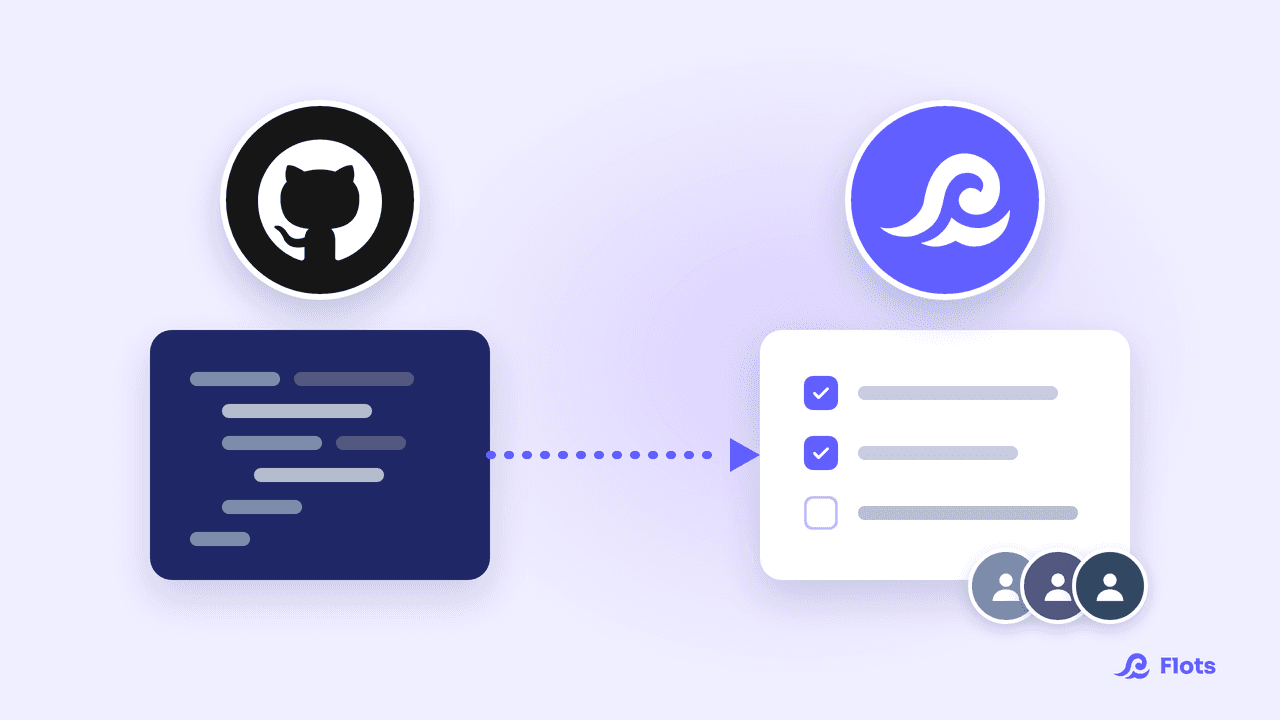
GitHub integration: track dev work from Flots
Flots now connects to GitHub: issues and pull requests waiting on the developer become project tasks the whole team can follow without opening GitHub.
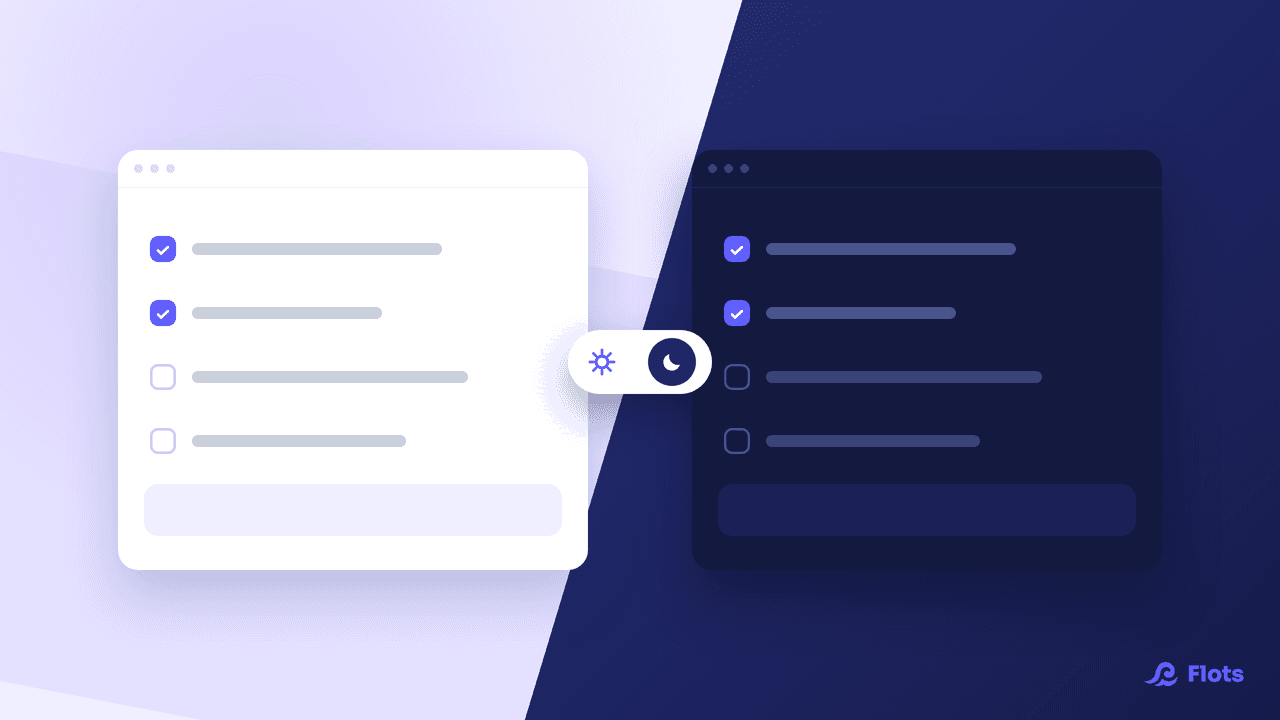
Dark mode: Flots adapts to your eyes
Light, Dark, or whatever your device is set to: Flots now offers three appearance settings, applied across the whole app, on mobile and on desktop.
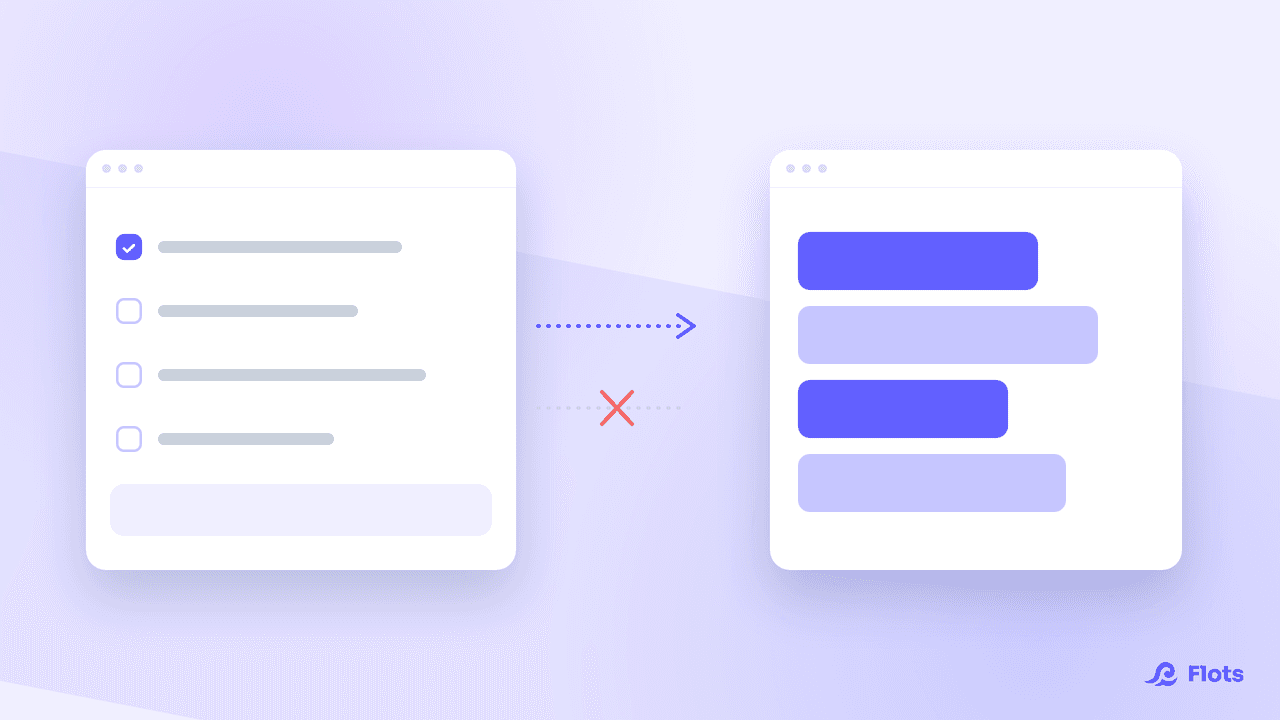
Google Calendar: one-way sync
Send your tasks to Google without importing anything back: Flots lets you choose the direction of the sync, calendar by calendar and task by task.
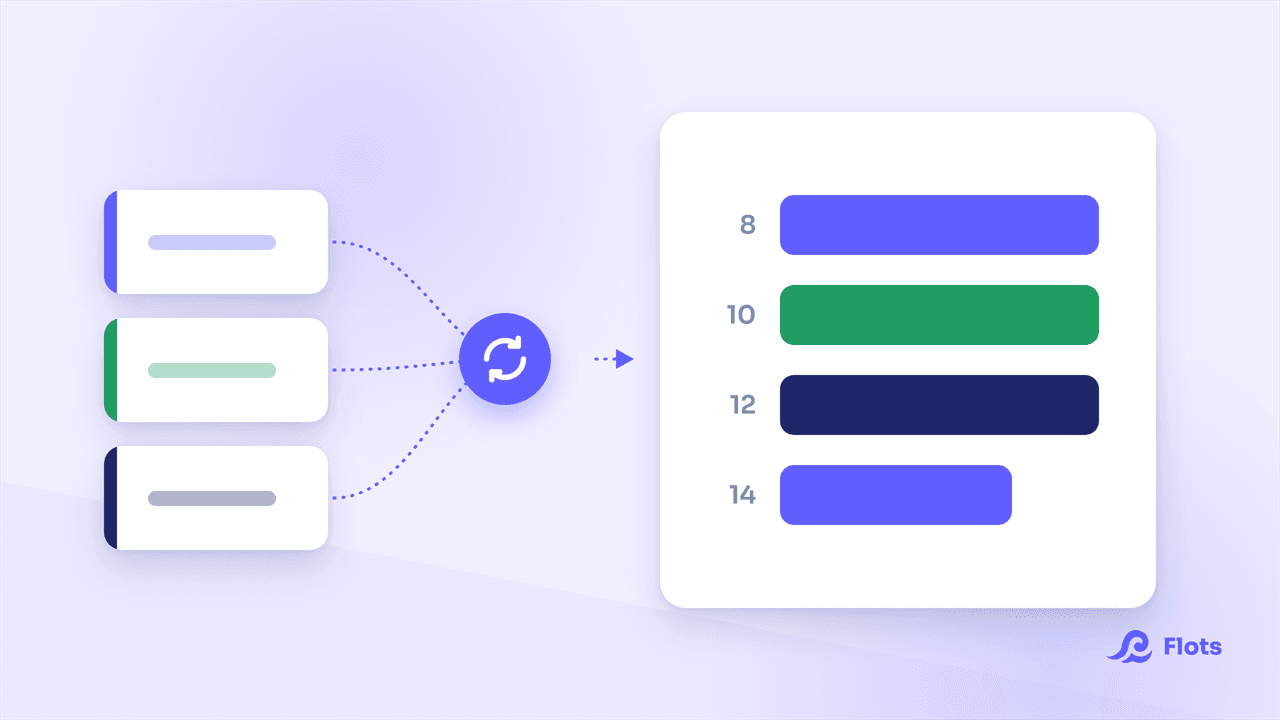
ICS calendar: subscribe your Flots agenda
Flots now subscribes to .ics calendar feeds: a timetable, an on-call rota or a club's fixtures land in your calendar and stay up to date there.
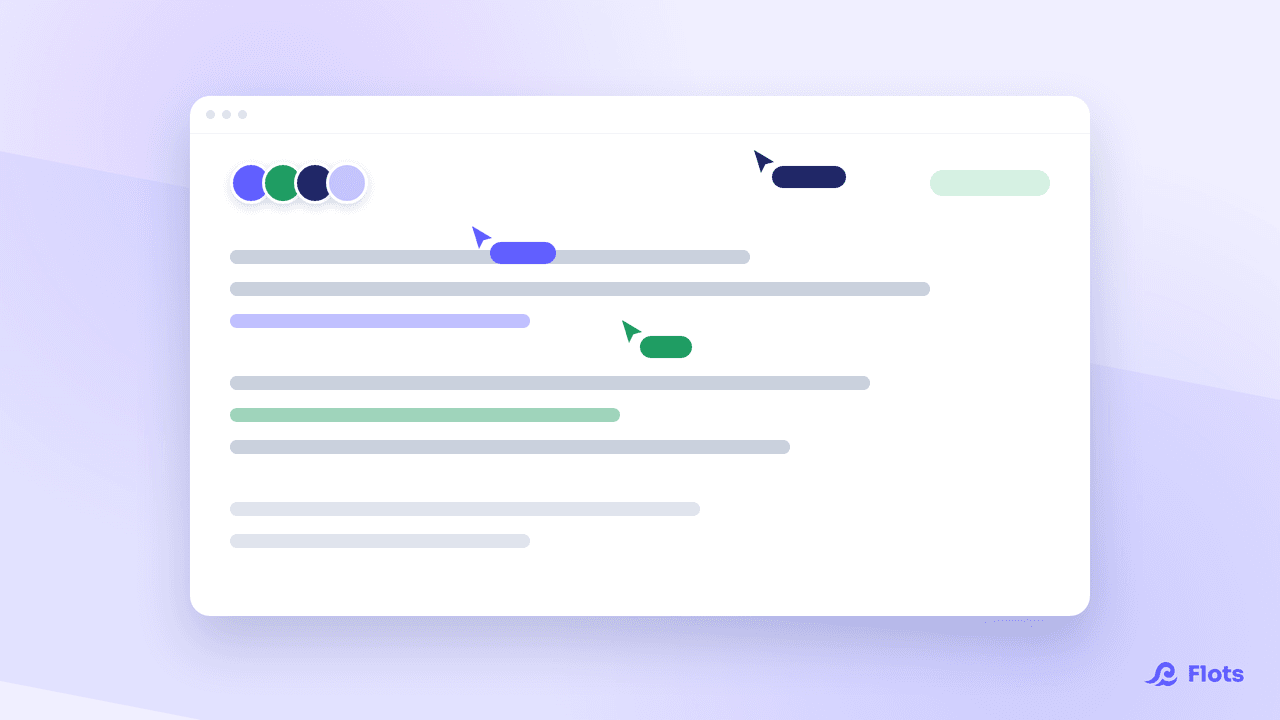
Collaborative notes: write together, live
Two people on the same note no longer overwrite each other. Live editing has landed in Flots, with everyone's presence and the roles inherited from the project.
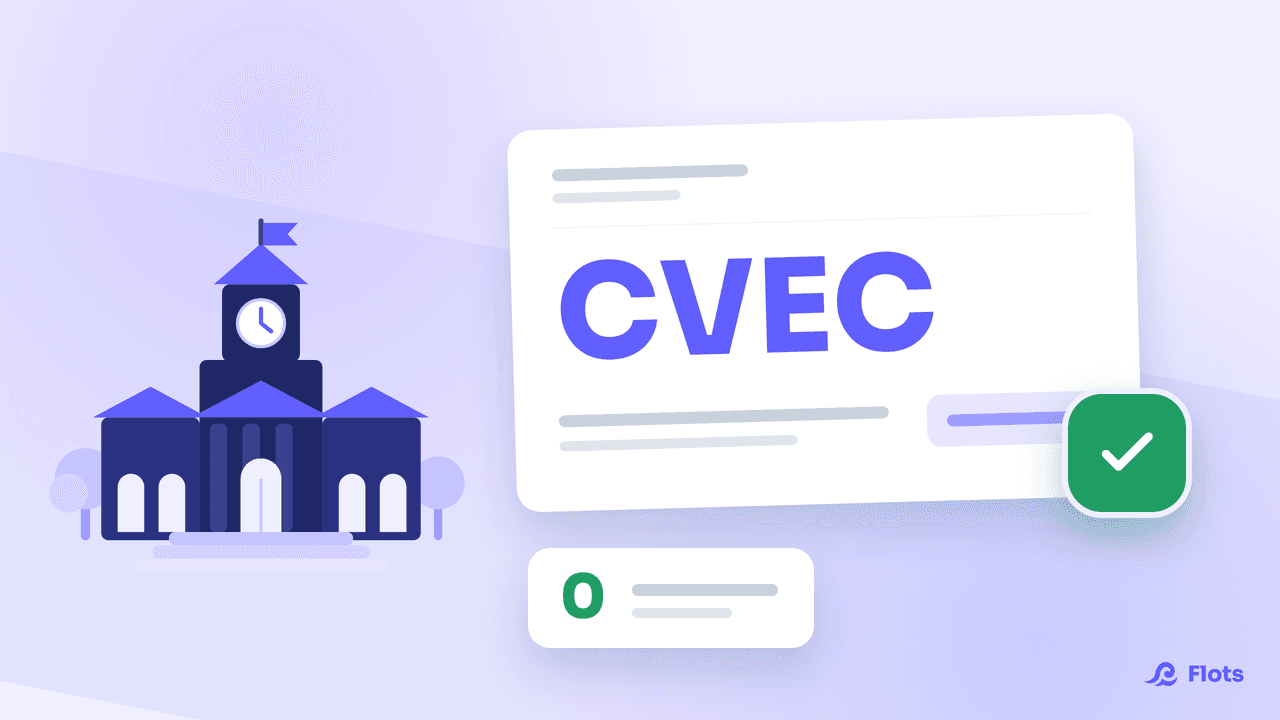
Flots is now free for students in France
Every Flots feature, free of charge for students enrolled in higher education in France. Verification takes a few seconds with your CVEC certificate.
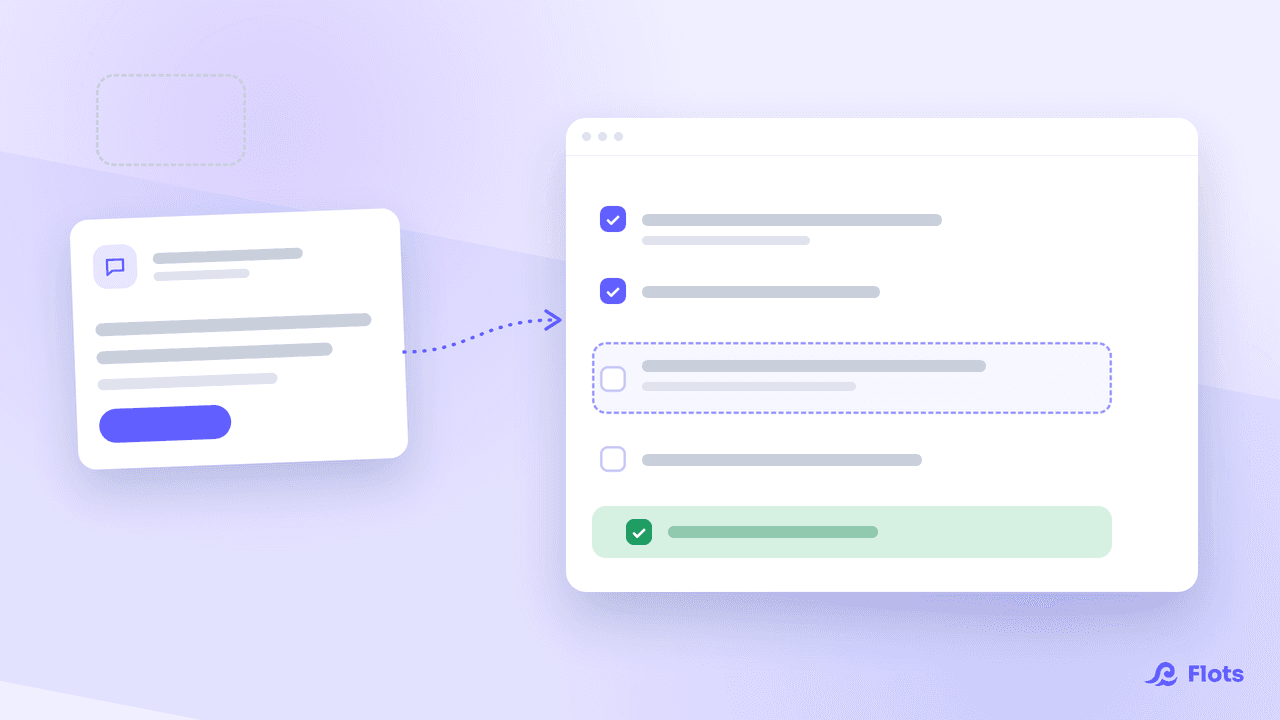
Connect Claude to Flots with the MCP server
Flots now runs an MCP server: Claude and compatible assistants act on your real tasks, projects and notes, with exactly the permissions you grant them.
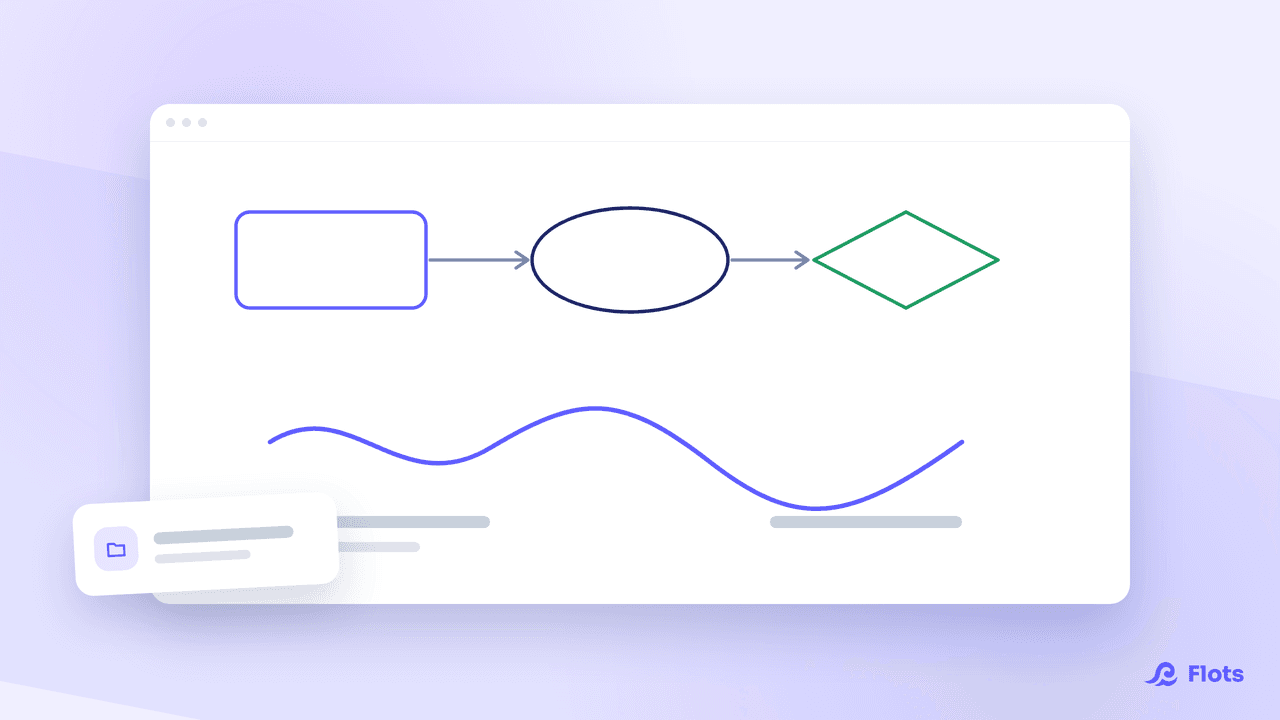
Whiteboards: draw right inside Flots
Sketches, diagrams, brainstorms: whiteboards are coming to Flots. Filed alongside your documents, attached to a project, and drawn together in real time.
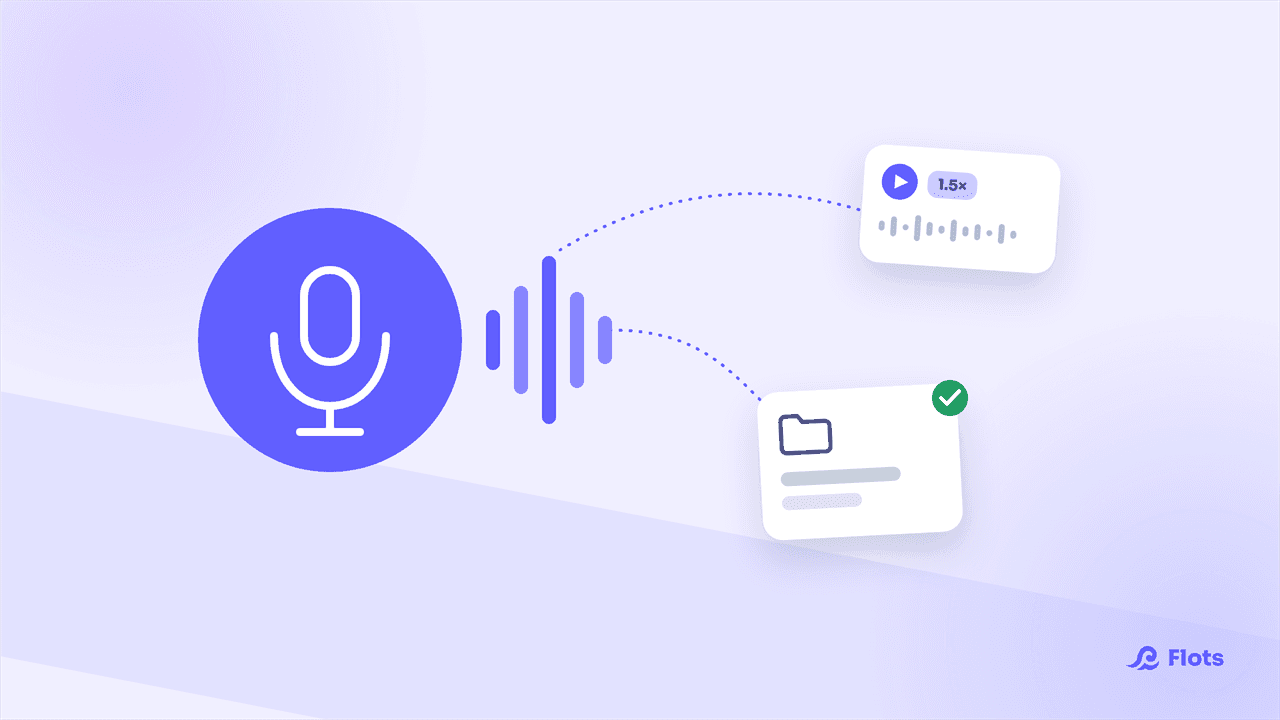
Voice notes: record an audio memo in Flots
Flots launches voice notes: record an audio memo on iPhone or Android, filed into your projects, playable anywhere, wherever you are.
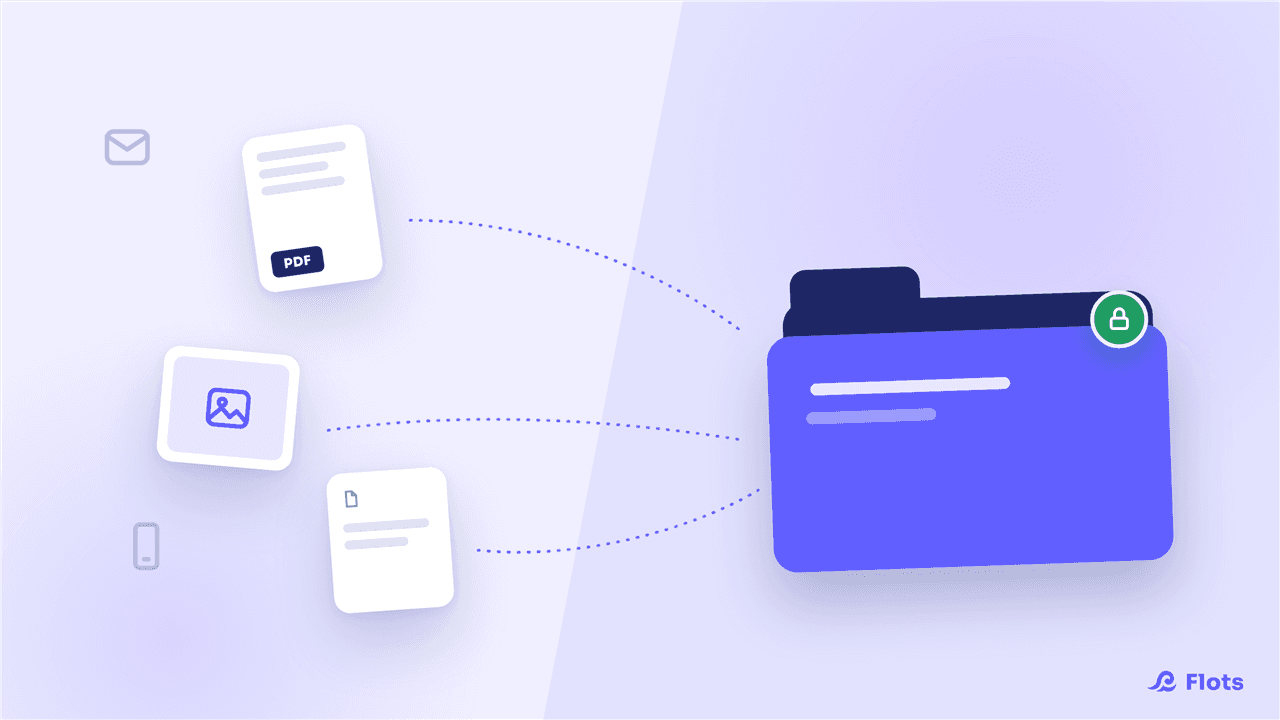
Documents: store your PDF files and photos in Flots
Flots launches the Documents space: import your PDFs and photos, organize them into folders, drop them into your notes. Private, encrypted storage.
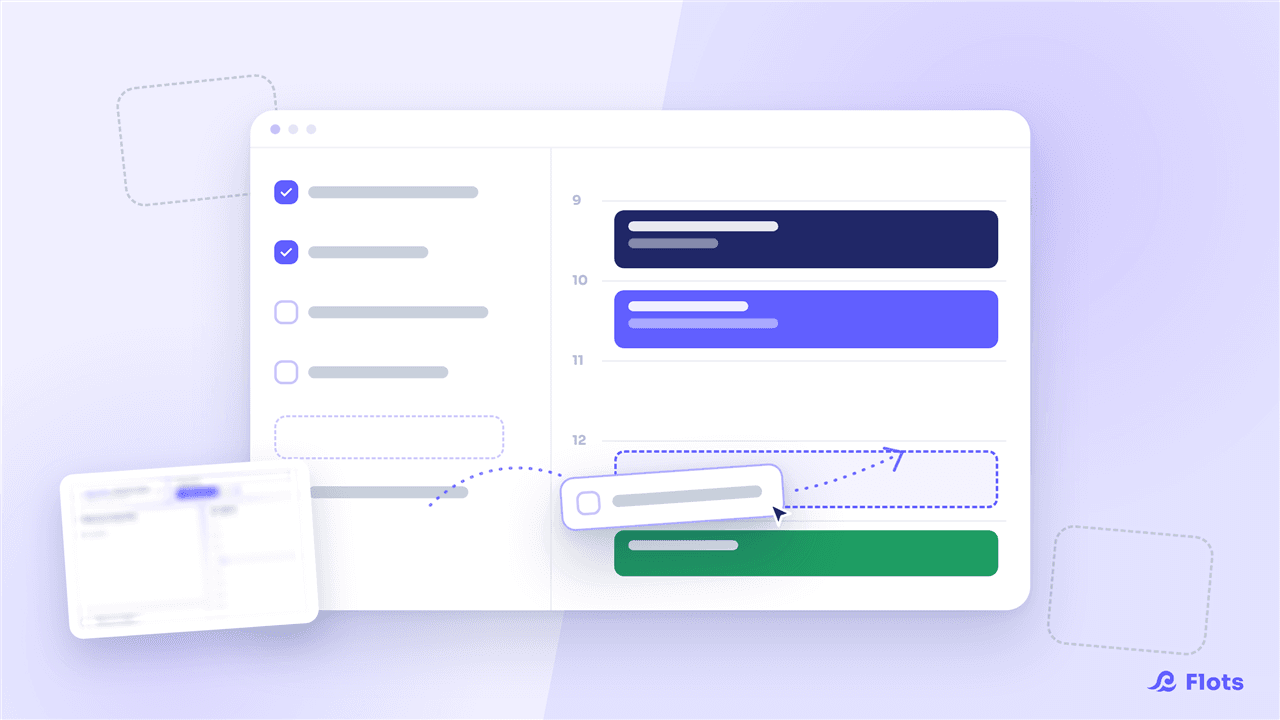
Planning view: tasks and calendar in one place
Flots brings the task list and calendar together in a new Planning view: organize your day, plan your week and see your workload at a glance.
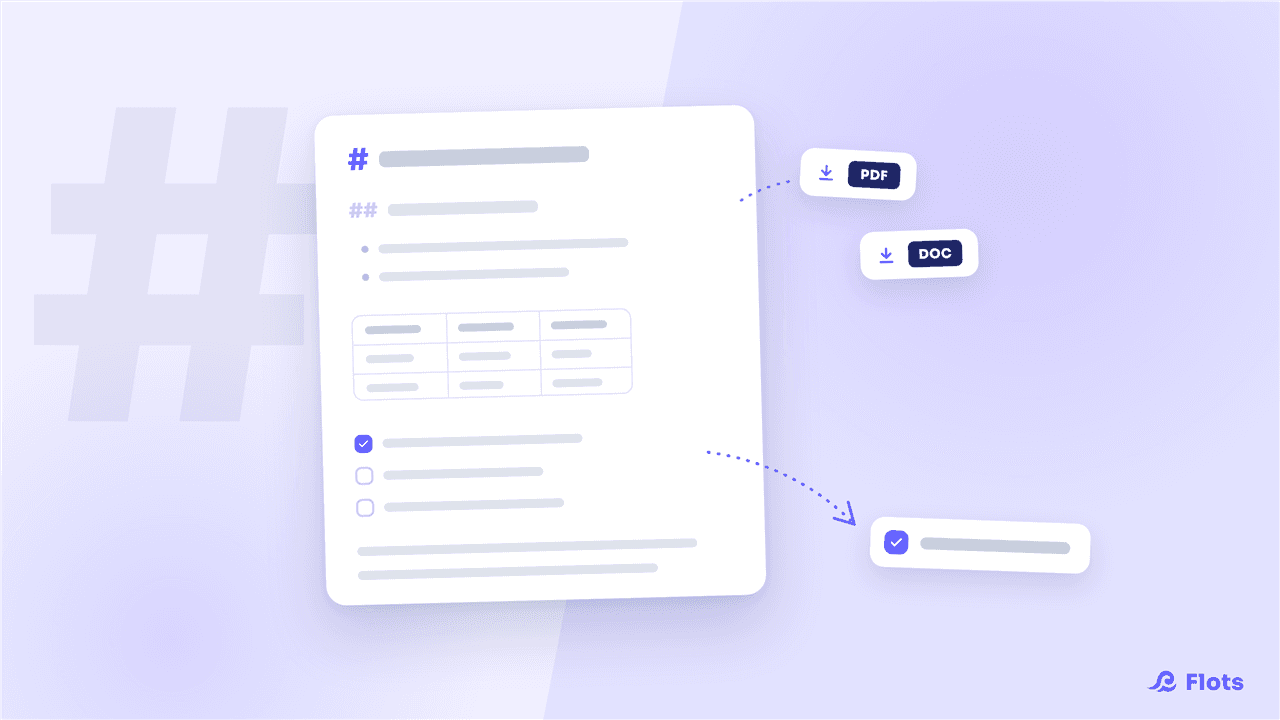
Full Markdown notes: PDF and Word export, tasks
Flots notes move to full Markdown: tables, checkboxes, equations, table of contents, task extraction and PDF / Word export to share in one click.
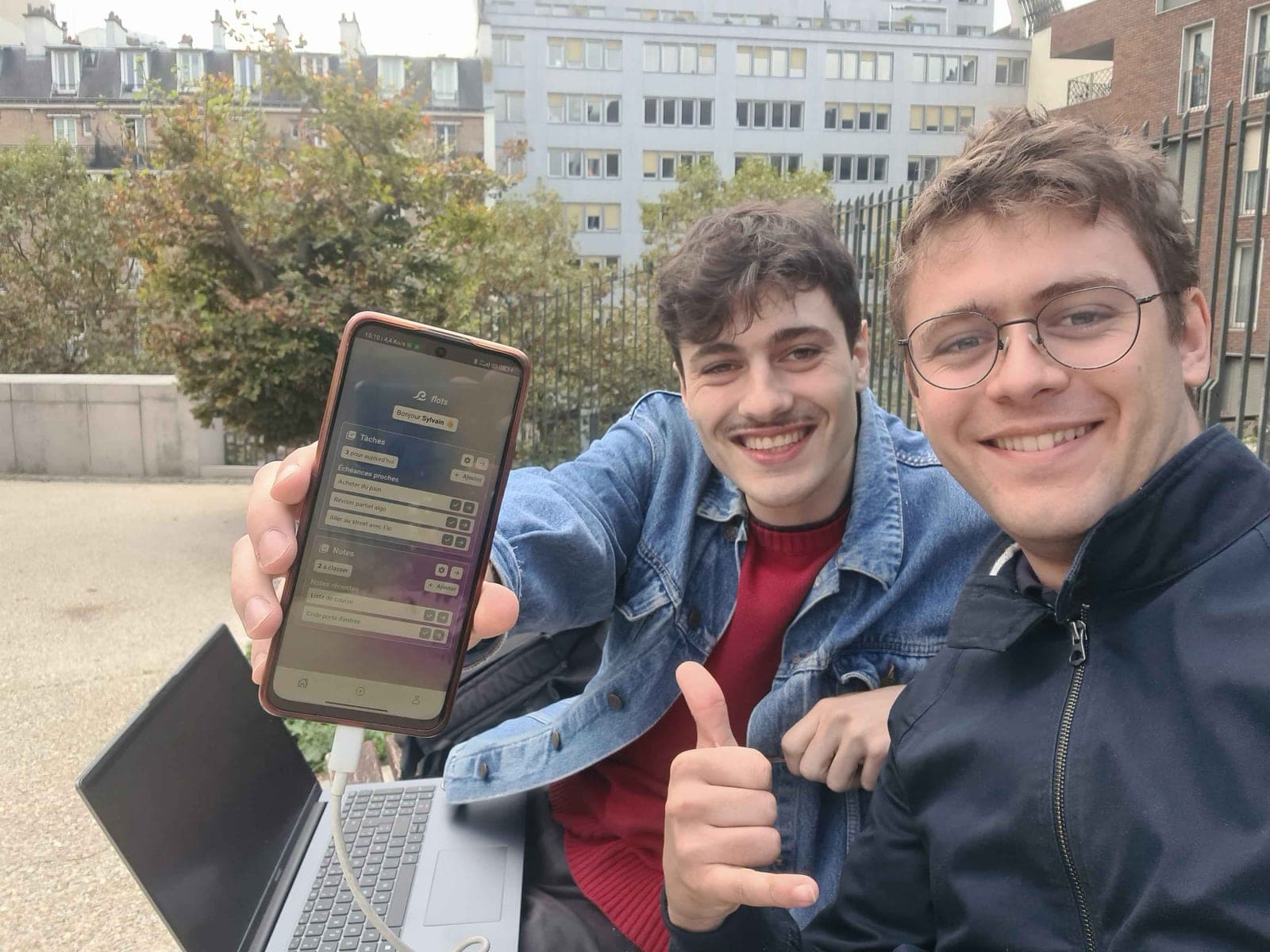
Building Flots: from idea to first steps
Behind the scenes of Flots: the original idea, a hand-drawn logo, a weekend working from a Parisian park, and the birth of a small personal assistant.