Taking good notes starts with not losing anything: a fleeting idea, information dictated on the phone, the points from a meeting. Then, sometimes, turning all of that into something clean enough to read back or share. Flots notes cover that whole spectrum, from the quick capture to the structured document, without forcing you to pick your tool ahead of time. Here's how to get started with them.
Capture an idea in two clicks
A note starts without ceremony: two clicks, and you're writing. No template to choose, no field to fill in before you begin. You capture information on the spot: an idea, a phone number, notes from a call, then get back to work.
That's a note's first job: to serve as immediate memory. Organization, when it's needed, comes after.
No time to type, or your hands are busy? On mobile, record a voice note from Docs instead: it gets filed into your projects just like a note, and plays back anywhere.
Formatting: toolbar or Markdown
A note isn't stuck as plain text. You can format it in two ways, depending on your habits:
- With the toolbar, in one click, without knowing any syntax.
- Directly in Markdown, if you're used to typing
**bold**, headings or lists as you write.
Both lead to the same result. You can structure a note like a real document: headings, lists, checkboxes, tables, and even equations for technical needs. The same note can follow you from a quickly jotted idea all the way to a finished report.
For the full rundown of the editor, and exporting to PDF or Word to share, see the dedicated article: Notes go full Markdown.
Effortless filing: categories
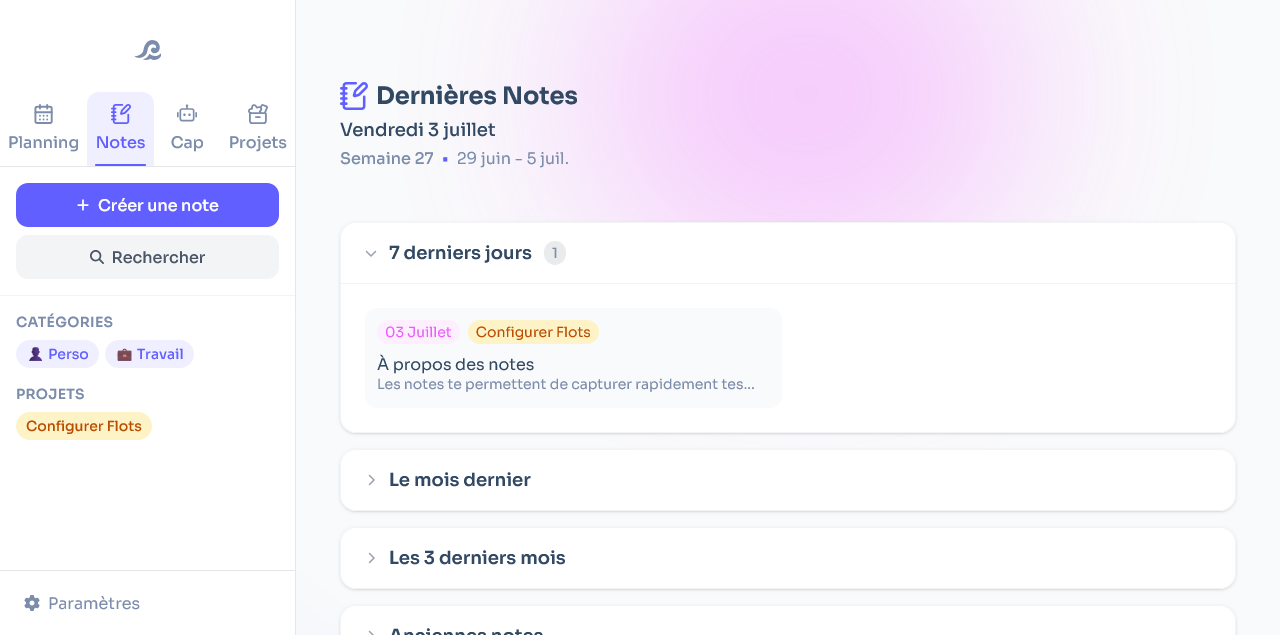
The more you write, the more you need a way to find things again. Every note can be given a category (a client, a project, a personal area…), to group what belongs together and get back to it without searching.
On longer notes, a table of contents is built automatically from your headings. You find your bearings at a glance, without scrolling through entire pages.
From notes to tasks: automatic extraction
This is arguably the most useful feature day to day. Flots spots the action items in your meeting notes, minutes, emails or drafts, and turns them into tasks. They're then tracked in the app so nothing slips through.
In practice, you take your notes as usual, without worrying about what needs to happen next. The tasks surface at the top of the note, ready to be organized. Your ideas and your actions stop getting lost in the middle of the text.
Simple first, rich when needed
Like the rest of Flots, notes follow a clear principle: the essentials by default, detail as an option. Plain text is enough to get started. Formatting, categories, table of contents and task extraction only kick in when you need them.
And because a note doesn't live in isolation, what you write connects to your tasks and your calendar, all in one place, up to your Planning view.
Notes that go from the instant capture to the shared document, and that feed directly into your tasks: that's the whole point of notes in Flots. The best way to see it is to try it on your next meeting.
Capture your next idea in Flots.
From the note jotted on the fly to the structured document, with your tasks extracted automatically.