Two people open the same meeting note. Each writes on their own side. Ten minutes later, one of them finds out that half of what they wrote is gone.
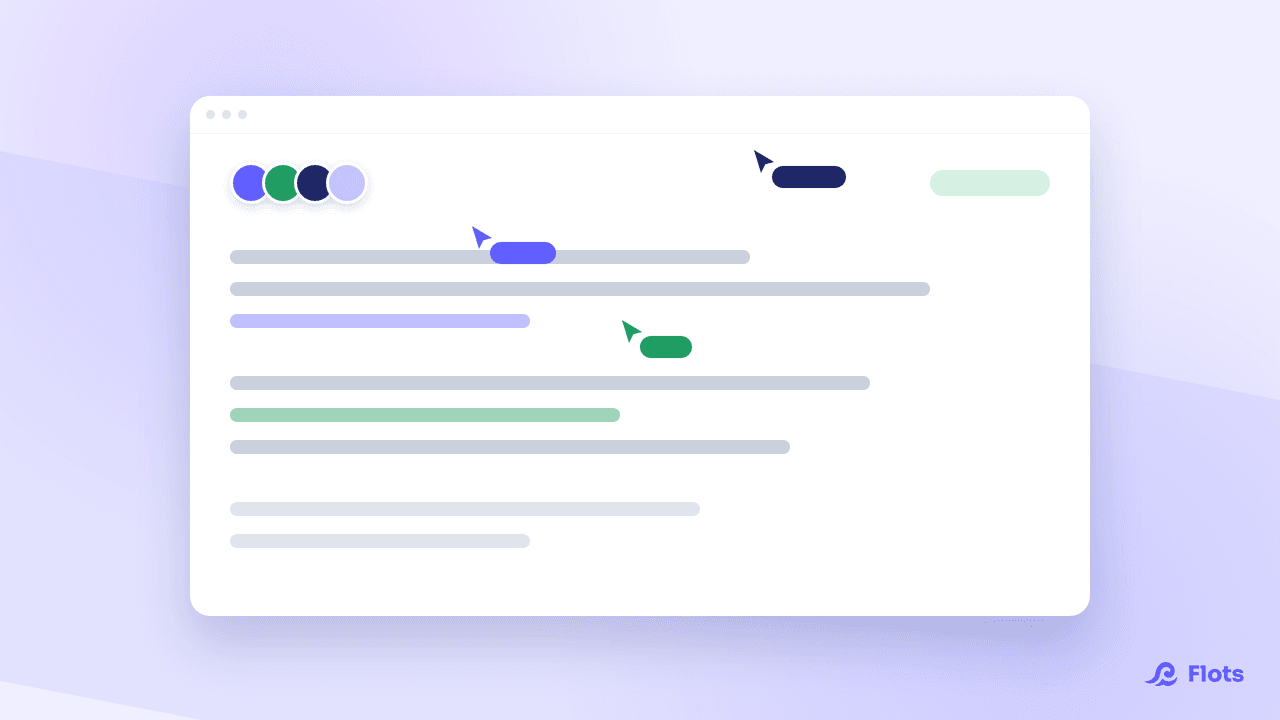
Flots notes can now be written by several people at once, live. What one person types shows up on the other's screen as they write, and nothing gets wiped out along the way.
Why text disappeared when two people wrote at once
A note saved itself automatically a few seconds after the last keystroke, replacing the previous content in full.
As long as a single person was writing, nobody noticed the problem. With two, the last save erased the other one, and no conflict was reported. The text disappeared silently, with no way to get it back.
| Before | Now |
|---|---|
| The last save replaces everything | Everyone's changes merge together |
| No sign that someone else is writing | Participants are shown at the top of the note |
| Text lost without warning | Nothing gets overwritten, even on the same line |
Writing on the same note, at the same time
Flots no longer saves the whole note over the previous version. Everyone's changes merge together.
Two people working in different paragraphs never get in each other's way. And if you type in the same sentence as a colleague, the result stays coherent instead of letting one version win and the other one vanish.
In a meeting, one person keeps the minutes while the other fills in the decisions as the discussion goes. The note is ready when the meeting ends, with no handover and no manual merge of two versions.
Seeing who is writing on the note, live
A banner shows how many people are on the note, and who they are. You spot yourself in it, the others appear with their name. Someone Flots cannot identify is shown as Anonymous.
Anyone who opened the note but has not touched it for a while is flagged as away. The banner also shows who is there Read-only, without the right to write.
The state of the connection is displayed as well: live collaboration connected, reconnecting, or disconnected. If the link drops, Flots says so and tries to reconnect, instead of letting you type into the void for ten minutes without knowing it.

Nothing to turn on
A note shared in a project is collaborative by default. Open it with someone else and presence appears on its own.
Who can edit a shared note
There is no extra setting to make note by note. A note shared in a project inherits that project's roles.
An Owner and an Editor write. A Reader opens the note Read-only, and the interface says so clearly rather than letting them type into the void. A colleague invited to review the minutes watches them being written, with no risk of changing them by accident.
Adding someone to the project gives them access to the matching notes, with the matching level. Removing them closes that access.
Whiteboards are drawn together too
The same live collaboration applies to whiteboards. A whiteboard shared in a project is drawn by several people at once, with everyone's strokes appearing as they go. The org diagram scribbled during a call gets built four-handed, just like the note that goes with it.
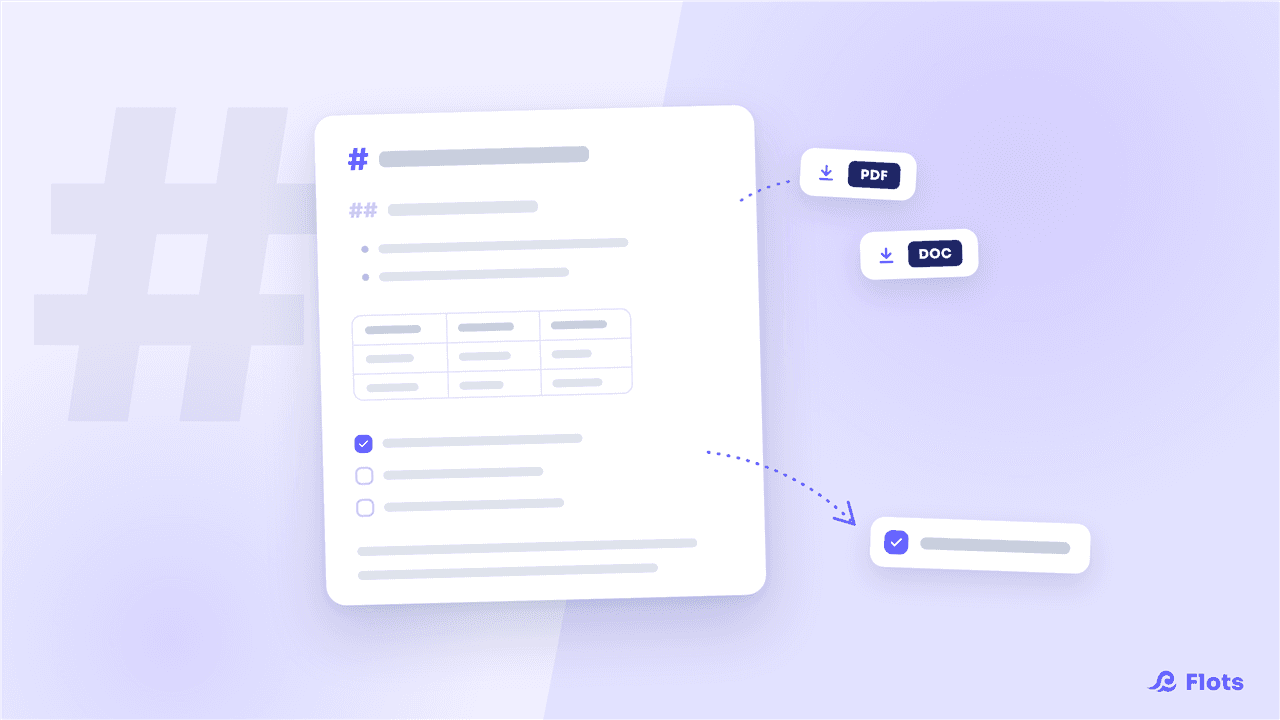
For the rest of the note editor, see the guide taking notes in Flots and, on the export side, notes go full Markdown: PDF, Word and task extraction.
Write the meeting note together, during the meeting.