In a lot of small teams, development lives in a world of its own. The developer works in GitHub, the rest of the team somewhere else, and the question "where are we on the new payment page?" ends up in a direct message, in a meeting, or in a screenshot of a ticket nobody knows how to read.
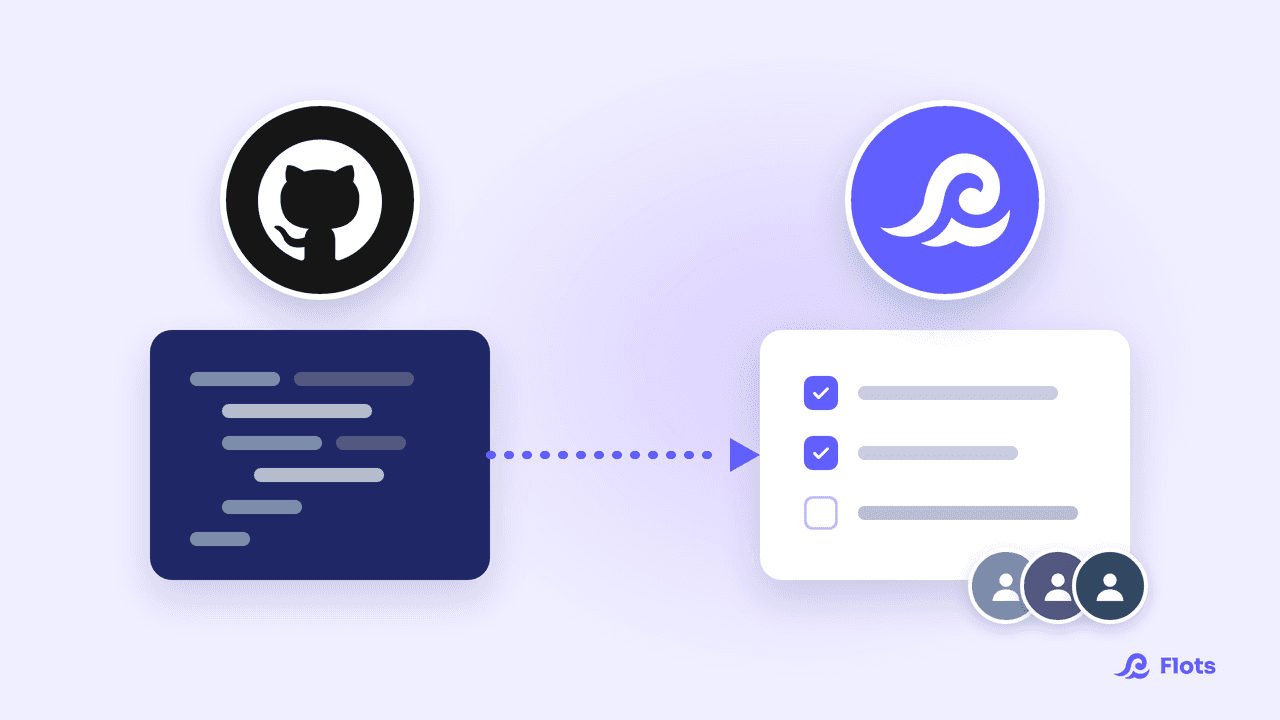
Flots now has a GitHub integration. The issues and pull requests waiting on the developer arrive in Flots, and those from repositories linked to a project become tasks there. The other project members follow them where they already work, without opening GitHub.
What the integration actually does
- The developer connects their account: in Settings, GitHub section, the Connect GitHub button installs the Flots app on GitHub. They pick the accounts and repositories Flots can reach, and can change that choice later through Manage accounts and repositories.
- They link a repository to a project, from the project settings (under Linked GitHub repositories) or from the Repositories and projects block in the GitHub settings. On their side, a repository feeds only one project.
- In that repository, the issues assigned to them or opened by them, and the pull requests assigned to them or awaiting their review, become tasks in the project. The task takes the issue's title, its description points to GitHub, and a checklist written in the issue arrives as sub-tasks.
The other issues of the linked repository also show up in the developer's GitHub block, but without becoming their tasks, so the ones that really concern them don't get buried.
In their planning, the developer gets a GitHub block with two tabs, Issues and Pull requests: what is assigned to them, the reviews requested, the CI status of their pull requests. They can edit an issue's labels there, the only thing Flots ever writes to GitHub.
What the rest of the team sees
GitHub is a great tool for writing code together. For a project manager or a salesperson, it's another world, with its own vocabulary, screens built for developers and an account to create just to take a look.
With the integration, they don't need it. Development tasks are project tasks like any other: every member sees them, with their sub-tasks and their status, next to the marketing or sales tasks.
| Without the GitHub integration | With the GitHub integration |
|---|---|
| Dev progress gets asked for by message | Issues from the linked repository become project tasks |
| Non-developers open GitHub, or give up | They follow those tasks in Flots, with no GitHub account |
| Dev tasks on one side, the rest of the project on the other | One project for all of the team's work |
When an issue is closed or a pull request merged, Flots does not complete the task for the developer. It shows up under Finished on GitHub, with a Complete button, and Finish all when there are several. A merged pull request does not always mean the planned work is over: the developer confirms, and the team sees the task move to Completed.
The developer can also choose, repository by repository, to be notified in Flots: New issue, Issue resolved, New pull request, CI failed. They only concern the developer: the other project members don't receive them.
A website redesign or a feature launch involves the developer as much as marketing or sales. With the integration, their tasks fit in the same Flots project.
Two use cases, from small business to startup
A small business with one developer and a project manager
A business of about fifteen people has a single developer. He maintains the website and the internal tool. The project manager, for her part, gathers requests from the other departments.
The developer links the website repository to the "Website" project. Every issue assigned to him becomes a task in the project. The project manager no longer has to ask where the contact form stands: she sees the task, its sub-tasks and its status in the middle of her other projects, without ever opening GitHub.
A startup where the product changes every week
Six people, two of them developers. Marketing is preparing a feature announcement, sales has already mentioned it to a prospect, the founders are setting priorities.
Each developer connects their own GitHub account and links the repository to the feature's project. Their issues and reviews become tasks there. Marketing and sales, as project members, follow progress from Flots, where they already do the rest of their work.

Organizing a small team that's growing
The guide to going from solo to a team without losing track.
Read the guideWhich plans include the GitHub integration?
The GitHub integration is included in the Flots Pro and Team plans. The account that connects GitHub is the one that needs it: project members who follow the tasks need neither a particular plan nor a GitHub account.
To get started, the developer connects GitHub in the settings and links a repository to the team's project. The other members have nothing to install.
Track dev work without opening GitHub.