Some ideas just do not get written down. A sequence of steps, an architecture, the layout of a room, a diagram scribbled during a call. Until now, that meant opening a separate drawing tool, and watching the result leave your organization the moment it was finished.
Whiteboards are coming to Flots. They live in your documents, with everything else.
A whiteboard filed in the right place
A whiteboard created in Flots is an item in your document tree, just like a PDF or a note. It goes into a folder. It attaches to a project, and then shows up inside that project. It carries categories, like your other content.
It moves like everything else too: drag it into another folder and it follows. You find it where you already look for your files, right next to the minutes of the meeting it was drawn during.
So the architecture diagram sits in the Architecture project, not in some third-party account whose password you have forgotten.
| Before | With whiteboards |
|---|---|
| A separate drawing tool to open | A whiteboard created from your documents |
| A link pasted into a note, pointing elsewhere | The whiteboard attached directly to the project |
| Diagrams scattered outside your organization | Everything in the same place as your files and notes |
Drawing tools, without learning a piece of software
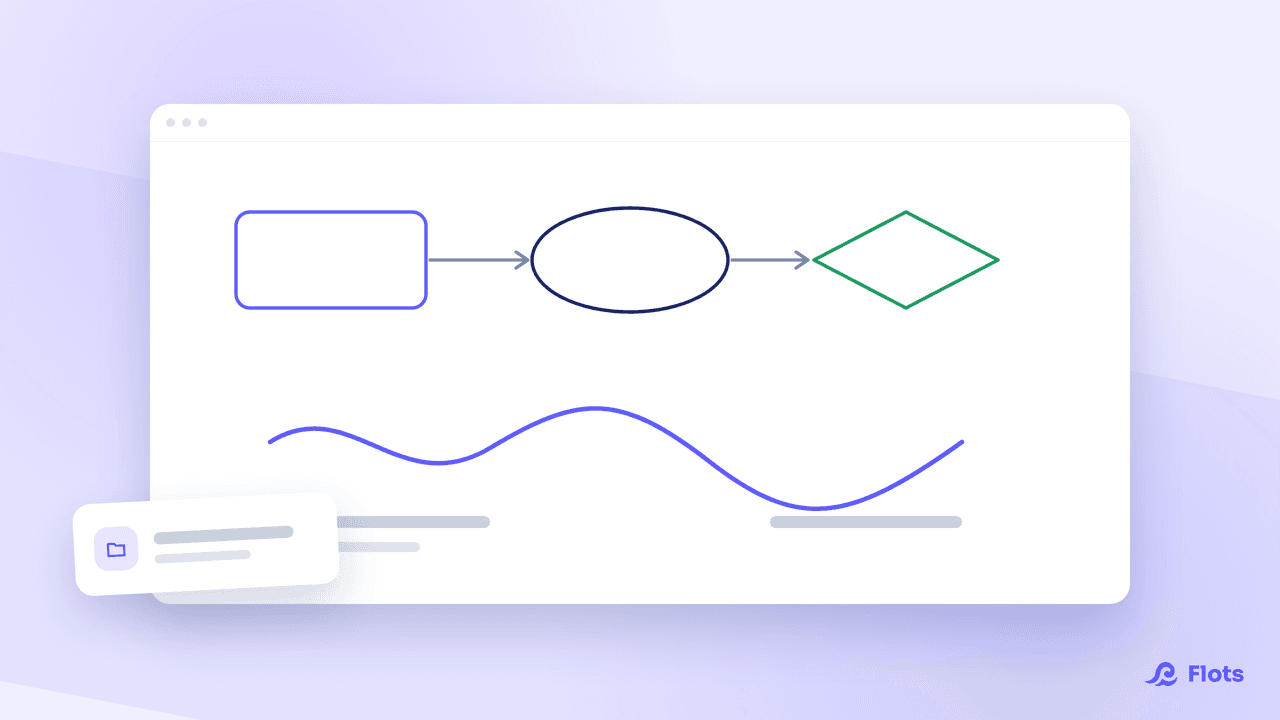
The toolkit covers what you expect from a whiteboard: a freehand pen, shapes (rectangle, ellipse, diamond), arrows and lines to connect things, text, images, an eraser.
Stroke width is adjustable, and so is the canvas background. Undo, redo, duplicate a selection: the usual gestures behave the way you expect.
Nothing to configure before you start. You create a whiteboard, you draw, saving happens on its own as you make changes, and its state stays visible on screen. Nobody has to remember to save.
Drawing together on the same whiteboard, live
A whiteboard shared in a project can be drawn on by several people at once. Other people's strokes appear while you are drawing, and nobody overwrites anybody's work.
It is the same mechanism that powers collaborative note editing: contributions combine instead of replacing one another.

A whiteboard follows its project's permissions
Attach a whiteboard to a project, and the members of that project get access according to their role. Nothing more to configure.
Images become real documents
When you drop an image onto a whiteboard, it does not stay trapped inside the drawing. It becomes an ordinary document in your space.
Two concrete consequences. It counts towards your storage quota. And it inherits the whiteboard's attachments: placed on a project whiteboard, it shows up in that project's documents, where you would look for it. You can then move it, reopen it or share it like any other file.
A whole whiteboard can also be exported as an image into your documents, from the canvas options. Handy for slipping a diagram into a report or sending it to someone who does not use Flots.
What a whiteboard is good for day to day
Three examples, to start with.
Thinking before structuring. Laying out the steps of a project loosely, connecting them, rearranging them, and only then turning them into tasks.
Explaining. A diagram beats a paragraph for describing how two things fit together, and it now lives right next to the project it explains.
Improvising together. A brainstorm, a division of labor, a room layout.
And that is only a glimpse: a whiteboard is useful anywhere a diagram is faster than a block of text.
Whiteboards build on two pieces already in place: discovering documents for the tree, discovering projects for attachments and sharing.
Draw your ideas where your work already lives.