You go looking for an app to get organized, and you land on rankings that disagree with each other. Todoist first here, Notion first there, ClickUp somewhere else.
No surprise: these tools don't serve the same purpose. The sorting gets easy as soon as you start from what you actually need to store.
Which app to get organized, depending on your profile
Before comparing names, look at what you write down in an ordinary week. Three cases cover most situations.
You mostly note things to do. Groceries, reminders, two or three deadlines. A good task list is enough, and you need nothing else.
Your days are made of schedules. Appointments, work slots, days that overflow. A list no longer cuts it: you need to see time, not just tasks.
You also pile up information. Meeting notes, quotes in PDF, files a client sent over. You need somewhere to put all of it, otherwise it stays buried in your inbox.
A very complete tool opened once a month is worth less than a simple tool opened every day. That's the only ranking that counts.
Five criteria for choosing an organization app
How long it takes to note a task. Count the clicks. If the app demands a project, a category and a priority before letting you type, you'll end up noting nothing at all.
What the app can actually hold. List what you write down today: things to do, appointments, meeting notes, files. Anything the tool can't store will live in a second tool, to be opened and kept up to date alongside.
Knowing whether the day fits. Seeing what's left to do isn't enough. You need to see whether the six tasks planned for Tuesday genuinely fit inside a Tuesday, before promising anything to anyone.
Working as two, or as ten. Assigning a task, sharing a list, knowing where a colleague stands without messaging them. Plenty of personal apps stop dead right here.
Where your data is stored. A subject ignored for a long time, and very concrete as soon as you handle client information. We covered it separately in what the Cloud Act changes for your work data.
Which organization app for which need
Here are the most frequently cited tools, what each one does well, and the point where you'll need a second one alongside. Each link leads to a detailed comparison, with pricing and sources.
| App | Its strength | Where it stops |
|---|---|---|
| Todoist | The fastest capture: "Send the quote Friday 4pm" creates the dated task in one line | No editable calendar and no notes; the calendar is read-only |
| Trello | The kanban board you understand in a minute, free for up to 10 collaborators | No calendar and no note editor; the Calendar view only shows due dates |
| Notion | A construction kit that can model anything, from a wiki to client tracking | You have to build it: two to three weeks before you get a useful system |
| ClickUp | 15+ views and a thousand options for custom ways of working | Two to three weeks before a team is self-sufficient with it |
| Asana | Steering several connected projects inside large organizations | The free plan stops at two people, and the structure needs an administrator |
| Google Tasks | Already installed, inside Gmail and Google Calendar, nothing to configure | No sharing and no assignment: each list belongs to a single account |
| Flots | Tasks, calendar, notes and documents in one app, ready the moment you sign in | No kanban board, no à-la-carte automation rules |
Two lessons come out of that table. The tools that are quick to pick up cover a narrow scope, and the tools that cover everything take weeks to configure. The choice plays out between those two extremes.
Free organization apps: how far they go
Most of these apps have a free version, and it's often enough for the first few months. The limits rarely land on the number of tasks. It's almost always syncing between phone and computer, sharing with a second person, or history that vanishes after a few weeks.
Check that an export exists, too, before you build six months of organization on top of it.
Where Flots fits in
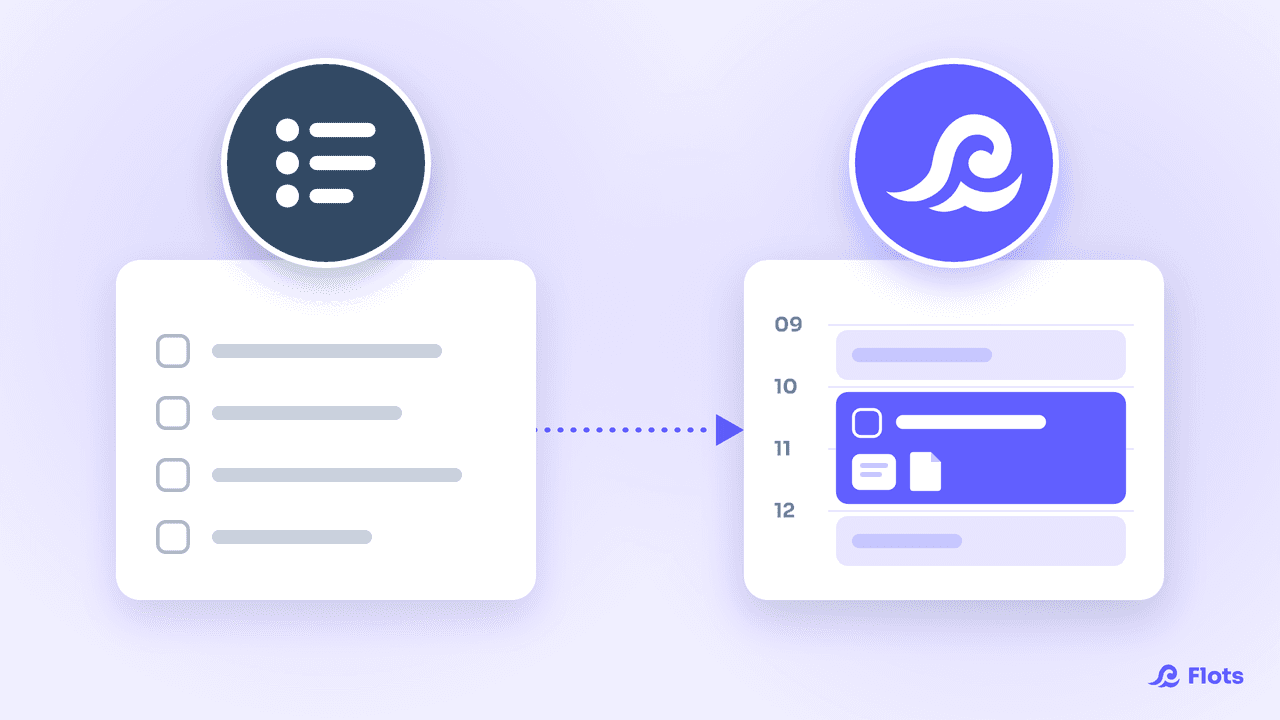
Flots brings into one app what most tools handle separately: tasks, the calendar, notes, documents and projects. Nothing to assemble upfront, it's all there when you sign in.
Creating a task takes a title, nothing more, and the details come later if you have a use for them.
The Planning view shows the day and the week as they really are: the tasks already slotted in, the ones still waiting, and the room that's left. Data is hosted in the European Union, with no resale to third parties.
It isn't the richest tool on the market, and that isn't what it's trying to be. It's the one that takes the least upkeep to stay current.
Testing an organization app in one week
Install a single tool. Use it through a real working week, unexpected events included.
Three questions are enough afterwards. Did you note things as they came up, or reconstruct them later? Did you open somewhere else to find out what your day held? Did you find something from the previous week without effort?
Three good answers, and the rankings on specialist sites stop mattering much.
The best organization app is the one you'll still open a month from now. Pick one, test it for seven days on your real obligations, and decide with your own answers rather than someone else's comparison.
Bring your organization together in one place.
Tasks, calendar, notes and documents in a single tool. Free for a year, no credit card, no commitment.