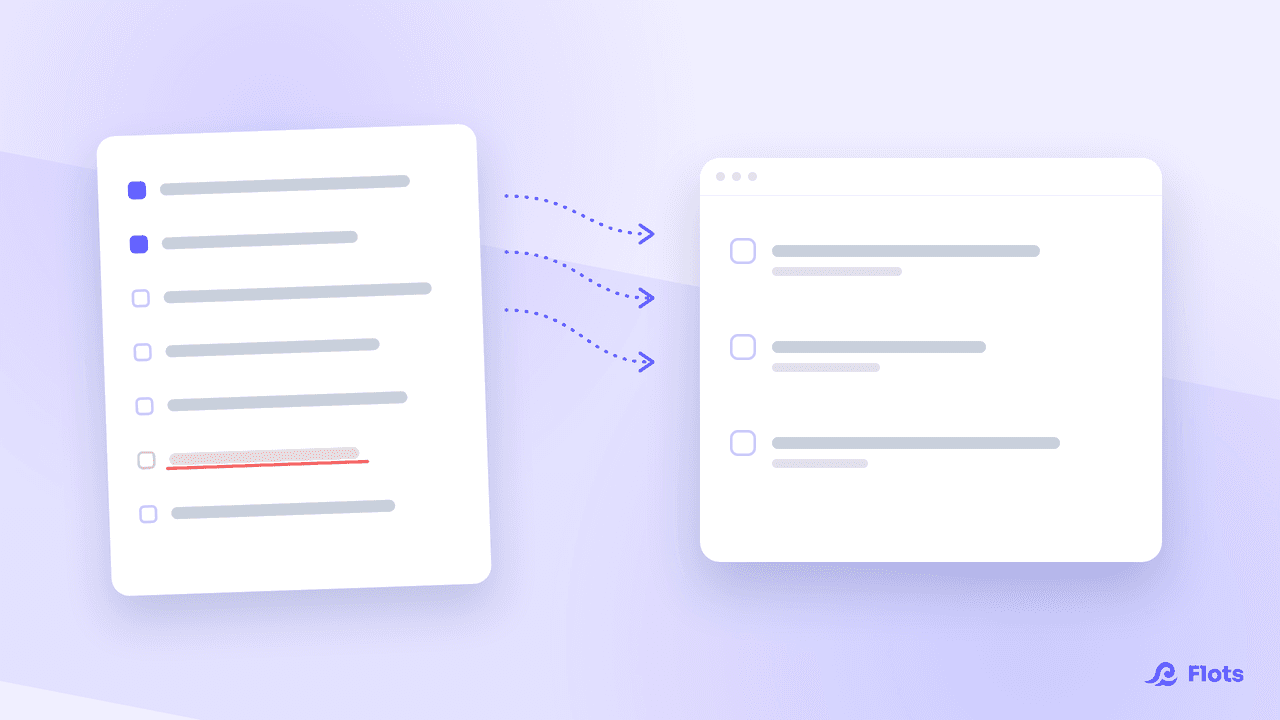
Notion shows up in nearly every ranking of the best productivity tools, and rightly so: its flexibility is real. But that flexibility comes at a price. Between databases to design and templates to adapt, many small-business owners spend more time building their tool than working in it. Flots starts from the opposite principle: a ready-to-use system, built for people who want to get moving right away.
Notion: anything is possible, as long as you build it yourself
Notion imposes almost nothing by default. Pages, blocks, linked databases: it's a genuine construction kit, capable of covering a CRM, a team wiki and project tracking all at once. For an agency or a team with a custom need, that's a real strength.
The flip side: mastering databases typically takes two to three weeks, and a system that's actually useful takes even longer to assemble. Many users give up before getting there, or end up spending more time polishing their workspace than using it.
Flots: a system ready to use in minutes
Flots doesn't hand you a blank page or a database to model. Tasks, calendar, notes and projects exist from the moment you sign in, with a structure built for everyday use. You create your account, add your first tasks, and your week falls into place. No template to pick, no architecture to think through upfront.
That's the difference in posture between the two tools. Notion gives you the pieces to build whatever you want. Flots gives you a system that already works, leaving you to explore its options as you go.
Notion vs Flots: the comparison
| Criteria | Notion | Flots |
|---|---|---|
| Starting setup | Databases and templates to design | Tasks, calendar, notes and projects already in place |
| Time to get started | Several weeks for a genuinely useful system | A few minutes |
| Data hosting | Accounts hosted in the US, company subject to the Cloud Act | European Union |
| Individual plan | Around $8-10 / month / user (Plus) | €8 excl. tax / month (1 year free on signup) |
| Team plan | Around $15-20 / month / user (Business) | €15 excl. tax / month / user |
Collaborating without the overhead
In Notion, sharing a workspace means setting permissions page by page or database by database, often case by case. In Flots, a shared project brings together tasks, notes and milestones from the start: you assign work, your collaborators see their share of it, and progress updates the moment a teammate checks off a task, always up to date, centralized, without a status meeting or simultaneous editing like a collaborative document.
For a small structure, that's often all it takes: knowing who's doing what and where things stand, without a full-blown project management setup.
Is Notion really GDPR-compliant?
Notion may display a Data Privacy Framework certification, but hosting is still handled by a US company, which exposes it to the Cloud Act. That law lets US authorities request access to data hosted by a US-incorporated company, even when the servers are physically in Europe. GDPR and the Cloud Act then structurally contradict each other: a French company that entrusts its documents to Notion inherits that risk, not always knowingly. We unpacked that legal conflict and its practical consequences in a dedicated article on the sovereignty of your work data.
Your Flots data stays in Europe
Flots takes a different path: data is hosted in the European Union, with a GDPR-bound host, never resold to third parties. The team behind Flots is entirely French, with no foreign funding, a choice that simplifies GDPR compliance for you and your clients alike. For an entrepreneur or a small team who wants a simple answer to "where's my data?", it avoids a lot of gray areas.
Notion remains a good choice when you have the time and the appetite to build your own system. For a small business that just wants to organize its tasks, calendar and notes without losing its evenings to it, Flots is ready to use from day one, with data that stays home. If you do make the move, the migration guide from Notion brings your existing structure across without retyping, and the shared calendar takes over as soon as there are several of you to coordinate.
A ready-to-use system, not a project to build.