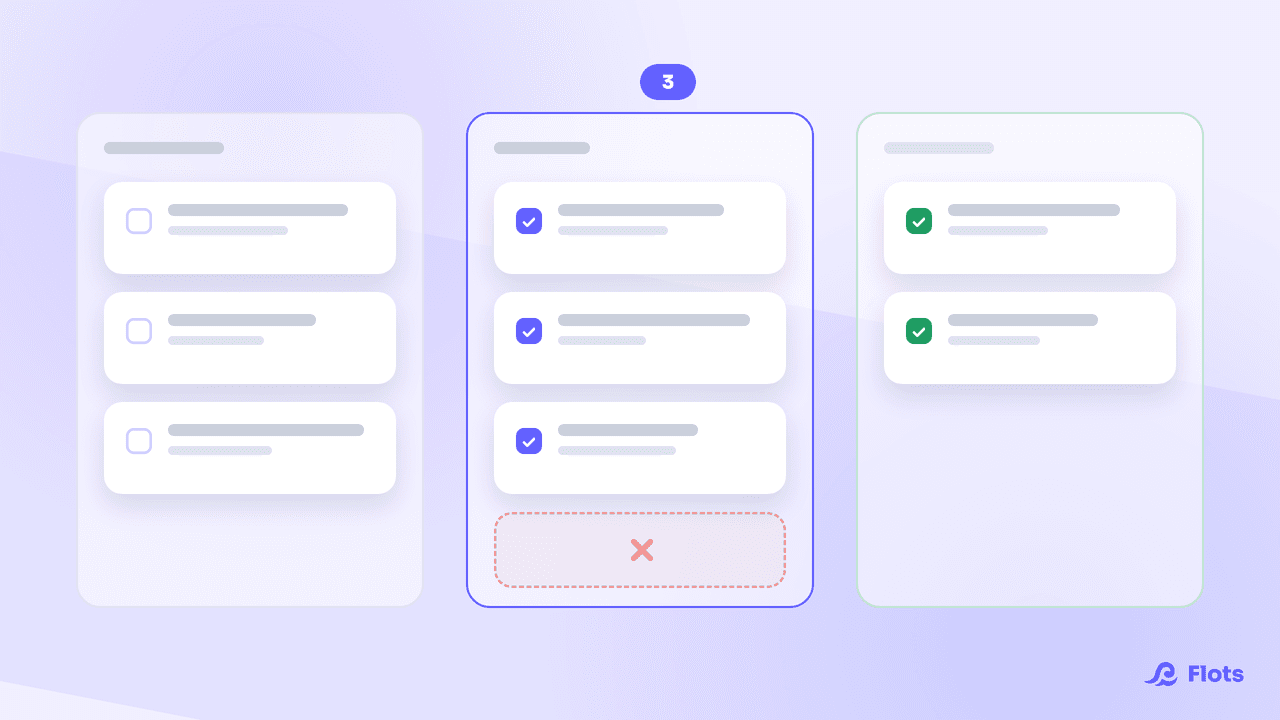
Todoist is usually the first app that comes up when people talk about task management, and it earned that spot: its natural-language quick add has set the standard for years. The problem shows up a level higher. Once the tasks are captured, you still need a separate app for your calendar, another one for notes, a third for files. Flots starts from the opposite idea: bring tasks, calendar, notes, documents and projects together in one app.
Todoist: the benchmark for managing tasks
Todoist earns its reputation. Quick add understands natural language: typing "Send the quote to Claire Friday at 4pm" creates a dated task in one line. Sub-tasks, labels, priority levels and custom filters let you build a system as fine-grained as you want, and the app connects to more than 90 tools (calendar, messaging, automation).
Karma, its points system, turns productivity tracking into a quiet little game: every completed task, every streak kept, pushes a score forward. If a rock-solid task list is all you're after, Todoist remains a legitimate choice.
What Todoist doesn't cover once you need to run your whole day
The gap shows up as soon as you try to step outside the list. Todoist's calendar integration displays Google Calendar or Outlook events next to your tasks in the Today and Upcoming views, but it doesn't replace a calendar: events are read-only, there's no way to set an appointment, block out work time, or configure your working hours from inside Todoist. Notes and documents don't exist in the app either, aside from basic attachments on individual tasks.
The result: plenty of Todoist users end up assembling their own system around the app, with a separate calendar, notes tool and storage space, synced by hand between screens. Todoist stays excellent at its job. That job just stops at the task.
Flots: tasks, calendar, notes and documents in one place
Flots is built on the opposite idea: keep everything in one place instead of adding another tool. Tasks get created just as fast as in Todoist, a title is enough to add one in two clicks, and categories, sub-tasks, description and recurrence get added only when they're actually needed. The calendar is native: set an appointment or a work block in one click, sync Google Calendar, configure your working hours.
Notes come with a markdown editor, PDF and Word export, and can turn a paragraph straight into a task. Documents (PDF, JPEG, PNG, HEIC) get imported by drag and drop, sorted into folders, and previewed without downloading them. Projects tie tasks, notes and milestones together around a single subject, with assignment and sharing for working as a team.
The Planning view: the clearest difference with Todoist
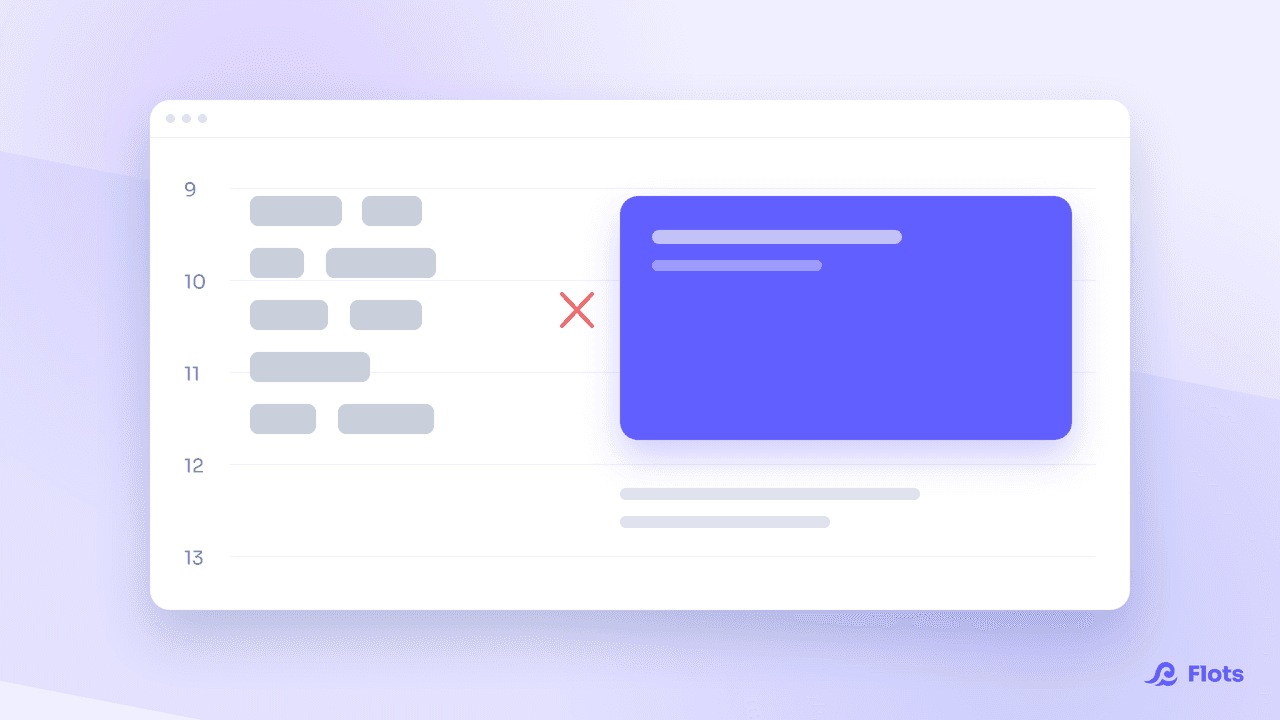
The gap shows up most clearly in the day itself. Todoist shows a list, at best lined up against a read-only external calendar. Flots' Planning view goes further: in the day view, it shows tasks already scheduled next to the ones with no date, ready to drag into an open slot, with your workload visible at a glance. In the week view, you drag a task from one day to another to spread out the load, without opening a second tool.
Todoist vs Flots: the comparison
The Todoist figures below come from its official pricing page (August 2026); ours from our own pricing page.
| Criteria | Todoist | Flots |
|---|---|---|
| Core product | Task management, the benchmark of its category | Tasks, calendar, notes, documents and projects together |
| Calendar | Shows Google Calendar/Outlook next to tasks, no editable calendar | Native: appointments in one click, Google Calendar sync, working hours, drag and drop |
| Notes and documents | No native notes; task attachments (100 MB on Pro/Business) | Markdown editor with PDF/Word export; PDF/JPEG/PNG/HEIC import into folders |
| Individual pricing | Pro: about $5/month billed yearly ($7/month billed monthly) | €8 excl. tax/month, 1 year free on signup, or €96 excl. tax/year |
| Team pricing | Business: about $8/user/month plus local taxes | €15 excl. tax/user/month, or €162 excl. tax/user/year |
Todoist or Flots: how to choose
If all you need is a flawless task list, with advanced filters and a gamification system to keep you on track, Todoist remains a solid choice. Its ecosystem of more than 90 integrations can cover some pretty specific needs. The equation changes as soon as the task is only one piece of the puzzle, when you also need to fit in an appointment, keep a meeting note, or find a PDF a client sent over.
That's exactly the use case Flots targets: fewer tools to open, fewer switches between apps, an organization that fits on one screen. If you decide to make the move, the migration guide from Todoist covers how to bring your projects and tasks over without retyping everything. And if your comparison is really against a heavier team tool, we've also put Flots up against ClickUp and Google Tasks.

Freelancers: simplify your tool stack
A dedicated article looks at how to break out of app-stacking when you're juggling clients, tasks and deadlines on your own.
Read the articleFlots is a young app, already used by more than 100 people, hosted in the European Union, with no data resold to third parties. That criterion weighs more than it seems, as what the Cloud Act changes for your work data makes clear. The individual plan starts with a year free with no card required, enough to test it over real work weeks before choosing between the two tools.
Bring your tasks and calendar together.
No more switching between apps: tasks, calendar, notes and documents inside Flots.