Google Tasks has an advantage few tools can claim: it's already installed. A Google account is all it takes, the list is right there, in Gmail and in Google Calendar, nothing to set up. For a shopping list or a personal reminder, it does the job well. The problem starts the day you try to run a team on it.
Google Tasks: free, unobtrusive, enough on your own
Google Tasks stays minimal by design. Lists, single-level sub-tasks, a due date, a plain-text note: nothing more, but nothing missing either. Its strength lies in native integration. In Gmail, a side panel shows your tasks and turns an email into a task by drag and drop, with the subject line filled in automatically. In Google Calendar, every dated task shows up as an all-day event, and disappears the moment it's checked off.
For one person jotting down two or three things without opening yet another app, that restraint is a real strength. Nothing to learn, nothing to configure, the tool is simply already there.
Where it breaks down once a team gets involved
The wall shows up the moment you try to share. Google Tasks has no native way to share a list or assign a task to a colleague: every list belongs to a single account. An independent review of the tool puts it plainly: Google Tasks is weak on collaboration, you can't simply link your list for other people to work on.
What does that mean in practice for a small team? There's no way to tell at a glance who owns which task: no per-person view exists, you have to read every title one by one. Notes stay plain text, with no formatting and no nested checklist. Attachments don't exist inside the task itself: at best, a link to a Drive file pasted alongside it. And there's no notion of a project at all: a list stays a list, with no space to group the tasks, notes and progress of one subject together.
The result is that teams who stick with Google Tasks end up patching the gaps elsewhere: a shared spreadsheet to track who's doing what, a Slack channel for questions, a separate notes app. It's no accident that a whole category of third-party extensions (TasksBoard leading the pack) exists purely to bolt on the list-sharing Google never built.
Flots: tasks, calendar, notes and projects built for the team
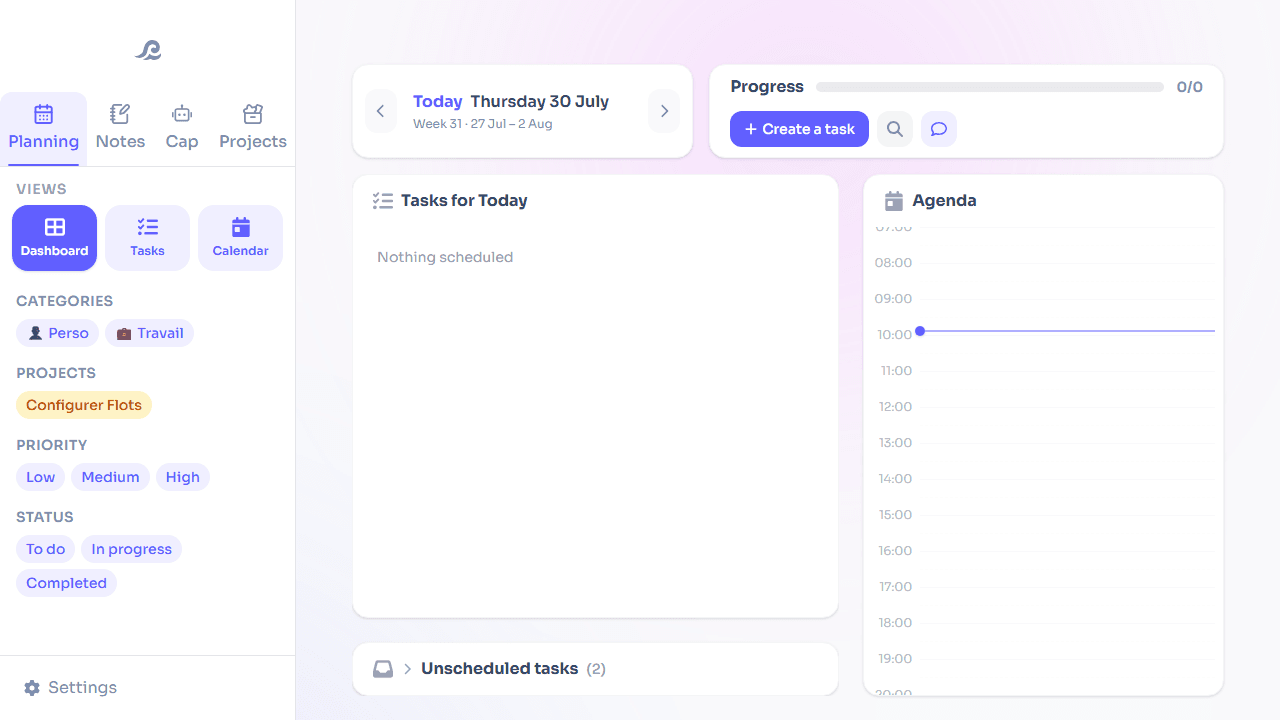
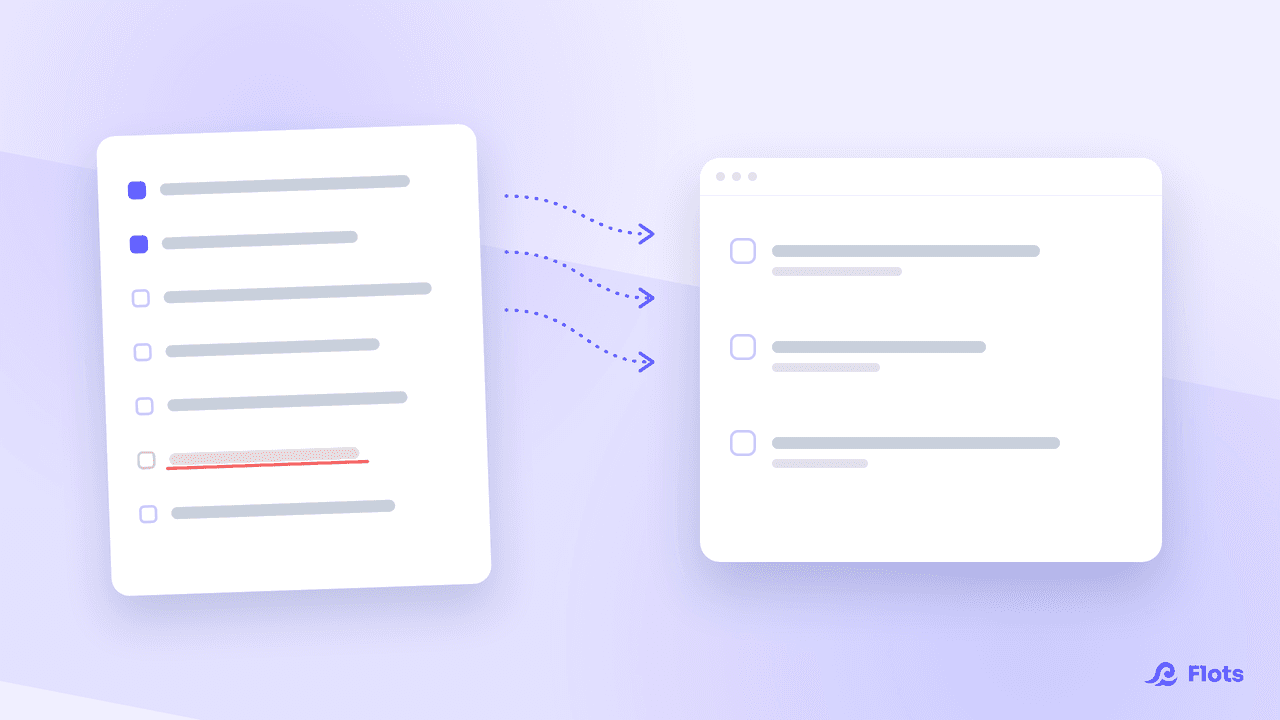
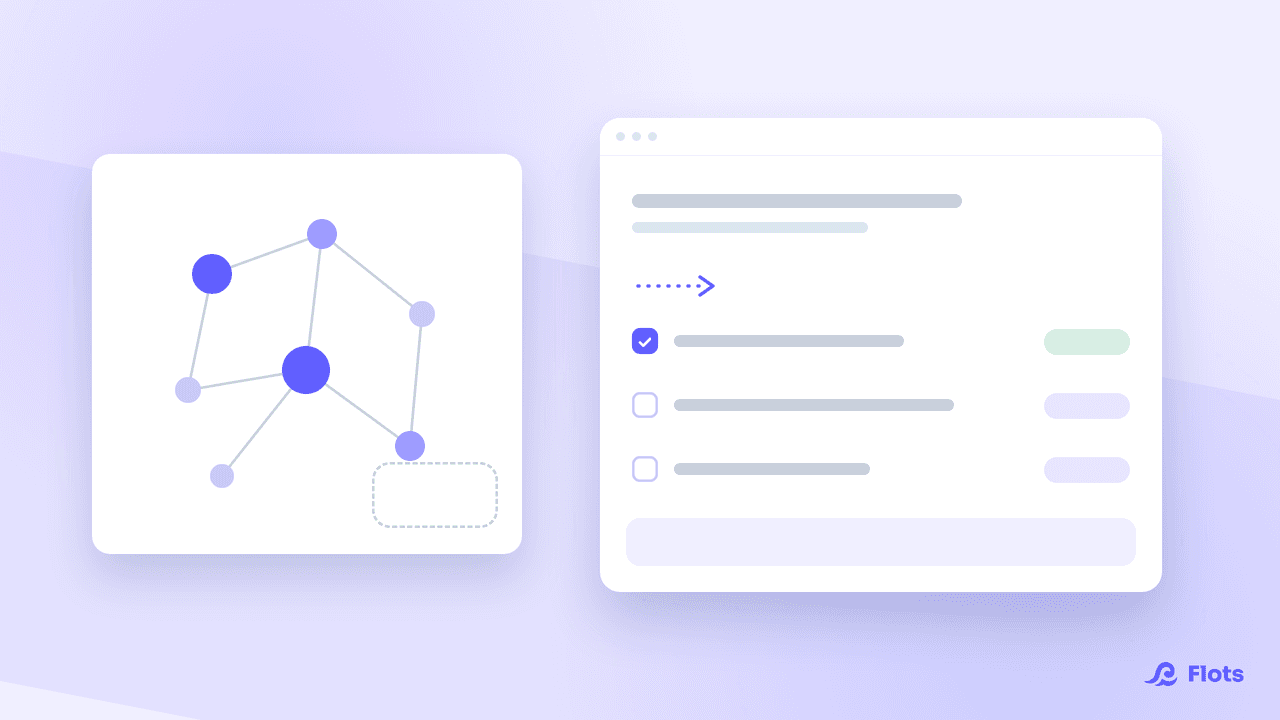
Flots starts from a different principle: bring tasks, calendar, notes, documents and projects together from day one, instead of stacking tools on as needs pile up. A shared project brings tasks, notes and milestones together around a subject. You assign, each collaborator sees their share of the work, and progress updates on its own the moment a task gets checked off, no status meeting required.
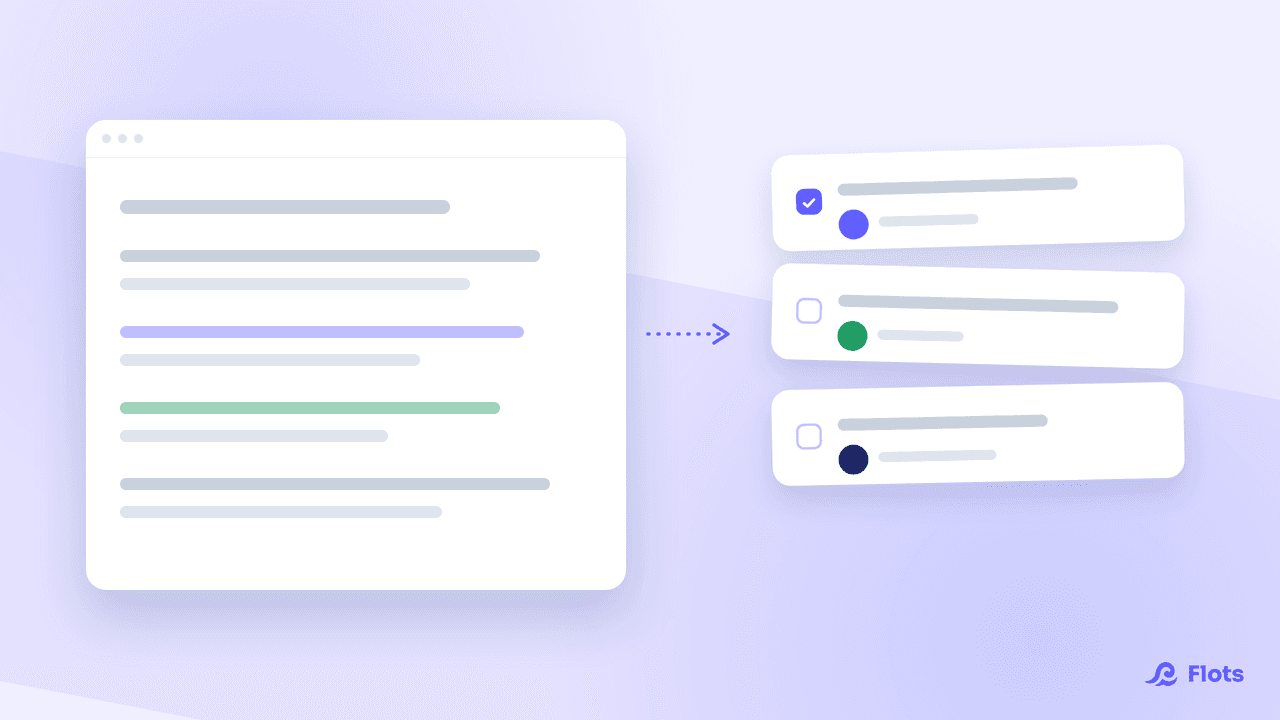
The calendar goes further than Google Tasks' read-only display: you connect your existing Google Calendar and set an appointment or a work block straight from Flots. Notes come with a real markdown editor with PDF and Word export, and documents get imported by drag and drop instead of a link pasted in as an afterthought.
Google Tasks vs Flots: the comparison
| Criteria | Google Tasks | Flots |
|---|---|---|
| Sharing and assignment | No native list sharing, no assignment | Shared project, assigned tasks, progress visible to everyone |
| Calendar | Read-only display in Google Calendar | Native calendar synced with Google Calendar, appointments and work blocks in one click |
| Notes | Plain text, no formatting | Markdown editor, PDF and Word export |
| Documents | No attachments, external Drive link | PDF/JPEG/PNG/HEIC import into folders |
| Price | Free (included with a Google account) | €8 excl. tax/month individual (1 year free on signup), €15 excl. tax/user/month for teams |
Google Tasks or Flots: how to choose
If you're on your own and your organization fits on three lines in Gmail, Google Tasks stays more than enough, and free. The switch to Flots makes sense the moment a second person enters the picture: as soon as you need to know who's doing what, keep a meeting note everyone can reach, or track a project that outgrows a simple list.

Another comparison: Todoist against Flots
Todoist pushes task management further than Google Tasks. The article covers what it's still missing to run a full day.
Read the articleFlots is a young app, already used by more than 100 people, hosted in the European Union, with no data resold to third parties. The individual plan starts with a year free with no card required, enough to test it over real work weeks before bringing the whole team on board.
Give your team more than a shared list.
Assigned tasks, a shared calendar and notes in one place, ready in a few minutes.