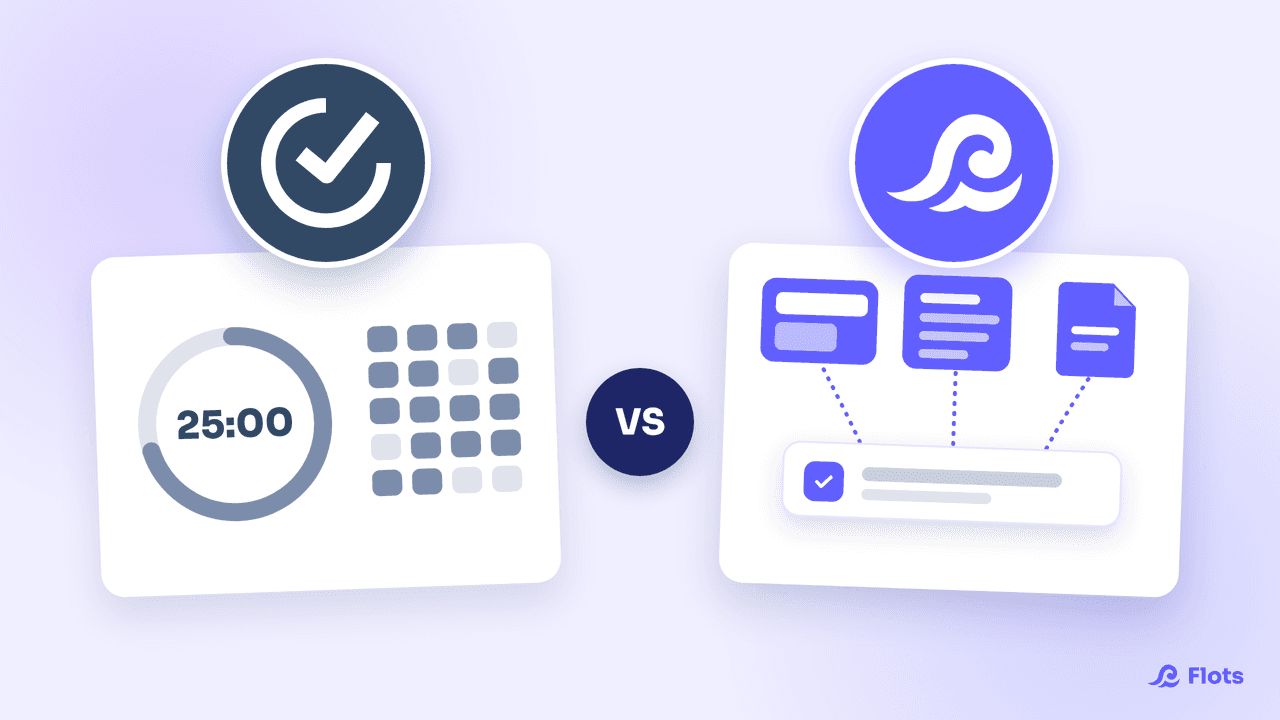
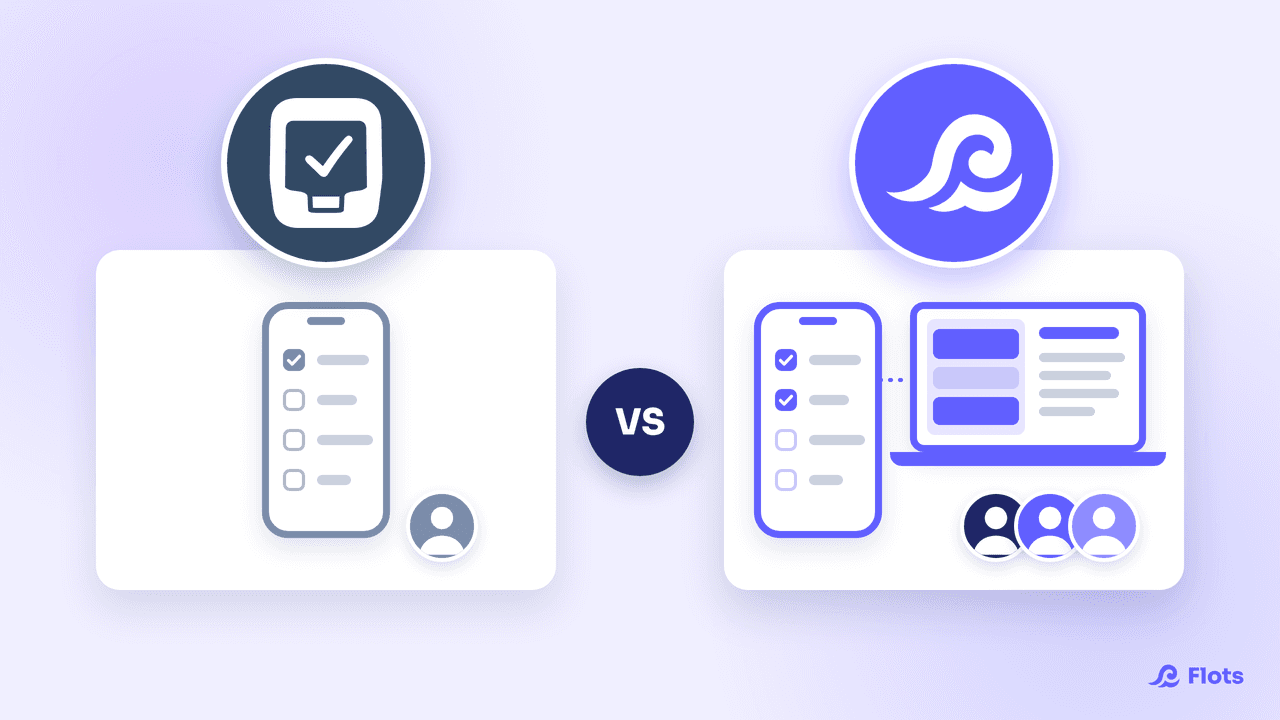
Sunsama has a clear promise: every morning you sit down for ten minutes, choose what you will really do today, and drop each task onto a slot. The ritual is well crafted, and the users who stick to it are genuinely loyal. Two things still deserve to be on the table before you subscribe: the price, and the fact that the tool does not contain your tasks.
Sunsama, a planning layer and not a task manager
Sunsama imports your tasks from Asana, Trello, Jira, Todoist or your inbox, then makes you sort which ones fit into the day. The whole product revolves around the guided morning and evening ritual.
A review published by ClickUp, which sells a competing tool, puts it bluntly: Sunsama is “a planning layer, not a task manager”, and you have to keep a separate tool alongside it to create tasks, run projects and manage the backlog. The same review notes that skipping the ritual for a few days drains the tool of its point.
So Sunsama comes on top, never instead. You already need somewhere for your tasks to live, a calendar, and the willingness to accept one more screen over the two.
What Sunsama costs, and why that is deliberate
The official pricing page shows $22 per user per month on monthly billing, or $204 per user per year on an annual commitment, around $17 per month. As soon as colleagues join the workspace, the FAQ gives $25 per person per month, or $20 annually. No free plan: 14 days of trial, then the subscription.
Sunsama owns that price level. The publisher's pricing manifesto justifies it by the daily value, “about $1 per working day”, and explains its refusal of any free offer on the grounds that “free plans create bad incentives”. The position holds up. It just assumes you open the app every morning of the year.
Motion, Akiflow and the other daily planners
Sunsama is not alone on this ground. Motion goes further by computing your day from your deadlines, and automatically redistributes tasks when a meeting lands. Akiflow gathers tasks from many tools into a single inbox, and now offers automatic scheduling too.
All three share the same starting assumption: your tasks live elsewhere, and you pay an extra subscription for the planning layer laid over the top. Before deciding, compare their pricing grids while adding the cost of the task tool they assume you already pay for.
Flots: tasks and calendar in the same view
Flots takes the problem from the other end. Tasks already live there, with description, sub-tasks and priority, sorted into cross-cutting categories or attached to a project and its dated milestones. The calendar is native, syncs with Google Calendar and accepts an .ics feed.
The Planning view puts tasks next to the day's events. The two afternoon meetings and what is left to fit around them show up in the same place. You import nothing each morning, and you don't pay for one more subscription.
Flots does no automatic AI planning, and no guided daily ritual that takes you by the hand morning and evening. If that is precisely what you are after, Sunsama and Motion do it better, it is their job.
Sunsama vs Flots: the comparison
| Criterion | Sunsama | Flots |
|---|---|---|
| Role | Planning layer on top of other tools | Tasks, calendar, notes and projects in one place |
| Where tasks live | In your other tools, imported every day | In the app |
| Planning | Guided morning and evening ritual, to be kept up daily | Planning view: tasks and events side by side, at your own pace |
| Free plan | None (14-day trial) | None (2-month trial, no credit card) |
| Individual price | $22/month, or $204/year (about $17/month) | €8 excl. VAT/month, or €86.40 excl. VAT/year |
| Shared price | $25/month/person, or $20/month annually | Team plan: €20 excl. VAT/month/user, or €216 excl. VAT/year (€18/month) |
Sunsama or Flots: how to choose
If your setup already stands up in Jira or Asana, if your only difficulty is deciding what to do today, and if the ten-minute appointment every morning speaks to you, Sunsama does that job with care. The entry price stays high for a tool that stores nothing, and the benefit evaporates in the weeks when the ritual gets skipped.
If the real difficulty is elsewhere, with your tasks in one app, your appointments in a second and your notes in a third, adding a layer does not settle the underlying problem. Flots brings the three together: Markdown notes exportable to PDF or Word, extraction of the tasks spotted while reading a text, and a Planning view that shows the day as it is. An AI assistant can connect to it over MCP when you would rather dictate than click.
The simplest way to decide is to try it: Flots offers a 2-month trial with no credit card, enough to see whether the Planning view is all your days need. Plans and prices are on our pricing page.