Things 3 is known as a well-crafted object. Polished animations, precise typography, not a single unnecessary option. If you're looking for an alternative, it's rarely because Things is badly designed.
More often, your life has outgrown its boundaries: an Android phone, a PC at the office, a team to share work with, or tasks that only make sense next to a calendar and notes.
What Things 3 does better than Flots
Design. Things is one of the most pleasant task apps to use on Mac and iPhone. Cultured Code received an Apple Design Award in 2017 for Things 3, after a first award in 2009 for the original Mac version. Everything is built to make you want to open the app in the morning.
A clear method. The Today, Upcoming, Anytime and Someday lists shape how you think: what needs to move forward today, what's coming this week, what can wait. Cultured Code's guide explains this logic, which is close to the GTD method. Projects break down into headings, and areas (Work, Finances…) keep everything organized.
The business model. No subscription: Things is bought once per platform, and syncing across your devices via Things Cloud is free, according to the official purchase page.
For someone working alone, using only Apple devices, who wants a beautiful and calm task list, Things is hard to beat.
Where Things 3 hits its limits
Every limit comes from a deliberate choice: staying a personal app, on Apple only.
No Android, no Windows, no web. Things runs on Mac, iPhone, iPad, Apple Watch and Vision Pro. Cultured Code itself lists Windows, Android, Linux and the browser among the places where Things doesn't work. From a PC, the best you can do is email a task to Things Cloud. The day you move to Android, you switch tools.
No working together. Cultured Code's help page on sharing is clear: Things doesn't support real-time sharing of tasks or lists. You can send a text copy of a list, but it doesn't update. For a project with two people, you need another tool.
One purchase per device. The no-subscription model has a downside: Mac, iPhone and iPad are paid for separately, and only the Mac version offers a trial, of 15 days. Equip every device and the bill adds up.
Calendar and notes live elsewhere. Things shows your calendar events at the top of the Today list, which helps. But appointments are created in Calendar, and meeting notes live in another app.
Flots: tasks, calendar and notes, on all your devices
Flots runs on the web, on iPhone and iPad, and on Android. You jot down a task on an Android phone and find it on the office Mac or on a PC, in the browser.
Tasks stay quick to create, with sub-tasks, recurrence and categories. Around them, you get:
- a native calendar, synced with Google Calendar, where appointments and tasks sit together;
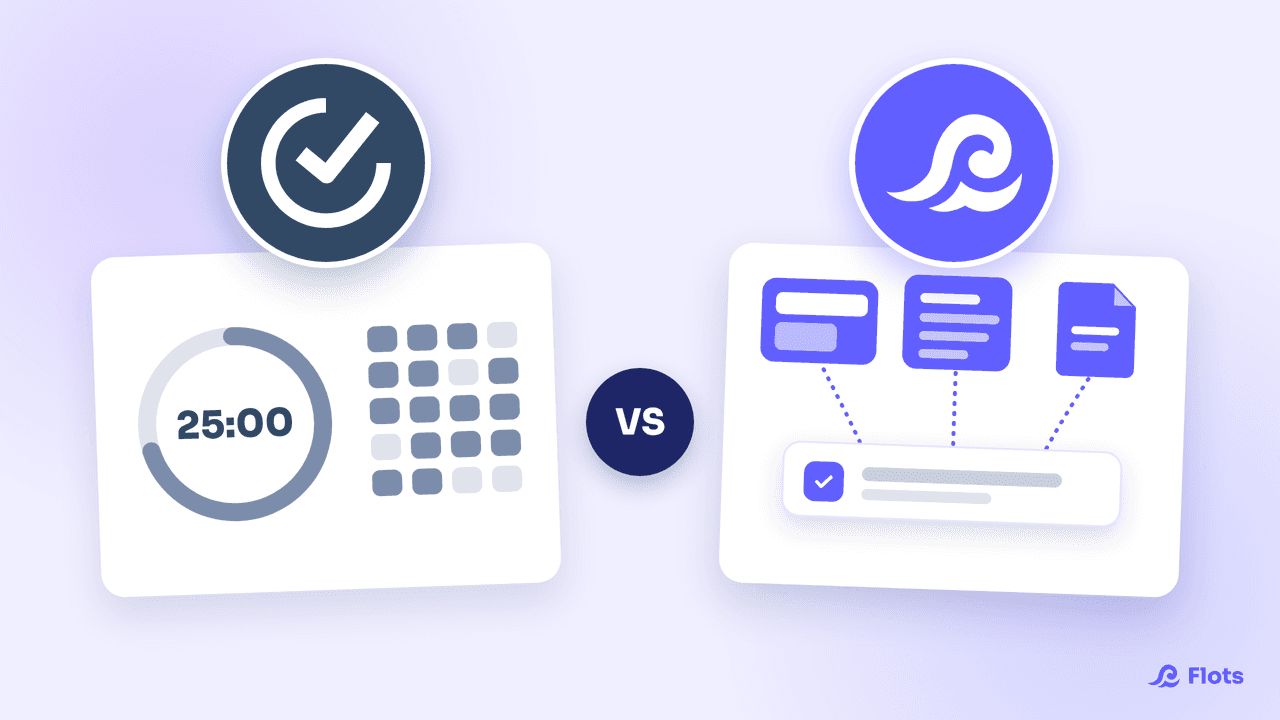
- markdown notes, exportable to PDF or Word, that you can pull tasks out of;
- documents sorted into folders and viewable without downloading them;
- shared projects with milestones, where you assign tasks to your collaborators.
Working with others is where the gap widens most. A note attached to a shared project can be written by several people at the same time, as we explain in our guide to collaborating on a note.
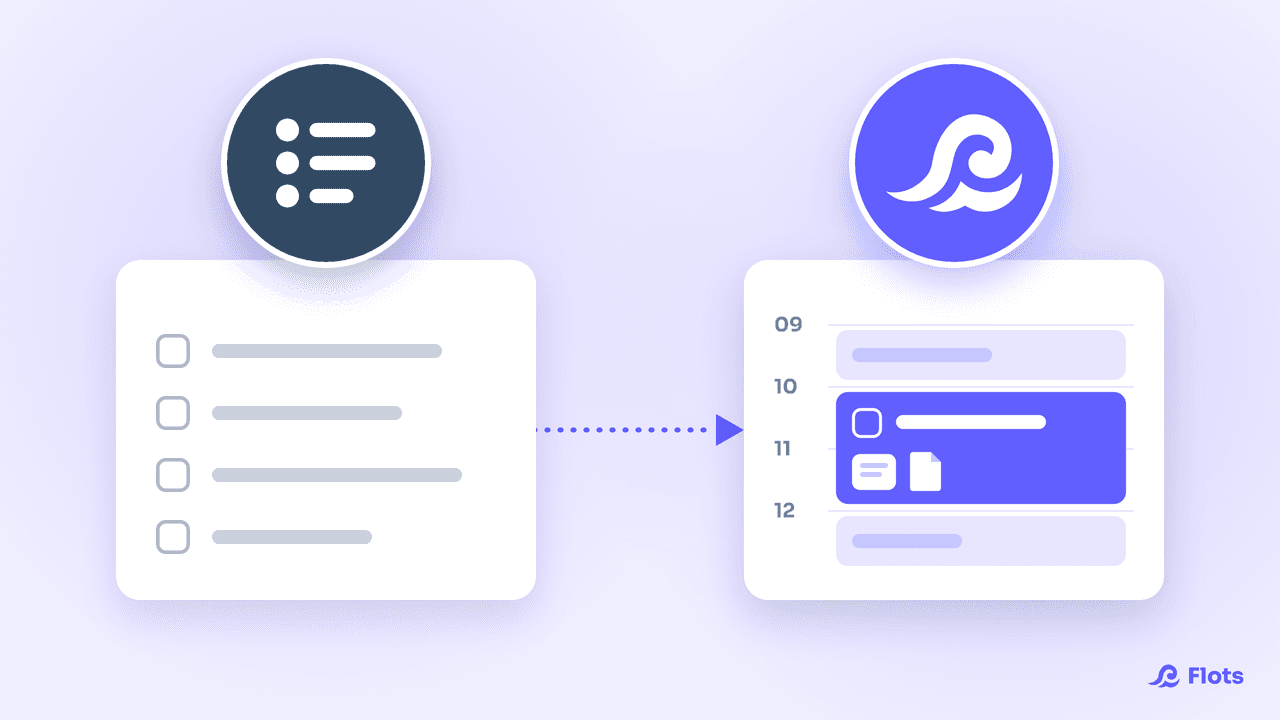
Over the day, the Planning view puts your tasks next to your calendar. You drag a task into an open slot and see right away whether the day holds up.
Data is hosted in Europe and never resold to third parties.
Things 3 vs Flots: the comparison
| Criteria | Things 3 | Flots |
|---|---|---|
| Devices | Mac, iPhone, iPad, Apple Watch, Vision Pro | Web, iOS (iPhone and iPad) and Android |
| Design and method | The benchmark of the genre, Today / Upcoming / Someday lists | Clean interface, tasks with categories and recurrence |
| Calendar | Calendar events shown in Today | Native calendar, Google Calendar sync, Planning view |
| Notes and documents | Notes attached to each task | Markdown notes and documents in the same app |
| Working with others | No real-time sharing | Shared projects, assigned tasks, notes written together |
| Model | One-time purchase per platform, no subscription | Subscription, 2-month trial with no credit card |
Flots plans and full pricing are on our pricing page.
Things 3 or Flots: how to choose
Stick with Things if you work alone, only on Mac and iPhone, and the pleasure of using your task list matters as much as the list itself. You pay once, and the app won't ask you for anything more.
Switch to Flots if an Android or Windows device is part of your daily life, if you share projects with a team or clients, or if your tasks depend on appointments and notes. You get a single place for all of it, whatever the device.
Still torn between several simple task lists? The case of Microsoft To Do raises very similar questions.
The safest bet is still to try it. Flots' 2-month free trial, with no credit card, gives you time to run both tools over real weeks before deciding.
Your tasks, on iPhone, Android and the web, with their calendar.
Tasks, calendar, notes and shared projects in one app, free to try for 2 months.