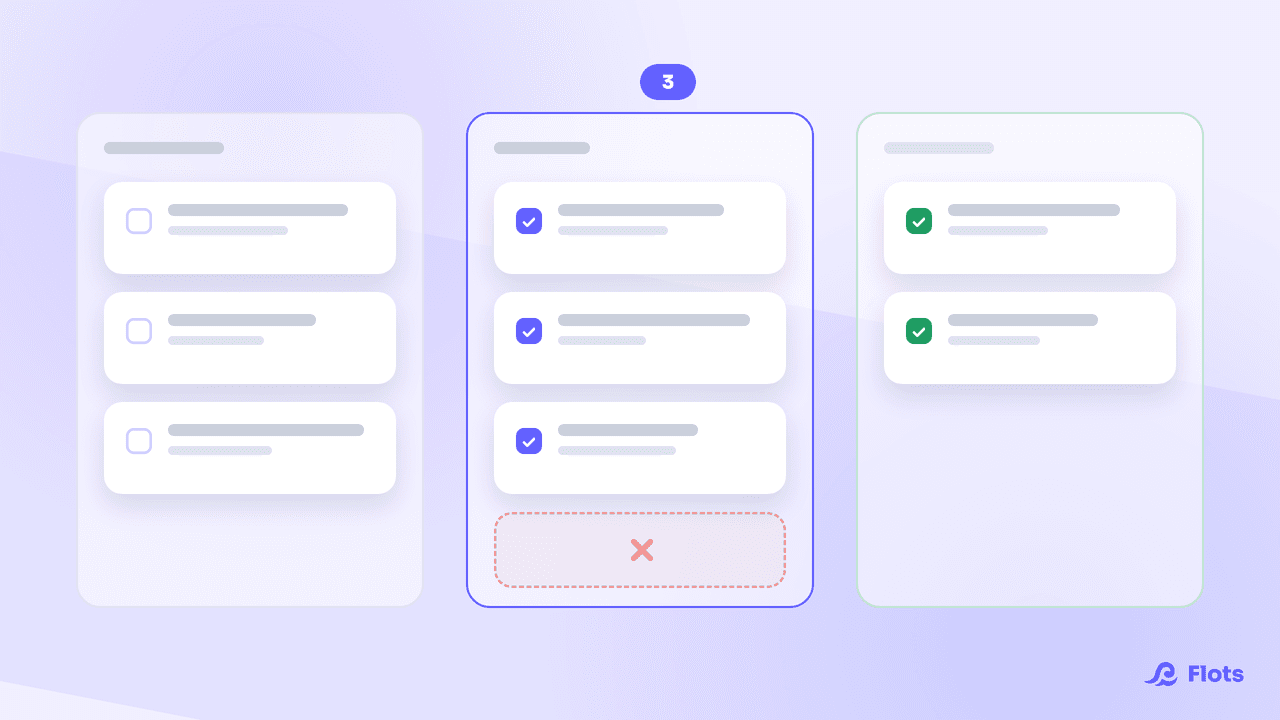
Salesperson in the morning, project manager by noon, bookkeeper by evening, and the expert in between meetings: a freelancer plays every role a team would normally split. The problem isn't a lack of tools. It's ending up with seven: one for invoicing, one for the CRM, one for the calendar, one for notes, Trello for one client, Slack for another. Each one does its job well. Together, they create a new one: keeping them all in sync.
Why freelancers end up with so many tools
The pattern repeats itself almost every time. At the start, you pick the best tool for whatever need comes up: a dedicated task app like Todoist, an invoicing app a fellow freelancer recommended, a Trello board set up for a first client, a spreadsheet to track leads, Slack because a client already uses it. Eighteen months in, a one-person business runs on six or eight tools, each chosen for a good reason, none of them built to work together.
Taken separately, every tool holds up. The problem shows up at the seams: information logged in Trello doesn't exist anywhere else, an appointment confirmed by email never makes it into the calendar, a task for a client gets written down three times before it's actually done once.
The hidden cost of context-switching, backed by data
This back-and-forth between apps has a name: context-switching. A study published by Harvard Business Review tracked 137 people across three Fortune 500 companies over several weeks. The result: about 1,200 app switches a day, and nearly 4 hours a week spent just reorienting after each one, around 9% of total work time.
The Workgeist Report, run by Qatalog with Cornell University, found something similar: it takes about 9.5 minutes on average to get back into a productive rhythm after switching apps, and respondents spend around 59 minutes a day just searching for information scattered across different tools.
For an employee, that time gets absorbed into an office day. For a freelancer billing by the hour, it comes straight out of revenue. On top of that comes double entry: logging an appointment in the calendar, copying the related task somewhere else, then hunting for the information three weeks later in a third app. Every copy-paste is one more place where information can go stale or disappear.
Tool stack or centralized organization: what changes
| Tool stack | Centralized organization | |
|---|---|---|
| New client task | Logged wherever's open, copied elsewhere later | Logged once, linked to the right project |
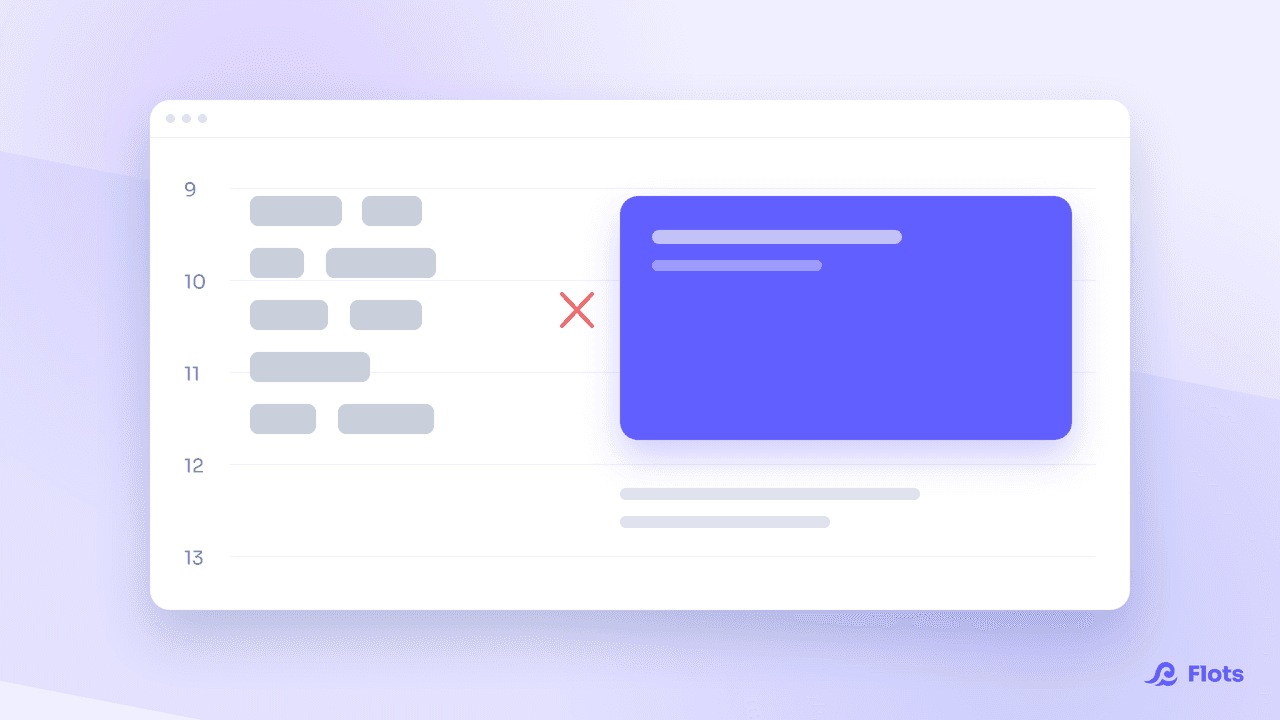
| Appointment | Sits in a calendar separate from the day's tasks | Visible next to tasks, workload at a glance |
| Tracking a case | Scattered across notes, emails and Trello | Gathered in one space dedicated to the client |
Centralize what can be centralized, not everything
Before switching tools, the first step costs nothing: list what lives where today. Some tools earn their separate place. Accounting, legal invoicing, electronic signatures answer to specific obligations, handled by specialized software there's no reason to leave.
Everything else, day-to-day organization, doesn't need to stay scattered. Tasks, calendar, notes and client tracking can live in the same place without losing precision. That's the part worth bringing together, not the whole stack.
What a centralized setup looks like day to day
In Flots, a client or a case becomes a project: a space that brings together the tasks, notes and milestones tied to it, solo or with collaborators when the case calls for it. The projects guide covers how to pin the essentials and track progress at a glance.
The calendar syncs with Google Calendar, notes are written in Markdown, PDF files and images sit in the same place as everything else, and the Cap assistant helps frame the day. Everything is one click away, no app-switching between tasks. The getting started guide covers how these tools fit together.

Vue Planning brings tasks and calendar together
Today's tasks and appointments on one screen, so you can see your real workload before taking on a new case.
Discover Vue PlanningSpecialized tools keep their place
Centralizing doesn't mean merging everything into one piece of software. Nor does it mean switching to a platform that claims to do it all: that's the charge levelled at suites like ClickUp, whose feature depth ends up costing more than it returns. A certified invoicing tool, an accountant or an e-signature platform do work Flots doesn't do and isn't meant to do. Those tools stay exactly where they are. What changes is no longer scattering what has no reason to be scattered: day-to-day organization, tasks, time, notes and client tracking.
Flots as a hub, not one more tool to replace
Switching to Flots doesn't mean retyping every task by hand: coming from Notion or Todoist, the automatic connection pulls the existing structure straight into Flots, projects and tasks included, no copy-pasting. The migration guide walks through the operation step by step.
Connect Notion or Todoist to Flots →
More connections are in development: an MCP protocol to drive Flots from other tools, a link to standard drives to find documents without duplicating them, and an email connection to stop the back-and-forth between inbox and tasks.
The principle stays the same with every new connection: bring together in one place what helps with deciding (real workload, open cases, deadlines), without touching the specialized tools that need to stay separate.
Seven tools to run a one-person business is seven places where information can get lost. A good place to start: open up the current stack and spot what's actually doing something a single tool would already do well.
Bring tasks, calendar, notes and client tracking into one tool.
One-year free trial, no credit card or commitment, to test centralizing your real workload.