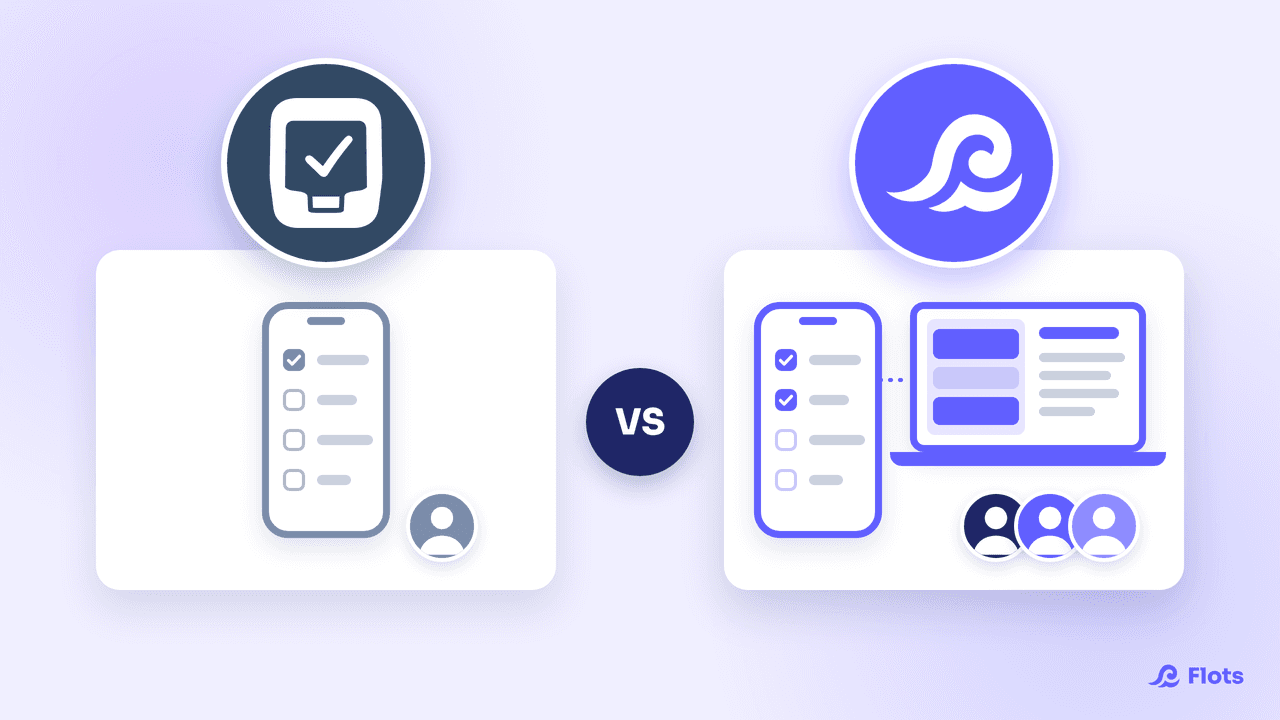
TickTick has a very loyal fan base, and it's easy to see why: one app gives you a task list, a Pomodoro timer, a habit tracker and an Eisenhower matrix. It's a toolbox for personal productivity. So the question to ask before comparing is simple: is your problem focus, or is it everything around your tasks?
What TickTick does better than Flots
Focus first. TickTick comes with a built-in timer, in Pomodoro mode or as a stopwatch for open-ended sessions, which you can tie to a task. Flots doesn't have a Pomodoro timer at this point. If you work in timed sessions, that's a real advantage for TickTick.
Habits tell the same story: TickTick's habit tracker backs them with detailed statistics. Flots handles recurring tasks, but not habit streaks with statistics. Again, advantage TickTick.
Then there's the Eisenhower matrix. TickTick automatically sorts tasks into four quadrants based on the priority you give them. Handy if you already use the method (we covered it in detail in our guide to the Eisenhower matrix).
Add natural-language input, Kanban views and apps for iOS, Android, Mac, Windows and the web: for solo use built around personal discipline, TickTick is hard to beat.
Where TickTick hits its limits
The limits come mostly from its scope and the free plan.
The free version caps out at 9 lists and 99 tasks per list, according to TickTick's Premium page. On the calendar side, the same page gives the free plan only a basic calendar view, with multiple views reserved for Premium. A shared list is capped at 2 members, against 29 on Premium. For files, the free account is limited to one attachment per day.
Above all, TickTick stays centered on the task. Once your work lives in meeting minutes, client PDFs and multi-step projects, those pieces end up stored somewhere else, and connecting them is up to you.
Flots: tasks with all their context
Flots starts from the other end. Tasks stay quick to create, with sub-tasks, recurrence and categories, but they live alongside everything else:
- a native calendar, where you set an appointment in one click, synced with Google Calendar;
- markdown notes, exportable to PDF or Word, that you can pull tasks out of;
- documents (PDFs, images…) sorted into folders and viewable without downloading them;
- projects that bring tasks, notes and milestones together, shareable with your collaborators.
The most visible difference plays out over the day. The Planning view shows your scheduled tasks and undated ones side by side: you drag a task into an open slot and see right away whether the day holds up.
Data is hosted in Europe and never resold to third parties, a criterion worth checking for professional use.
TickTick vs Flots: the comparison
TickTick pricing taken from its official website in October 2026.
| Criteria | TickTick | Flots |
|---|---|---|
| Core product | Tasks + personal productivity tools | Tasks, calendar, notes, documents and projects together |
| Focus and habits | Built-in Pomodoro timer and habit tracker | No timer or habit tracker |
| Calendar | Basic calendar view on free, multiple views on Premium | Native calendar, Google Calendar sync, Planning view |
| Notes and files | Task attachments (1 per day on free) | Exportable markdown notes, documents in folders |
| Working with others | Shared lists: 2 members on free, 29 on Premium | Shared projects, Pro and Team plans for teams |
| Price | Limited free plan, Premium $49.99/year | Individual, Pro and Team plans, 2 months free with no credit card |
Full Flots pricing, excluding or including tax, monthly or yearly, is on our pricing page.
TickTick or Flots: how to choose
Stick with TickTick if your organization relies on Pomodoro sessions, habits to keep up and a well-sorted personal list. It's an excellent tool for that, and Flots isn't trying to replace it on that ground.
Switch to Flots if you're a freelancer, manage client projects or work in a small team, and your tasks depend on notes, documents and meetings. You get a single place where everything comes together.
Nothing stops you from keeping a simple timer on the side either: the Pomodoro technique doesn't require a dedicated app, as we explain in our article on focus sessions.
The simplest way is still to compare them hands-on. Flots' 2-month free trial, with no credit card, gives you time to run both tools over real work weeks before deciding.
Your tasks, with their notes, documents and meetings.
Tasks, calendar, notes and projects in one app, free to try for 2 months.