Microsoft To Do does one thing and does it well: task lists, free, synced, built into the Microsoft ecosystem. For plenty of people, that is exactly the right level of tool.
The urge to look elsewhere almost always arrives at the same moment: when your tasks stop being independent lines.
What To Do does well
A lot of people switch tools without first looking at what they were giving up.
The app is free with a personal Microsoft account, with no artificial cap on the number of tasks. Syncing between phone and computer works. Lists can be shared by link, bearing in mind that whoever you send it to will also need a Microsoft account to join.
The Outlook integration pulls the messages you flag into a dedicated list, which you turn on in the settings. Handy if your work runs through your inbox.
And My Day, which has you pick each morning what you are handling today, is a good piece of ergonomics: it separates the inventory from the day's commitment. Whatever you don't finish stays in its original list and is offered to you again the next day.
For personal use made of errands, reminders and small obligations, looking for something better is a waste of time.
The point where it stops working
Three walls come up, and they all appear at once as soon as the work becomes a little structured.
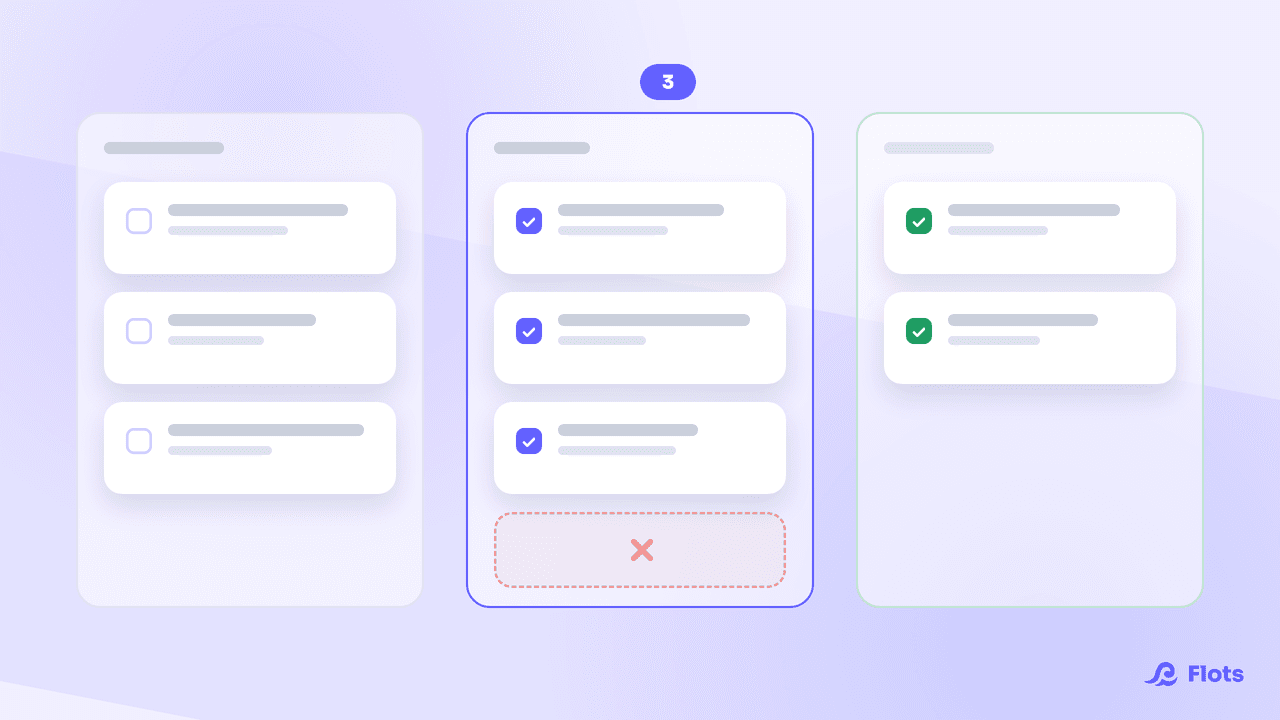
A list is not a project. You can create a "Website redesign" list, but it has no overall deadline, no intermediate stages, no sense of progress. Sub-tasks exist as steps, but a step carries no due date of its own: it depends on the date of the task containing it.
Tasks have no written context. A task carries a free-form note, not a document, not a meeting write-up, not a diagram. So context lives elsewhere, and you make the connection in your head.
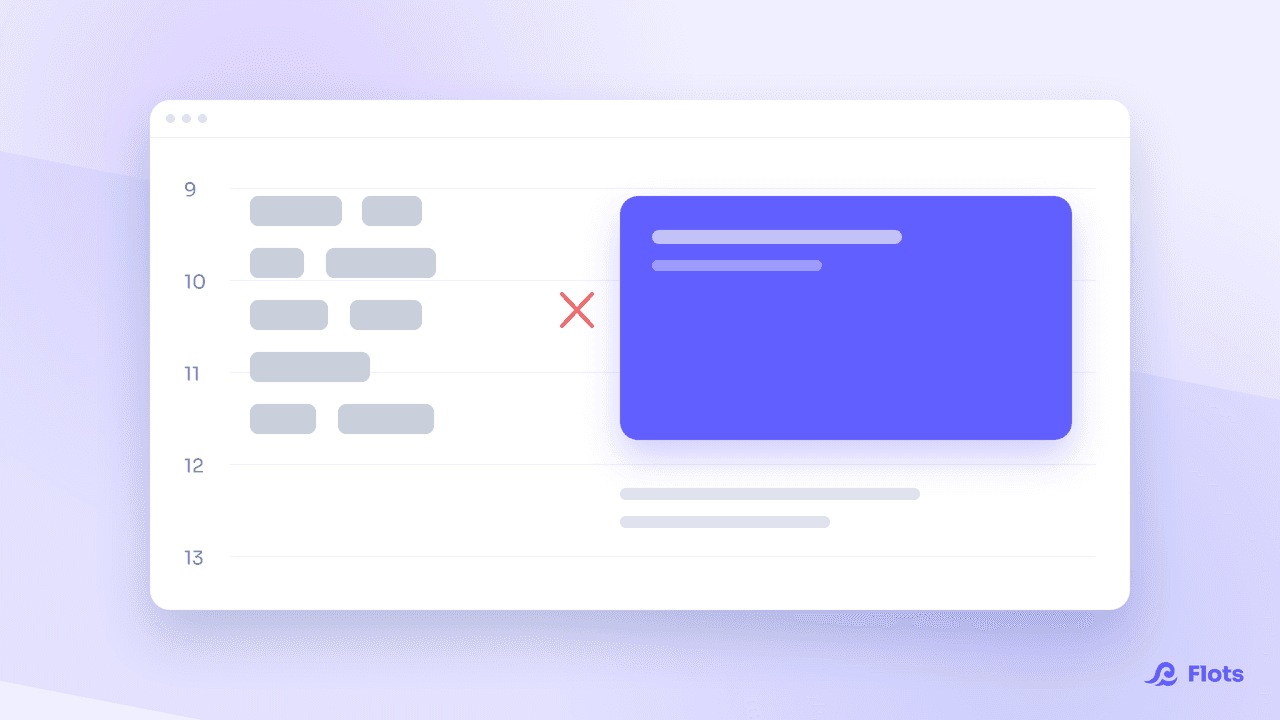
There is no real calendar view. To Do knows a task is due on Tuesday. It doesn't know your Tuesday already holds six hours of meetings. The question "does this actually fit" has no answer.
| What you need | Is To Do enough? |
|---|---|
| Shopping lists, personal reminders | Yes, easily |
| Team tasks shared simply | Yes, through list sharing |
| A project with stages and intermediate deadlines | No |
| Notes and documents attached to tasks | No |
| Seeing whether the week holds up | No |
The Wunderlist backstory, and why it matters
Microsoft bought Wunderlist in June 2015, then shut the service down on 6 May 2020, redirecting its users to To Do.
Plenty of people still remember it with some irritation. The forced migration showed what a tool is worth when you control neither its fate nor the way out.
It is a useful reminder before picking a replacement. Check what you will be able to take with you, before you put three years of work into it.

Look at the exit before the entrance
Before adopting a tool, test its export. Five minutes up front saves you retyping three years of tasks by hand.
What an alternative has to bring
If you are going to switch, switch for something that solves the three walls, not for a prettier list.
Projects, not just lists. With dated milestones for the stages that matter, and visible progress.
Context attached. Meeting notes, documents and the tasks that come out of them in the same place, so you stop stitching things together by hand.
A view of time. Your tasks placed next to your appointments, because a deadline only means something relative to the time you actually have. That is the idea behind the planning view.
That is what Flots offers: tasks keep the simplicity of a list, and gain a project, notes, a calendar and documents around them.
Migrating without carrying the mess over
Migration is the moment when people copy their old habits into the new tool.
Don't take everything with you. Pick up the active lists, the tasks that still mean something, the real deadlines. The rest, those dozens of tasks never done in two years, doesn't need to move: if they haven't been done in two years, they won't get done anywhere else either.
Use the change to do the sorting you keep putting off. It is the only moment when it is easy, because you are forced to look at every single line.
And if you stay on To Do?
That is a perfectly valid option, on one condition: that the tool matches what you are asking of it.
If you catch yourself running a project inside a list, copying deadlines into a separate calendar, or hunting for your meeting notes in another app, then your usage has outgrown the tool.
For a wider comparison, see the best organization apps and the Google Tasks alternative, which covers a very similar case.
Your lists, with what they need around them.