You answer a message, you go back to your file, an invoice catches your eye, you deal with it, back to the file. By 6 p.m. the day is full and the file has not moved. The back-and-forth filled it.
What each context switch costs
The idea that the brain moves from one task to another for free does not survive measurement. In 2001, Joshua Rubinstein, David Meyer and Jeffrey Evans published the study "Executive Control of Cognitive Processes in Task Switching" in the Journal of Experimental Psychology: Human Perception and Performance.
Their participants alternated between two tasks, or repeated the same one. Alternating consistently produced an extra time cost, which grew with the complexity of the task rules and shrank when a visual cue announced which task came next. From this the authors drew a two-stage model: goal shifting, deciding to do this rather than that, then rule activation, switching off the rules of the old task and switching on those of the new one.
The American Psychological Association summarizes this work and sets the right scale: each switch taken on its own sometimes costs only a few tenths of a second, but the total adds up when you alternate constantly. Multitasking looks efficient on the surface and actually takes more time, with more errors. Meyer estimates there that these brief mental blocks can cost as much as 40% of productive time.
That 40% figure is the researcher's estimate, not a direct result of the 2001 experiments, which used geometric shapes and arithmetic operations. Take it as an order of magnitude.
A switch also leaves something behind. Sophie Leroy named it attention residue in a study published in 2009 in Organizational Behavior and Human Decision Processes: when you leave an unfinished task to start another, part of your attention stays stuck on the first one, and your performance on the second suffers. One more reason to finish a batch before opening the next.
Why a day fragments on its own
The cost exists; what remains is knowing how often you pay it. Gloria Mark, Victor González and Justin Harris observed 24 knowledge workers in detail for "No Task Left Behind? Examining the Nature of Fragmented Work", presented at the CHI 2005 conference.
Their finding: 57% of the working sequences observed were interrupted before they ended. When interrupted work was resumed the same day, which happened in 77% of cases, an average of 25 minutes and 26 seconds went by before the return. And that return was not direct: more than two other activities usually came in between before work resumed.
Batching acts on that switching frequency. The amount of work stays the same.
Grouping what resembles what
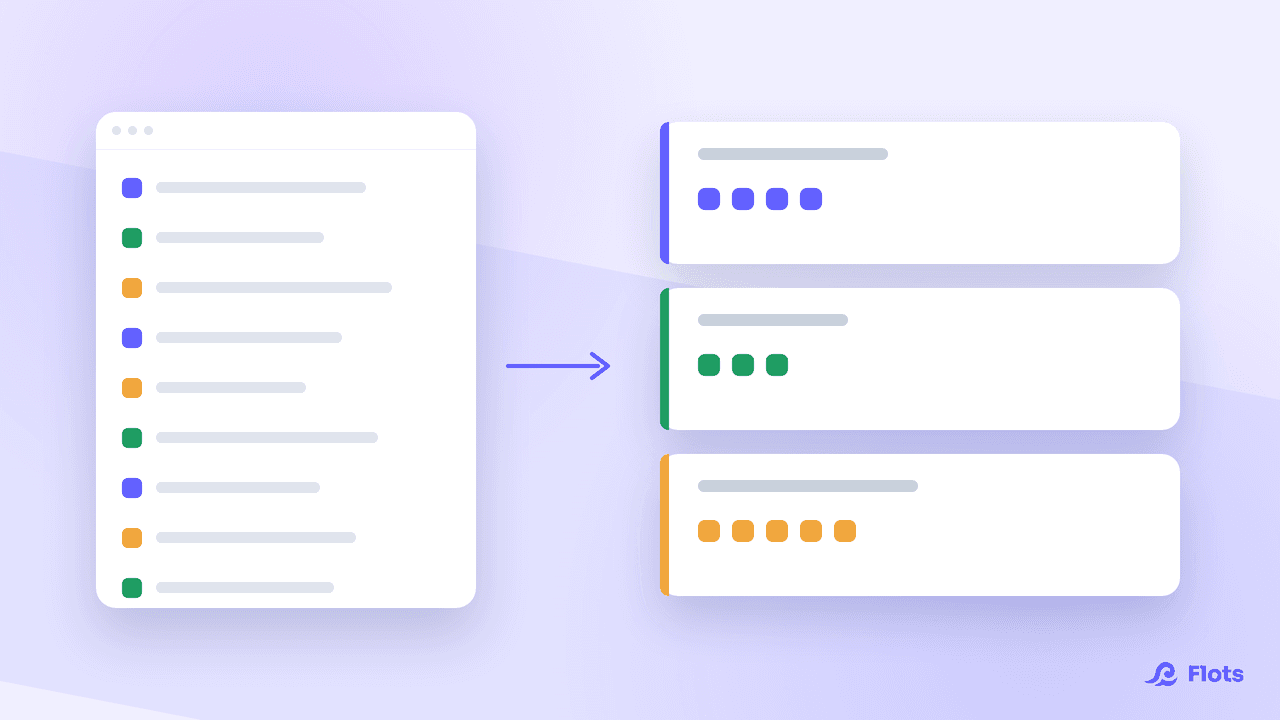
The principle fits in one sentence: tasks calling on the same tool, the same person or the same kind of attention get handled in the same slot.
A few groupings that work for most people:
- Communication: emails, messages, short replies. Two or three passes a day rather than constant monitoring.
- Calls: running them back to back saves you from picking up the phone mindset cold every time.
- Admin: invoices, expense claims, chasers, forms. Same software, same mindset, same batch.
- Review and approval: everything that means judging other people's work rather than producing your own.
The list is only a starting point: the right split depends on the job. A teacher batches marking, a craftsman batches quotes, a developer batches code reviews.
What groups badly, on the other hand, is long and demanding work. You do not put three deep files in the same batch: each one asks you to load its own context, and you fall back into the switching you wanted to avoid. That kind of work belongs to deep work, with dedicated, protected blocks.
Placing your batches across the week
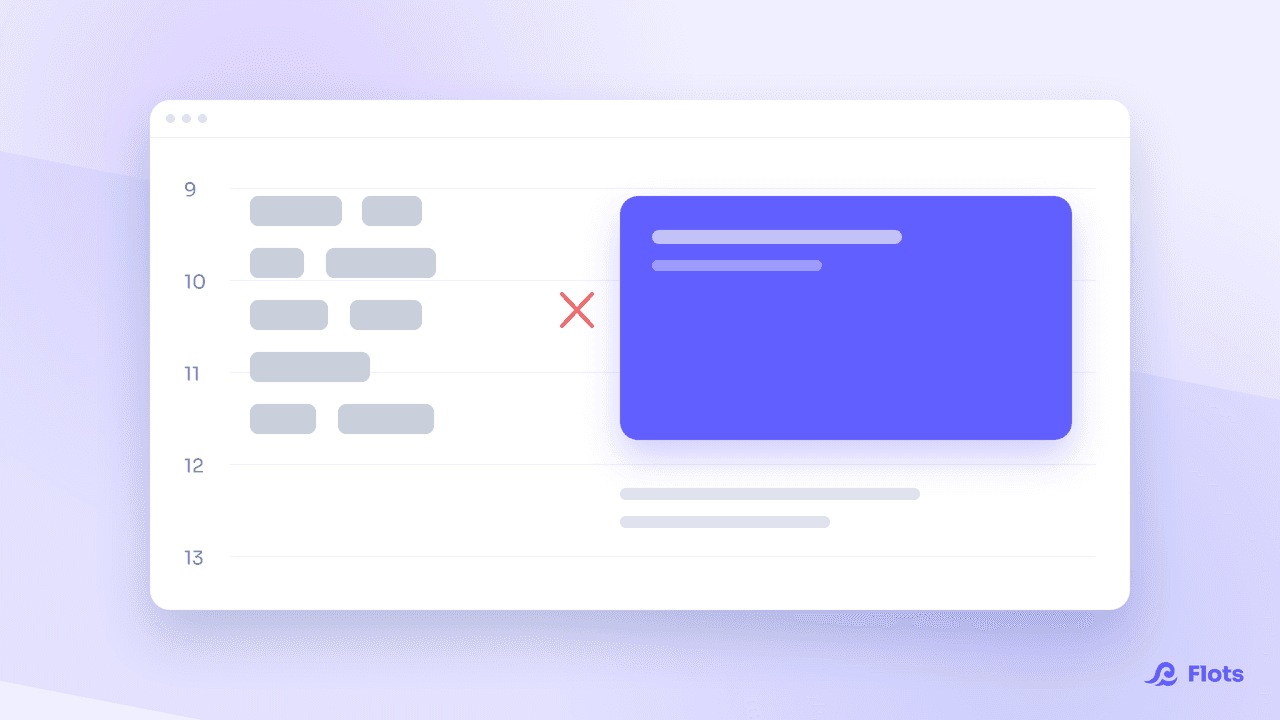
A batch with no time slot does not exist. Batching pairs naturally with time blocking: you book the slot in the calendar, give it a clear name, and know in advance what will go into it.
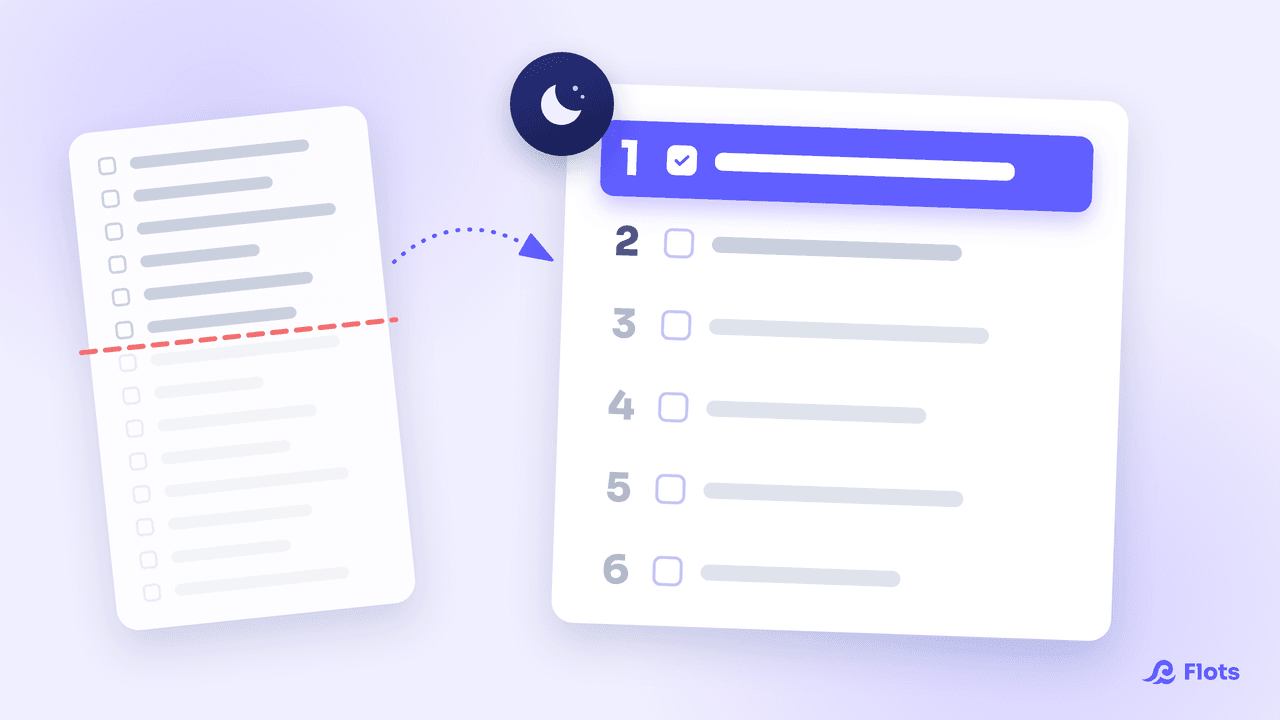
Two settings make the difference. Put the demanding batches where the energy is, and keep the mechanical ones for the mid-afternoon dip. Then limit how many you have: three to five slots in a day, beyond which you have simply renamed fragmentation.
Building your batches in Flots
Batching means being able to answer one precise question when a slot opens: what goes in this one?
Categories do exactly that. They cut across projects: a category like "Admin" or "Calls" gathers in one place the tasks born in different files. When the slot arrives, the list is already there, with nothing to rebuild from memory.
The slot itself goes in the calendar, and the Planning view puts the task list and the calendar side by side so you can line one up against the other. Since a batch comes back at regular intervals by definition, a recurring task saves you from rescheduling it every week.
When a batch contains steps to tick off, a series of follow-up calls for instance, subtasks keep track of progress without multiplying tasks in the main list. And if the batch came out of a meeting note, task extraction turns it straight into items to file in the right category.

Collect before you group
Batching assumes a reliable list upstream. GTD gives you the collection framework, without turning your system into a bureaucracy.
Apply GTD simplyWhere batching shows its limits
A delayed batch is a delayed reply. On a support desk, or in a team waiting on your feedback to move forward, announcing your slots beats suffering them in silence.
Batching does not settle the question of priority either. Grouping twenty pointless tasks makes them faster to clear, not more useful. The sorting happens before you open the batch.
Real emergencies exist too. A batch is not a dogma: you interrupt it when you have to, and you come back to it, which stays far rarer than a day run entirely by notifications.
Batching needs no particular tool. It rests on one repeated decision: deal with each thing when the slot for its kind comes round, rather than the moment it arrives. What helps is having the batches already built when the slot opens, and the slot already booked when the week starts.
Group your tasks by nature, not by project.
Categories gather tasks of the same kind across all your projects, and the Planning view drops them onto a real time slot.