The note-taking market splits into camps that aren't addressing the same need: stylus on tablet, keyboard, voice recording, automatic meeting transcription. Each has its advocates and its ranking.
Before picking a camp, it's worth knowing what actually makes the difference. The answer is less obvious than it looks.
What research says about the medium
The reference study was published in 2014 in Psychological Science by Pam Mueller and Daniel Oppenheimer, under the title The Pen Is Mightier Than the Keyboard. Students watched recorded lectures while taking notes by hand or on a laptop. Those writing by hand answered conceptual questions better.
The explanation the authors proposed is more interesting than the result itself: laptop note-takers tended to transcribe verbatim without rephrasing. Writing by hand, being slower, forces you to sort and reformulate as you go.
The title travelled widely, often reduced to "paper beats laptops". A replication published in 2019 in Educational Psychology Review qualified the conclusion: the handwriting advantage there appears small and not statistically significant.
In other words, the deciding variable isn't the medium. It's rephrasing rather than copying. An app that pushes you to structure beats a prestigious medium you transcribe into passively.
The four families of apps
Stylus apps. Built for tablets and handwriting, excellent for diagrams, formulas and visual subjects. Their limit is retrieval: finding a piece of information across handwritten pages stays laborious.
Structured text editors. Headings, lists, formatting, often in Markdown. Less spectacular, but the note stays readable, editable and searchable months later.
Voice recorders. Unbeatable for capturing on the move, when writing isn't an option. Provided you accept that a recording gets replayed, not skimmed.
Automatic meeting transcribers. They produce a lot of text, very fast. Which is exactly the problem the 2014 study pointed to: text nobody rephrased is text barely retained. Useful as an archive, weak for understanding.
The criteria that matter beyond the editor
Finding. A note you can't find was never taken. It's the first criterion, and often the last one examined.
Reusing. Plenty of notes contain things to do. If they stay buried in a paragraph, they get lost. Being able to pull them out saves retyping everything into another tool.
Getting out. A PDF or Word export matters the day you have to send minutes around, or simply leave the app.
Not adding to the pile. A notes app separate from your tasks and calendar is a third place to check. The gain has to exceed that cost.
What Flots does
Flots isn't trying to compete with stylus apps, and it doesn't transcribe audio. The choice is different: notes live in the same place as tasks and the calendar.
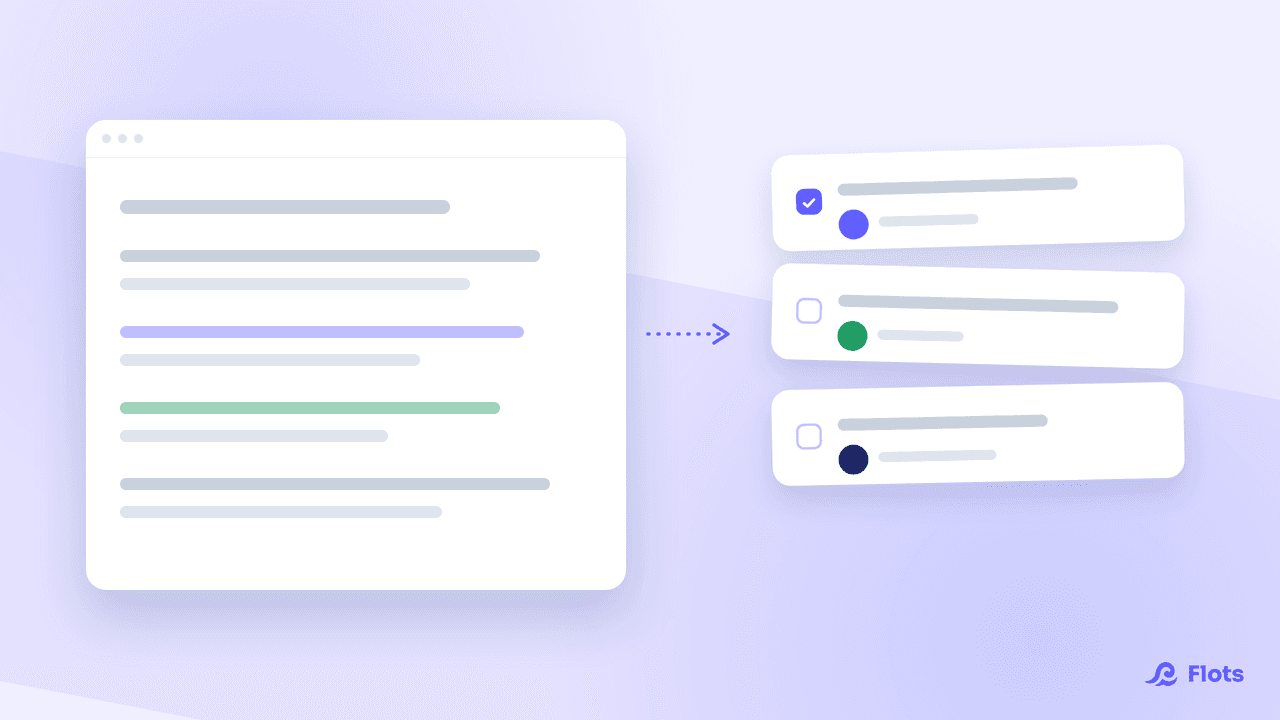
The editor is Markdown-based, with PDF and Word export, and it spots the tasks described in a paragraph to turn them into real tasks, linked back to the original note. Voice notes cover capture on the move, without transcription.
For lectures, method matters as much as the tool: Cornell, linear notes or sketchnoting produce very different results. The notes guide covers how the editor works.
How to choose without regretting it
Ask yourself one question: what are you going to do with these notes?
If you sketch and annotate, take a stylus app. If you need to find a decision six months later, take a structured, searchable editor. If most of your notes lead to actions, take a tool where notes and tasks live together.
The worst choice stays the same in every case: three apps at once, and nothing ever reread.
No app takes good notes for you. All they do is make it more or less likely that you'll open them again.
Notes that turn into actions.
Markdown editor, PDF and Word export, tasks pulled straight out of your notes.