An overflowing list, an email marked "urgent," a meeting bumped up at the last minute: at some point in the day, everything feels equally pressing. The Eisenhower Matrix changes the question you ask before acting on a task.
Where does the Eisenhower Matrix come from?
The name comes from a speech Dwight D. Eisenhower, then President of the United States, gave on August 19, 1954, in Evanston, Illinois, to the Second Assembly of the World Council of Churches. In it, he quotes a former university president, without naming him: "I have two kinds of problems: the urgent and the important. The urgent are not important, and the important are never urgent." Quote Investigator traced this attribution: Eisenhower borrows the idea from someone else, he doesn't claim it as his own.
The distinction didn't become a prioritization tool until some thirty years later, when Stephen Covey picked it up in The 7 Habits of Highly Effective People under the name time management matrix. It's this version, organized into four boxes, that ended up carrying Eisenhower's name.
Urgent, important: two questions, not one
Mixing up the two axes is why most lists overflow. Urgency is measured in time: a close deadline, someone waiting for an answer today. Importance is measured in impact: does this task move you toward a goal you set for yourself, or just toward someone else's?
Two questions are enough to sort any task. If I push this back 48 hours, what actually happens? If I never do it, what changes in three months? The first sorts urgency, the second sorts importance. An email with "URGENT" in the subject line doesn't necessarily answer yes to the first one.
The 4 quadrants: do, schedule, delegate, delete
Cross these two answers and every task lands in exactly one of four quadrants.
| Quadrant | Position | Action | Example |
|---|---|---|---|
| Do | Urgent and important | Handle it right now, yourself | A blocked client waiting for an answer today |
| Schedule | Important, not urgent | Set a date, before it becomes urgent | Preparing a file due in a month |
| Delegate | Urgent, not important | Hand it off, or cut the time spent on it | A repetitive administrative request |
| Delete | Neither urgent nor important | Remove it from the list | A notification that calls for no action |
The "delegate" quadrant assumes a tool where assignment stays readable without becoming a project of its own: that's exactly the ground on which we compare Asana and Flots for a small team.
Everything feels urgent until you sort it
The classic trap sets in before you even open the matrix: without sorting, everything lands in the "do" quadrant. A client following up, a colleague waiting, a notification popping up on screen, each one demands an immediate answer, and nothing tells them apart until you actually stop to compare them.
The real consequence of waiting matters more than how insistent the request sounds. A notification in all caps isn't more urgent than a polite email if nothing breaks in the next 48 hours. Asking the consequence question, task by task, usually deflates half of the "do" quadrant.
The quadrant everyone forgets: important, not urgent
The "schedule" quadrant is the one that actually builds something: moving a long-term file forward, preparing for a deadline before it presses in, taking the time to think through a week instead of just living through it. James Clear puts it well: urgent tasks feel like progress, important tasks build the outcome that actually counts.
Nothing pushes this quadrant to the top of the list, since no deadline is demanding it. That's exactly what makes it so easy to keep postponing in favor of whatever is ringing, buzzing, or flashing red. That is the very mechanism behind procrastination, which research describes less as a laziness problem than an emotional-regulation one. A regular sweep is usually enough to catch it: that's the job of the weekly review. The only way to protect it is to give it a date before it needs one: a scheduled topic becomes an appointment with yourself, rather than an intention waiting its turn.
Applying the matrix to Flots tasks
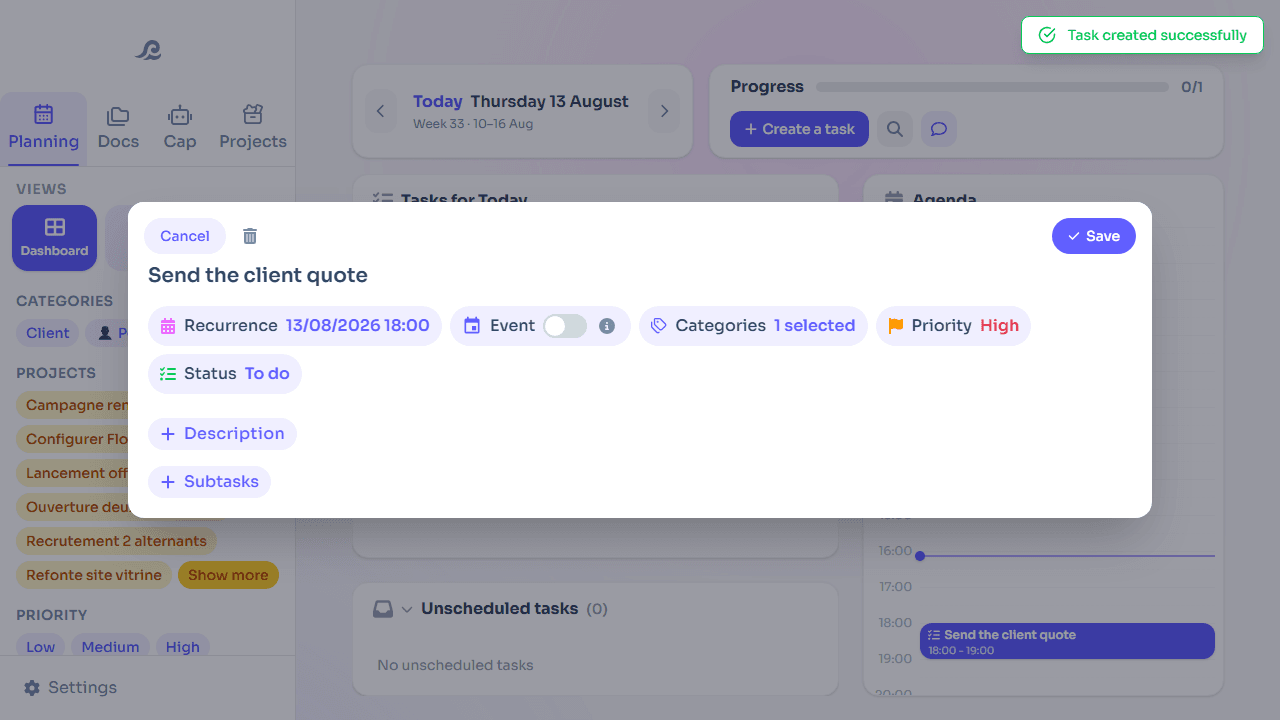
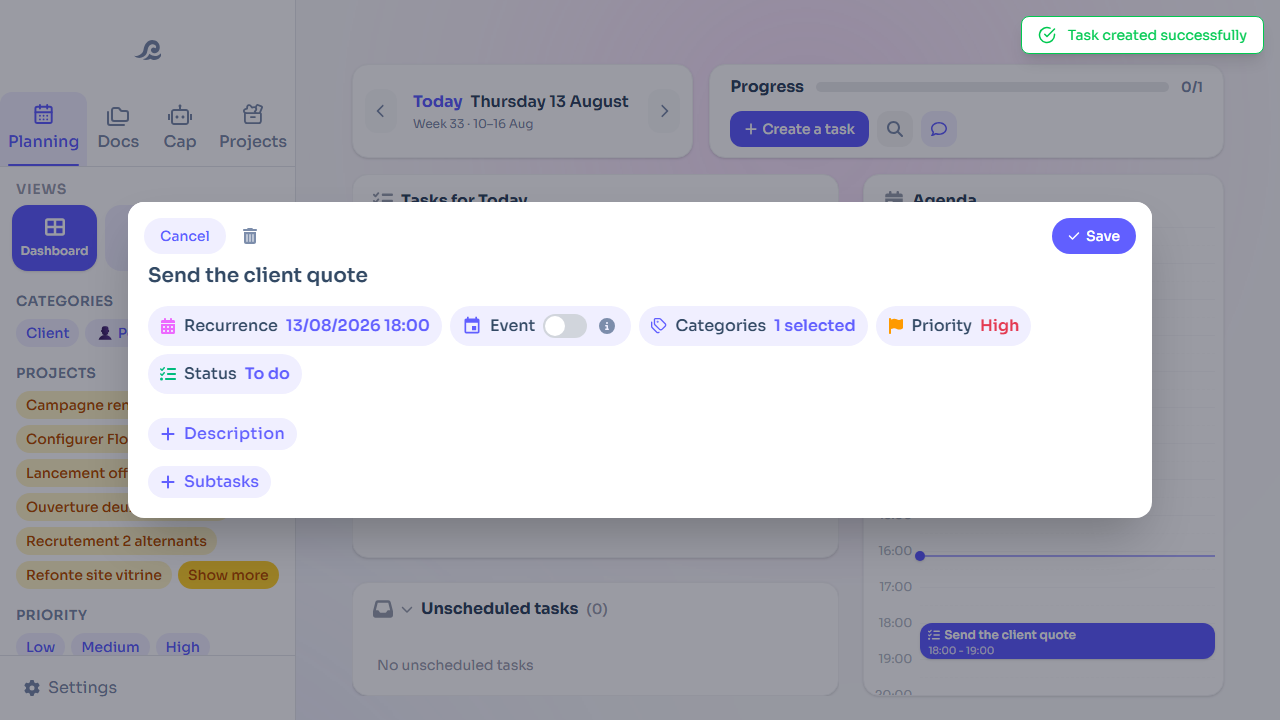
The matrix stays a sorting exercise, not a tool in itself. In Flots tasks, the criteria behind each quadrant already exist separately: a category to place the context, a due date for urgency, a high-importance flag for what actually matters.
A task that's urgent and important gets a close due date and high importance: it naturally rises to the top of the day. A task that's important without urgency gets high importance but a further-out due date, deliberately placed somewhere in the week rather than left without one. What gets delegated is sorted by category (a client, a teammate) without a due date you impose yourself. What gets dropped, finally, gets deleted rather than sitting at the bottom of the list, weighing down every review.
The same sorting logic comes back every week in the GTD method: the Eisenhower Matrix can serve as a filter during the review, to decide what to do with what was just captured.

Clearing your head without a whole ritual
GTD applies the same sorting principle, with a lighter weekly review.
Read the articleFrequently asked questions
Where does the Eisenhower Matrix come from?
From a 1954 speech by Dwight D. Eisenhower, where he quotes a former university president's take on the urgent and the important. Stephen Covey turned it into a four-quadrant prioritization tool some thirty years later.
What's the difference between an urgent task and an important task?
Urgency is measured by how much time you have before a real consequence. Importance is measured by the impact on your goals. A task can be one without the other: replying to an insistent email is often urgent without being important.
How do you delegate a task that's urgent but not important?
By handing it to someone for whom it fits their role, or by cutting the time you personally spend on it to the bare minimum. The goal isn't to handle it better, it's to stop it from taking the place of an important task.
Why do important, non-urgent tasks always end up last?
Because nothing is demanding them right now. Without a deadline or a follow-up, they consistently lose out to whatever is ringing or flashing urgent, even when their real impact is bigger.
The Eisenhower Matrix changes the order you look at your list in, not what's on it. Sort once before acting, instead of answering whatever shouts loudest.
Sort your tasks by importance, not just by date.
Category, due date and importance on every Flots task, so you can spot what actually matters this week at a glance.