Bending Spoons announced on 10 September 2026 an agreement to acquire Miro. The price, around 1.355 billion dollars in enterprise value, sits a long way from the 17.5 billion of the 2022 valuation, as TechCrunch pointed out.
Nothing changes overnight: the official announcement states that closing is expected in the fourth quarter of 2026 and that the two companies operate separately until then. But a change of owner is the right moment to ask whether the tool still matches what you do with it.
What an acquisition changes, and what it doesn't
An acquisition does not break a product. It shifts priorities, and it is that shift that deserves attention.
The points to watch are always the same: how pricing and free tiers evolve, the pace of new features, and your ability to get your content back if you decide to leave.
That last point is the only genuinely urgent one. Check right now that you know how to export your boards, whatever you choose next. An export you discover on the way out is an export you discover too late.
Choosing an online whiteboard: four criteria
Whiteboard comparisons line up lists of features. In practice, the choice comes down to four points, and none of them appears in those lists.
Where the content lives afterwards. A diagram is only useful if you find it again. In a separate tool, it ends up behind a link pasted into a note, and the link rarely survives six months.
What you actually do with it. Plenty of teams buy a workshop platform and draw three boxes connected by arrows. The bill then matches a promise, not a use.
The collaboration you actually need. Two to five people drawing together do not have the same requirements as a hundred-participant workshop with voting and a timer.
The number of tools you are adding. Every extra application costs an account, a subscription, a share of your attention. We compared the tools on the market in best organization apps.
Miro, Excalidraw, Microsoft Whiteboard: who does what
| Tool | Its territory | Its limit |
|---|---|---|
| Miro | Large workshops, templates, facilitation | Expensive and oversized for occasional use |
| Excalidraw | Quick sketching, free, no account | Nothing around it: no filing, no projects |
| Microsoft Whiteboard | Already included with Microsoft 365 | Little interest outside that ecosystem |
| A board built into your organization tool | The diagram stays attached to the project | Less rich than a dedicated platform |
None of these rows is a bad choice. They answer different questions.
When a built-in whiteboard is enough
If your boards are there to frame a project, explain how something works or think with a few people, a dedicated tool is probably beyond your need.
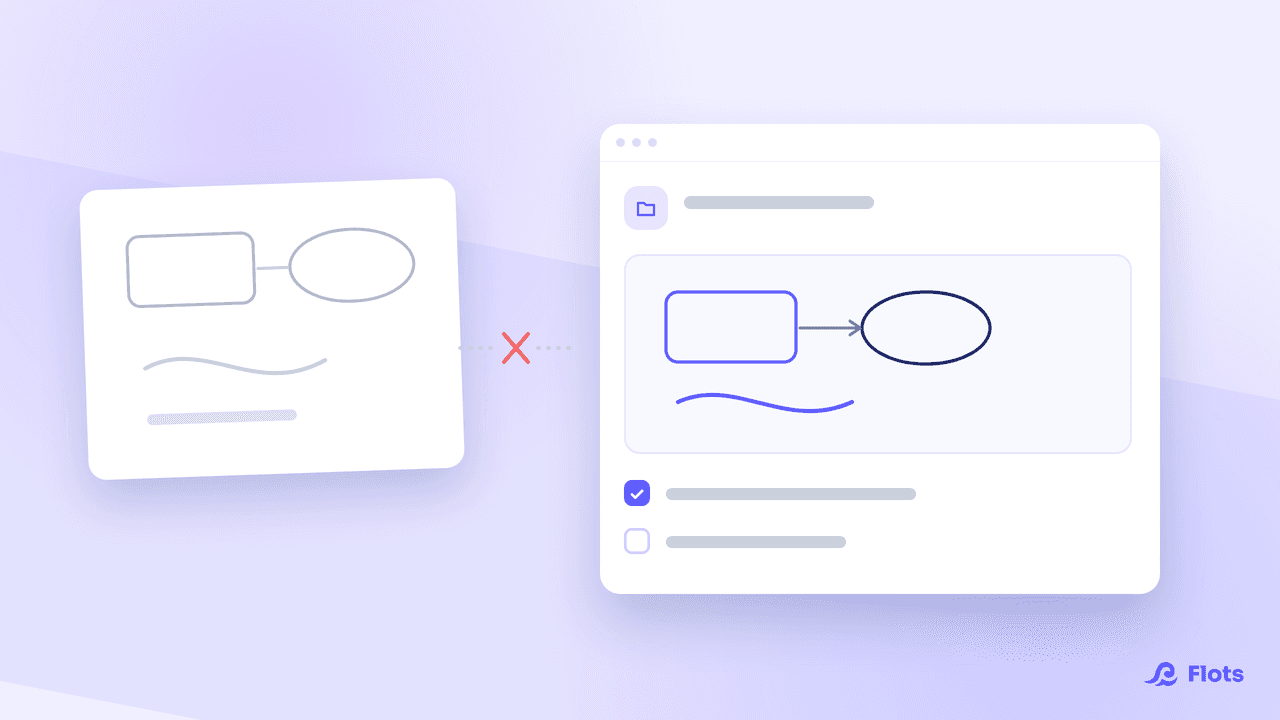
That is the bet behind the whiteboards in Flots. You draw with what you expect from a board: pen, shapes, arrows, text, images. The board is filed in your documents, attaches to a project, and can be written on by several people live. It does not claim to replace a workshop platform; it saves you one more tool for what you actually do.
The difference shows up three weeks later: the redesign diagram is in the Redesign project, next to the tasks and the notes that go with it.

Test your export, whatever your tool
Knowing how to get your boards back is the one point that cannot wait for what happens next.
How to choose your whiteboard in ten minutes
Open your last five boards, and ask yourself three questions.
How many people really contributed to them? How many advanced features did you use? And above all, how many of those boards could you find again without searching?
If the answers are "two", "none" and "one out of five", a richer whiteboard will change nothing about your problem. What you are missing is a place where the board stays attached to the project it describes.
To see what a whiteboard attached to a project looks like, read the guide whiteboards in Flots and the announcement Whiteboards: draw inside Flots.
A whiteboard that stays with your project.