Google Keep wins on one point nobody disputes: capture speed. An idea turns up, three seconds later it is written down, synced, and findable from any device connected to your Google account.
What happens after the capture, on the other hand, changed in late 2025.
What Google Keep does better than almost anyone
Keep is free, already installed, and asks for no decision at the moment of writing. No notebook to pick, no folder to create, no template to select. You type, it is saved.
Filing comes afterwards, through labels, colours and pinning. A note can carry several labels at once, which spares you the "which folder does this go in" puzzle. A note can also be shared with someone, knowing that your labels, your colours and your pins stay visible to you alone.
For shopping lists, ideas caught on the fly and two-line memos, that is the right level of tool.
Keep reminders now live in Google Tasks
The change is a quiet one, of the kind you notice the day an expected notification fails to arrive.
In October 2025, Google announced that Keep reminders are now saved in Google Tasks. Existing reminders based on a date and a time were carried over automatically, and appear in Tasks as well as in Google Calendar. The change affects Workspace customers, Workspace Individual subscribers and personal Google accounts.
The Google Tasks help spells out what the switch takes along with it:
- location-based reminders can no longer be created or received, and the location information now only turns up in the task description;
- Google Keep no longer sends reminder notifications itself, you have to install Calendar or Tasks to get them on your phone;
- non-repeating reminders older than a year land in an "Old Google Keep reminders" list.
Nothing dramatic taken one by one. Put end to end, it means that whatever follows a Keep note now plays out in another application.
Fifty labels, and nothing else to file with
The official help is explicit: fifty labels maximum. No folders, no sub-labels, no hierarchy.
As long as you have thirty notes, the question never comes up. At a few hundred, the wall of sticky notes becomes a wall full stop, and search is the only reliable way to find anything again. Which assumes you remember the exact words you used.
What goes missing when a note leads to work
A meeting note rarely ends with "the end". It ends with three things to do, a deadline and a document to find again.
Keep knows how to tick a box in a list. It does not know how to carry a project with milestones, attach a write-up to a subject followed over three months, or show whether your week can absorb what you have just promised. Those answers live in Tasks, in Calendar, in Drive. Three applications, and the stitching left to you.
That is acceptable for light use. It gets expensive as soon as the work takes on structure.
Flots: the note, then the task, without switching applications
Flots keeps the note and what follows from it in the same place.
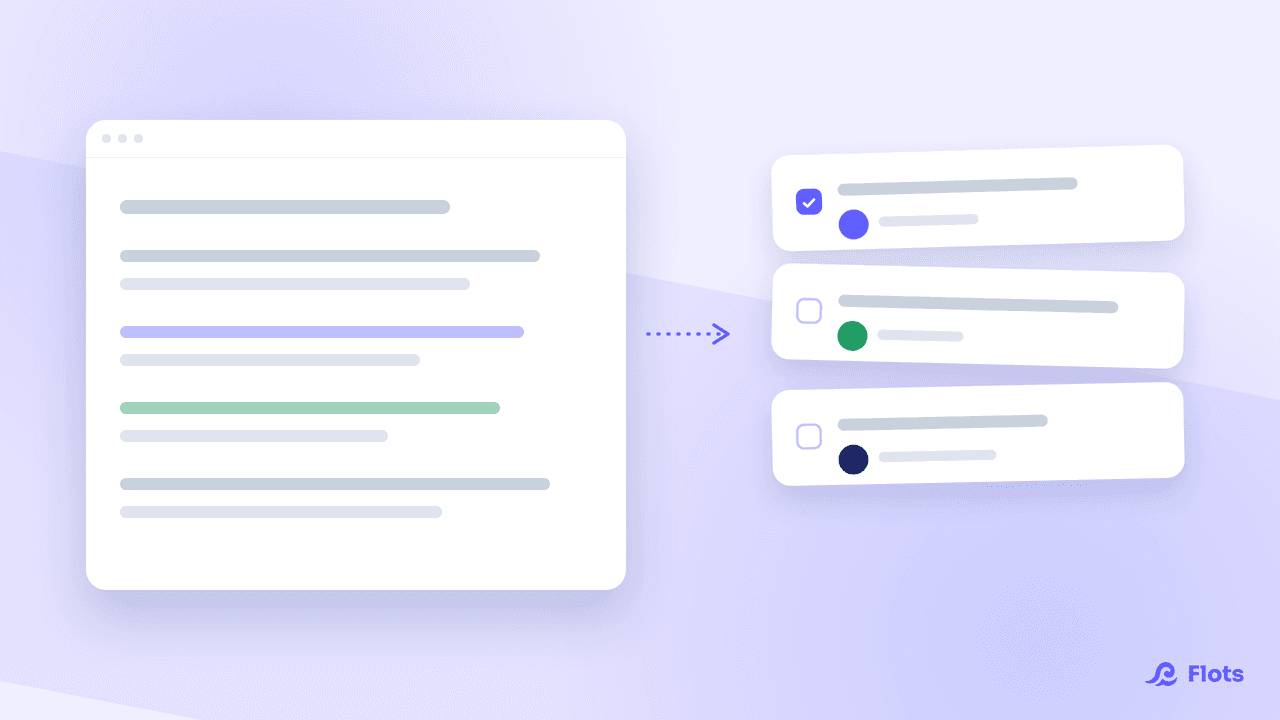
Notes are written in Markdown and export to PDF or Word, which settles the question of getting out in advance. Several people can write on the same note live, during the meeting rather than after it. And from a paragraph, you extract tasks directly, without retyping them elsewhere.
Those tasks are real tasks: description, sub-tasks, priority (None, Low, Medium, High). They join a project with its dated Milestones when the subject outgrows the list, and the planning view shows them next to your meetings. The calendar accepts Google Calendar import and .ics feeds, so your meetings are visible at the moment you decide what to do with your Thursday.
Categories run across tasks, notes and documents, which spares you the choice between filing and finding. On top of that come documents, whiteboards and an AI assistant you can connect over MCP, to name only those.
Higher education students in France get free access, with the check going through the CVEC certificate.
Google Keep or Flots: how to choose
Stay with Keep if you want an instant capture pad, free, on all your devices, and if what follows from the notes is handled perfectly well elsewhere. On raw speed, few applications do better.
Switch if your notes contain work. Write-ups that produce tasks, projects running over several weeks, documents to keep with the rest: those are the cases where three applications cost more than one.
To widen the comparison, the note-taking apps comparison reviews the main tools, and the detail of the Flots note format is in Markdown notes: PDF and Word export, and task extraction. If your subject is rather a free plan that has tightened up, see also the Evernote alternative.
Your notes, and what follows from them, in one place.
Exportable Markdown notes, task extraction, projects with dated milestones and a calendar.