Reminders and Notes are already installed when you take an iPhone out of its box. They cost nothing, they sync with no setup, and for a lot of people that settles the question of organization for years.
The grit in the works comes later. The day you have to share a tracker with someone on Android. Or the day a shopping list and a six-month project sit in the same app.
What Reminders and Notes do very well
These two apps are serious, and plenty of paid tools do worse.
Reminders handles due dates, sub-tasks, priorities, shared lists and location-triggered reminders. Since iOS 18, dated reminders show up directly in the Calendar app, and you can tick them off without leaving your schedule. The old split between "what I have to do" and "what I have planned" has finally gone.
Notes has grown in the same direction: folders, tags, smart folders, locking, tables, sharing a note or a whole folder. Since iOS 26, the app imports and exports Markdown through the share sheet, which was missing for anyone who also writes elsewhere.
And with Apple Intelligence, on compatible iPhones, Reminders can sort a list into sections automatically and suggest tasks spotted inside a piece of text.
For personal use on Apple hardware, looking for better is often a waste of time.
Free, except for iCloud
The apps cost nothing. Syncing goes through iCloud, and Apple provides 5GB of free storage per account.
Those 5GB are not reserved for your notes. They also hold your iPhone backup, your photos and your iCloud Drive files. So the quota fills up fast. When it is full, Apple spells it out: your device stops backing up, new photos no longer upload, and iCloud Drive and other iCloud apps stop syncing across your devices.
Above that, iCloud+ pricing starts at €0.99 a month for 50GB, then €2.99 for 200GB and €9.99 for 2TB. That is not expensive. It is one more subscription, and it governs whether two apps presented as free work properly.
Outside the Apple ecosystem, it gets complicated
This is the most structural limit, and it stays invisible as long as all your hardware comes from Apple.
There is no Apple Notes or Reminders app for Android or Windows. iCloud for Windows does not fill the gap: it covers photos, iCloud Drive, calendars and contacts in Outlook, passwords and bookmarks, but not Notes or Reminders. That leaves iCloud.com in a browser, where Notes and Reminders are indeed available: creating, organizing into folders or lists, sharing, searching.
It genuinely gets you out of trouble, but it stays a browser tab, with practical consequences. A colleague on Android will never have an app. Neither will a workstation on Windows. And anyone you share a list or a folder with has to open an Apple account.
On your own and 100% Apple, you will never notice. In an association, a small team or a family where platforms are mixed, it becomes the main issue.
Well-made lists, not projects
Reminders thinks in lists. That is fast, and it is also its ceiling.
A file that runs over three months calls for something else: dated milestones, progress you can read at a glance, attached documents, somewhere the meeting write-up and the tasks that came out of it live together. Notes and Reminders remain two separate apps, with two different sharing models. The seam between them is one you make yourself, from memory.
| Your need | Are Reminders and Notes enough? |
|---|---|
| Personal lists, shopping, dated reminders | Yes, easily |
| Seeing your tasks next to your calendar | Yes, since iOS 18 |
| Working with people on Android or Windows | No |
| Project with dated milestones and progress | No |
| Notes, tasks and documents in the same space | No |

List the devices around you
Count the phones and computers of the people you organize with. If they are not all Apple, the question is already settled.
Flots when the people around you are not all on Apple
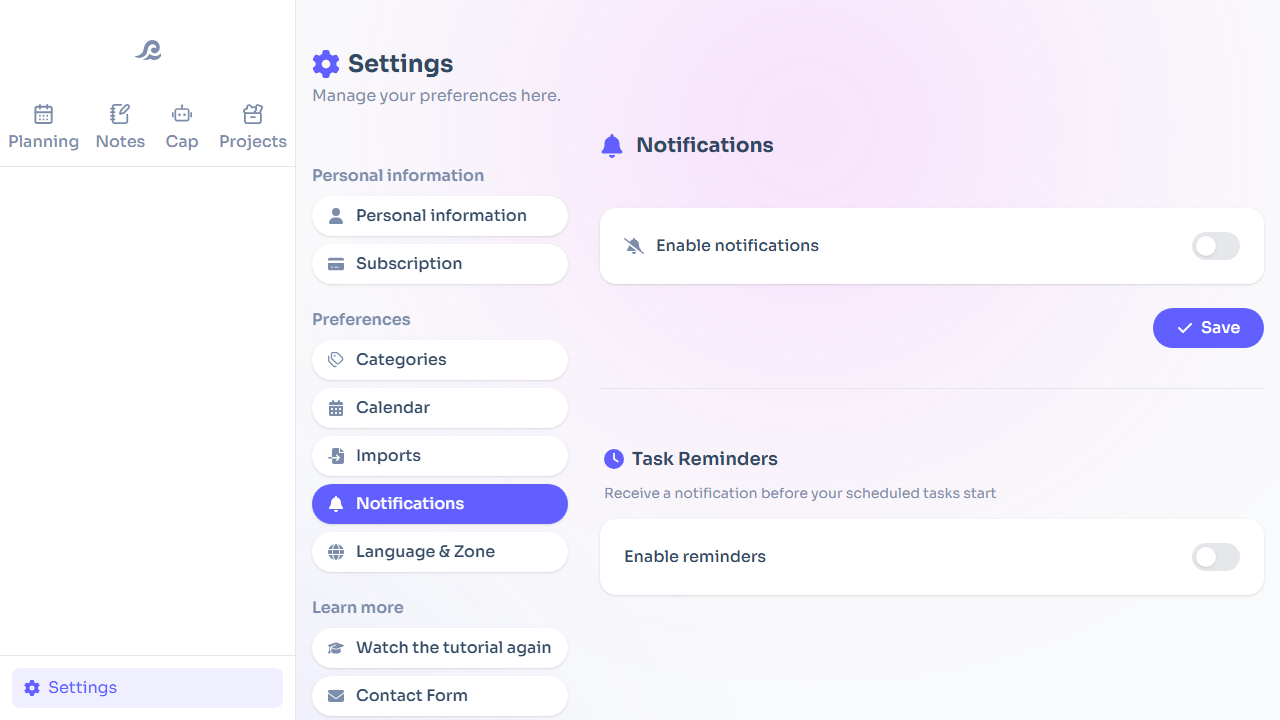
Flots brings tasks, projects, notes, documents and the calendar together in the same space, on the web, iOS and Android. Nobody has to buy a device to join you.
Tasks carry a description, sub-tasks, a priority and categories that run across projects. Projects have dated milestones for the moments that matter. Notes are written in Markdown, export to PDF or Word, and a note can give rise to tasks with no retyping. The calendar connects to Google Calendar and to .ics feeds, and the planning view puts tasks and appointments side by side. With several people, a note is edited live, and a whiteboard is there to lay out ideas before cutting them up.
If you are a higher education student in France, access is free on presentation of your CVEC certificate.
Stay on Reminders and Notes if your hardware is Apple and your needs fit into lists and personal notes. It is free and well designed. Changing tools on principle has never made anyone more organized.
Look elsewhere the day the people you work with are not all on iPhone, or the day a list is no longer enough to carry a project. To widen the comparison, see the comparison of note-taking apps and what free organization apps are hiding.
Your tasks and your notes, whatever phone is on the other side.