You've probably seen the MCP acronym go by in your AI assistant's settings, or in the announcement of a tool you use. Those three letters answer a very concrete problem: an AI that knows nothing about your data can't do much for you.
The problem MCP solves
An AI assistant can reason, write, sort. It knows nothing about your calendar, your files or your projects. For it to be of any use, you have to give it access to real applications.
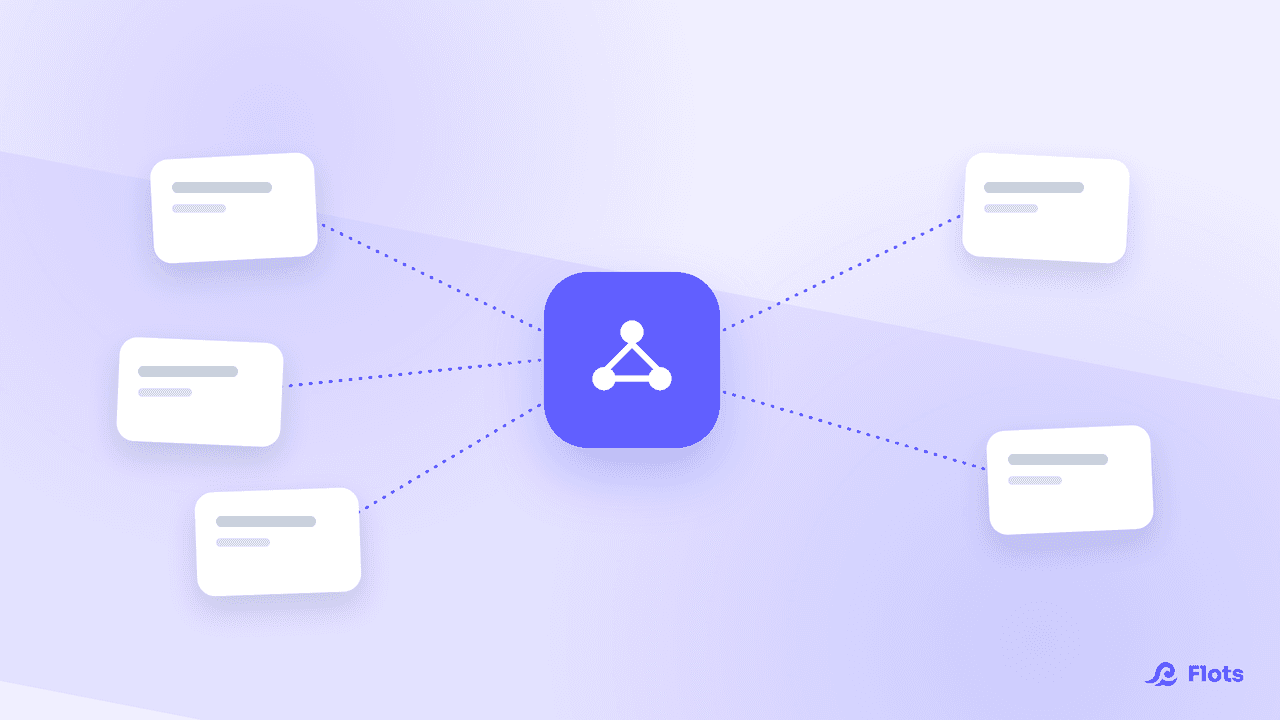
Before MCP, every combination had to be built by hand. An assistant that wanted to reach ten applications wrote ten integrations. An application that wanted to be usable by five assistants wrote five. The work multiplied instead of adding up, and smaller tools were left at the door.
MCP, for Model Context Protocol, sets a common language. An application exposes its capabilities once, following the standard, and any assistant that speaks it can plug in.
Where it comes from, and why it took hold
Anthropic introduced the protocol in November 2024. What followed explains why it became the reference rather than one more initiative.
OpenAI adopted it in March 2025, Google DeepMind in April 2025. In December 2025, Anthropic handed the protocol over to the Agentic AI Foundation, a directed fund of the Linux Foundation, co-founded with Block and OpenAI. A standard carried by a neutral foundation no longer belongs to anyone.
The usage figures follow: according to the Model Context Protocol Wikipedia page, more than 10,000 MCP servers were running in production by mid-2026, and the development kits passed 97 million monthly downloads. The latest major revision of the specification dates from July 28, 2026.
The New Stack sums it up this way: the simultaneous rallying of the main players moved MCP from an in-house specification to shared infrastructure.
How it works, without the jargon
Three roles are enough to understand it.
The application exposes precise actions: list tasks, create a project, search a note. Each one is described with what it expects and what it returns.
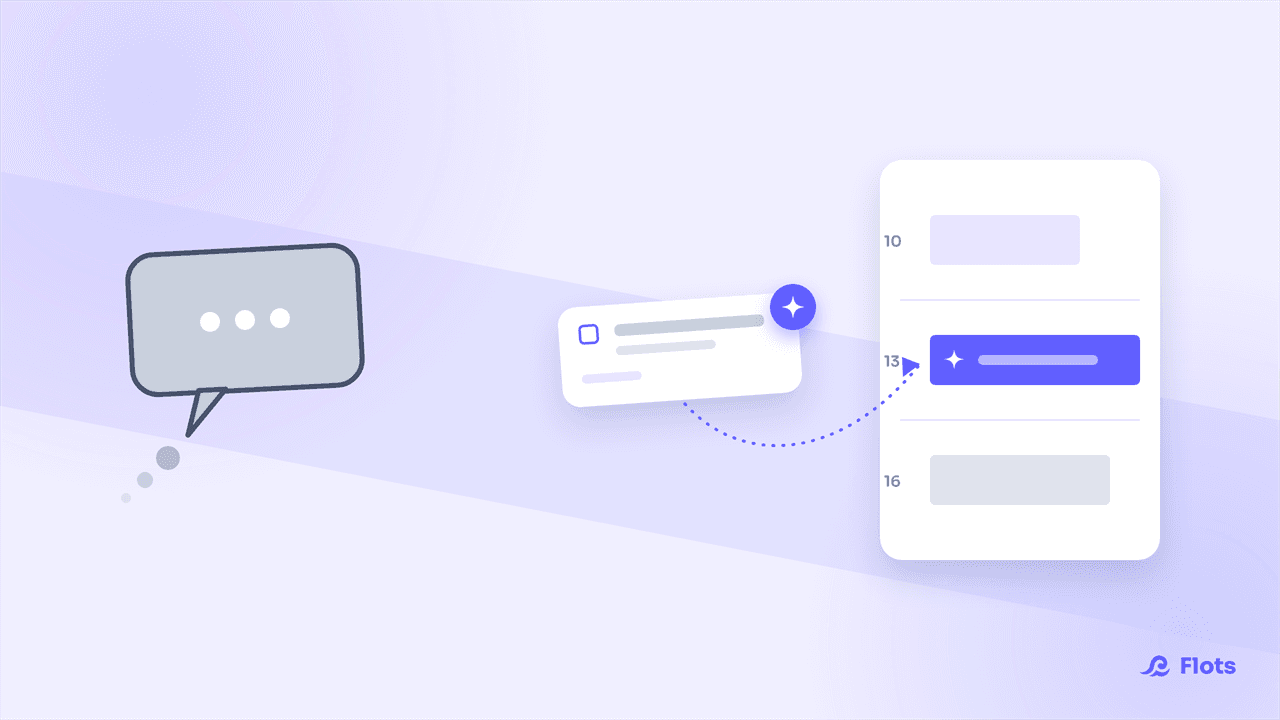
The assistant reads that list and picks the action that fits your request. It doesn't improvise: it can only call what it's offered.
You, in the middle, decide on the connection and how far it goes. You authenticate yourself, the assistant never sees your password, and you grant permissions that can stop at read access.
Nothing is copied over in bulk. The assistant asks a targeted question and gets a targeted answer. Your entire database doesn't end up in the conversation.
What it changes concretely
The difference plays out in what happens after the answer.
| Assistant without a connection | Connected assistant |
|---|---|
| You describe the situation every time | It checks the real, up-to-date state |
| The answer is text to copy over | The action happens in the application |
| One question per tool | One question that cuts across tools |
| Works on what you thought to mention | Works on what actually exists |
The gain is clearest on requests that span several places. "What fell behind this week?" means looking at each project one by one. A connected assistant does it in one go.
What MCP is not
It isn't an AI. It's a means of transport between an AI and an application, nothing more.
It isn't a security guarantee in itself. The protocol provides for permissions, but the quality of the protection depends on the application that implements them: fine-grained or all-or-nothing permissions, confirmation before destructive actions, the ability to cut off access.
It isn't automatic either. A connected assistant acts when you ask it to, not in the background.
The right questions before connecting a tool
- Can I grant read access only, at least to start with?
- Do irreversible actions require my explicit confirmation?
- Can I exclude sensitive content, the text of my notes for instance?
- Where can I see the list of connected applications, and how do I cut off an access?
A tool that answers these four questions poorly deserves to wait, whatever it promises.

The permission matters more than the promise
Always start with read-only. Usage will show you soon enough which actions you actually miss.
Flots exposes its own MCP server: your tasks, projects, notes and documents become reachable by Claude and the other compatible assistants, with the permissions you set. The details are in Connect Claude to Flots with the MCP server, and the how-to in connecting an AI assistant to Flots.
If the underlying question is rather which AI uses actually hold up over a working week, we sorted that out in AI assistants and productivity: what actually helps.
An AI assistant plugged into your real tasks.