A wedding takes a year to prepare, with vendors to choose one by one, a guest list that keeps changing until the last month and a handful of administrative steps you can't afford to miss. The hardest part is keeping it all in your head for twelve months, as a couple.
Here's a wedding timeline from 12 months out to the big day, and how to set it up in a Flots project shared with your partner and your witnesses.
A "Wedding" project to bring it all together
In Flots, a project brings together the tasks, notes, documents and milestones for one subject. A wedding ticks every box: a clear end date, lots of people involved and lots of paperwork.
Create the project, then add members using the email of their Flots account, choosing their role:
| Who | Role | Why |
|---|---|---|
| You, creating the project | Owner | You manage the project and its members |
| Your partner | Editor | They move things forward just as much as you do |
| The witnesses | Editor | They take on tasks |
| A parent who wants to follow along | Reader | They view without changing anything |
The project's notes inherit these roles, and its documents are available to all its members: access is set once, in one place. As for the number of members, the Individual plan includes 3 shared projects, with up to 3 collaborators, enough for your partner and two witnesses. The guide working together in a shared project covers invitations and permissions in detail.
One practical detail: whatever the witnesses are secretly planning for you has no place in this project. They can open their own.
The wedding timeline, from 12 months out to the big day
Everything starts from the date. Each row of the table becomes a task in the project, with its due date. Lead times vary by season and region: treat them as an order of operations.
| When | To do |
|---|---|
| M-12 | Set the date, the overall budget, a first guest list |
| M-12 to M-10 | Visit and book the reception venue |
| M-10 to M-8 | Book the key vendors: caterer, photographer, music |
| M-8 | Send the save-the-dates, choose the outfit |
| M-6 | Ask the town hall for the list of documents required and its lead times |
| M-4 to M-3 | Send the invitations, first fittings |
| M-3 to M-2 | Submit the file to the town hall, follow up on guest replies |
| M-1 | Seating plan, final fitting, confirmation with each vendor |
| W-1 | "Big day" note finalized and shared, final balances ready to pay |
| The big day | Enjoy it, the witnesses handle the note |
Add five dated milestones to the project as checkpoints: venue booked, vendors signed, invitations sent, file submitted, seating plan done. The project card shows the next one with its date, and if the town hall file still isn't in on the planned day, the label switches from "Next milestone:" to "Overdue:".
Town hall file and publication of the banns
The civil formalities have their own lead times, and they can't be caught up in the last week. In France, according to the Marriage in France page on service-public.gouv.fr, submitting the file is what triggers the publication of the banns. They are posted for 10 days, and the wedding cannot take place before the 10th day after their publication.
The file also includes information about each witness: identity, date and place of birth, occupation, address and a copy of an ID document. Create a task assigned to each witness to collect it: it's exactly the kind of detail that drags on.
The exact list of documents and the processing times depend on the town. The safest move is to ask your town hall as soon as the date is set, and to write its answer down in the project.
Assigned tasks and reminders: who does what
A task in the project can be assigned to a member. It shows up in their own list, next to their usual tasks, and progress updates as soon as they check it off. The witness in charge of the music sees their tasks without reading the other forty.
Reminders are turned on task by task. Save them for money and appointments: a deposit, an RSVP deadline, a fitting. The invitations, on the other hand, stretch over several weeks: give the task sub-tasks (choosing the design, addresses, printing, sending) and check them off as you go.
Budget, quotes and contracts in one place
For the budget, a note is enough. Flots notes handle tables: one row per item, with the vendor, the planned amount, the deposit paid and the balance due. Updated with every signature, it answers the question that comes up every month: where are we?
Quotes, signed contracts and invoices go in the project's documents. A contract received as a PDF or photographed with your phone from the app belongs there, and the PDF reads right in Flots without downloading. The day the caterer brings up an extra charge, the contract is two clicks away.
The guest list can live in another note, with checkboxes for the replies received. Pin the budget and the guest list: they'll show up in the Pinned elements tab, the first one you see when you open the project, ready for the next vendor call.
The "big day" note, minute by minute
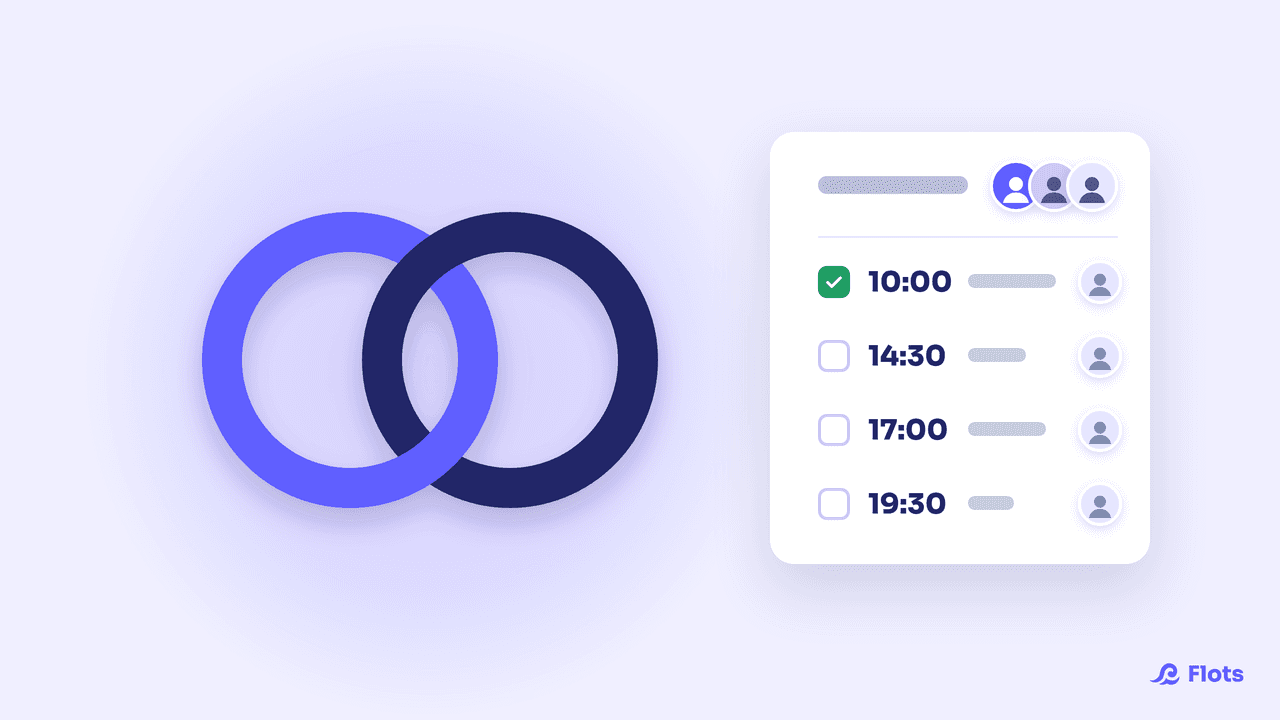
The last piece, and the most useful on the day itself: a "Big day" note shared with the witnesses. A table with the time, what's happening, who's in charge and the contact to call.
| Time | Moment | Who's in charge |
|---|---|---|
| 10:00 | Photographer arrives | Witness 1 |
| 14:30 | Ceremony at the town hall | The couple, the witnesses |
| 17:00 | Cocktail reception setup | Witness 2 |
| 19:30 | Entrance into the hall | Witness 1 |
The witnesses have it in their pocket, on their phone. When the florist calls at 9:40, you're not the one picking up.
Once the party is over, the project stays there, with the contracts, the contacts and the guest list. For other everyday things you handle as a pair, the practical case on family organization follows the same logic.
Plan your wedding together, in a single project.
Timeline, tasks assigned to the witnesses, budget, contracts and big-day note in one place.