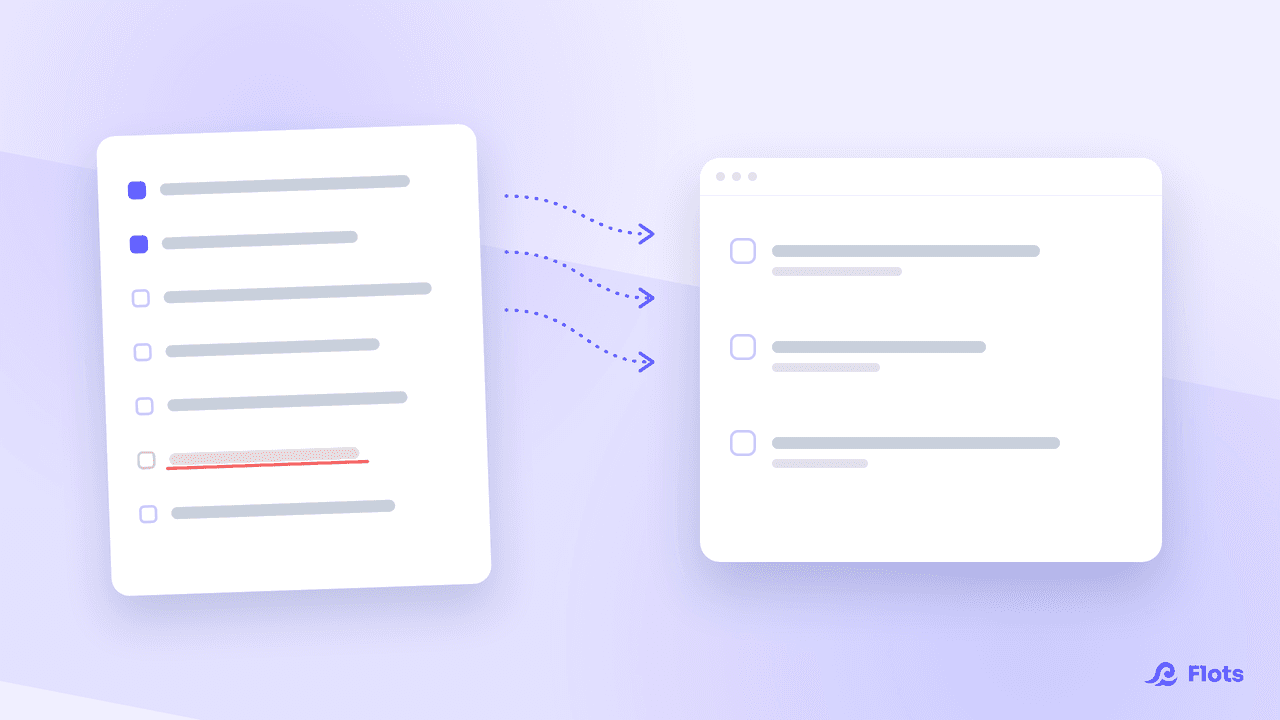
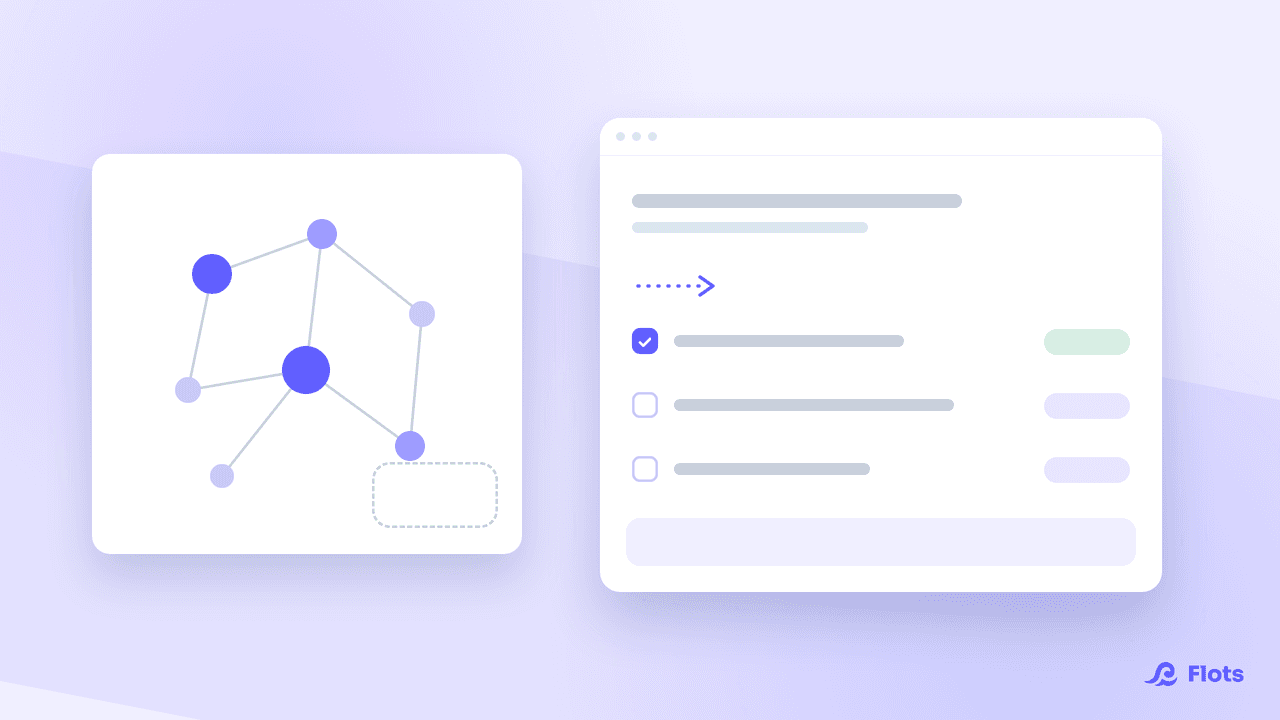
Wired into your actual projects, an AI assistant does in one sentence what used to cost you ten screens. You still need to know what to ask it.
Here are five uses that hold up over a real week, with the requests that work and the ones that disappoint.
1. Take stock without opening every project
This is the use that pays back the connection fastest. On Monday morning, the question "where do things stand" normally means opening every project, reading through due dates, spotting what has slipped.
"What's overdue across all my projects this week?"
The request cuts across everything at once. Same logic for one specific project, when you are preparing a client check-in:
"Give me the state of the Website project: progress, blockers, who's doing what."
What makes the answer reliable is that it comes from your real data, not from whatever you thought to mention. An assistant working off a copy-paste reflects your memory, gaps included.
2. Turn meeting minutes into tasks
The step from meeting to action is where most things get lost. You took notes, everyone agreed, and three days later nobody knows who is doing what.
"Turn my meeting notes into tasks, one per decision, due Friday."
The assistant reads the note, isolates the decisions, creates the dated tasks. You review the list instead of writing it.
Two details clearly improve the result: saying which project to attach the tasks to, and giving the due date. Without them, you get a decent list that sits nowhere.
3. Tidy up what has piled up
Tidying up is a classic chore: everyone knows what should be done, nobody wants to spend an hour on it.
"Sort the loose documents in my Client folder into a coherent structure."
Flots handles this case in two steps. The assistant first proposes a reorganization plan, which you see in full before it moves anything at all. You approve, and the move is carried out in one go.
That separation between proposing and applying leaves you room to say "yes, but not that folder" before it happens.
4. Share out the work across the team
Assigning a task commits someone else. Flots therefore treats those writes separately: the assistant shows exactly who gets what, and waits for your agreement.
"Split the remaining sprint tasks between Léa and Marc, balancing the load."
The confirmation is the moment when you make corrections. Seeing the proposed split in full often reveals an imbalance you would not have spotted task by task.
5. Plan your week out loud
The weekly review is an excellent habit that almost nobody keeps, because it requires gathering the information before doing any thinking.
A connected assistant removes the tedious part. You ask what got finished, what slipped, what is coming due, and you get the material back in a few seconds. You start the review straight at the decisions.

Name the time frame and the scope
"This week", "on project X", "before Friday". Three details that change the result more than a long instruction.
What disappoints, and why
Knowing the limits saves you from trying for nothing.
Requests that are too vague. "Organize me" produces nothing useful. The assistant needs a scope, not an intention.
Micro-actions. Ticking off a task, changing a date: phrasing the sentence takes longer than the click. The gain shows up on volume and on cutting across several projects, not on a single item.
Judgment calls made for you. An assistant can sort by due date and flag what is stuck. Deciding that project A comes before project B is still your job, and rightly so.
The quality of what it reads. An assistant wired into badly kept projects produces a faithfully mediocre status report. It does not fix an organization that was not holding up in the first place, a point we already dug into in what an AI assistant is actually good for.
All of this assumes a connection between your assistant and your data. At Flots, it goes through MCP: the principle is explained in what MCP is, the step-by-step instructions in connecting an AI assistant to Flots, and what the assistant can and cannot reach in MCP: what your AI assistant can see.
Your projects, run in one sentence.